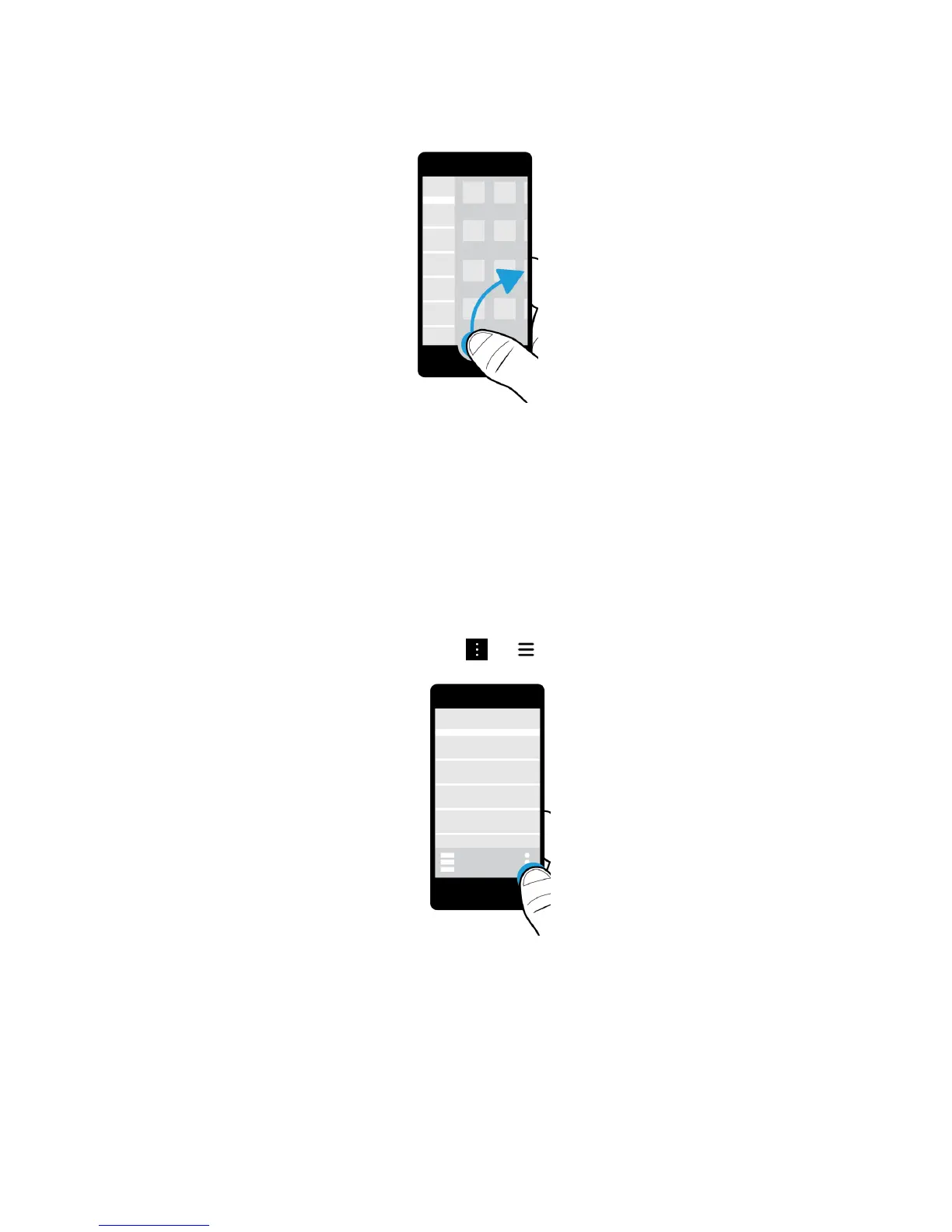
Tip: Keep your finger on the screen while you peek at the BlackBerry Hub. To go back to what you were doing, slide your
finger back down.
Show the menus
You can find features, options, and help by exploring the menus.
Do any of the following:
• To see more actions that you can perform in an app, tap or .
• To see more actions for a specific item, such as a song or picture, touch and hold the item.
Tip: To see the names of the icons that appear on the right side of the screen, touch and hold the icon. Slide your finger
off the icon to avoid selecting it.
• To find the settings and help for an app, swipe down from the top of the screen.
• To find the settings for the device, on the home screen, swipe down from the top of screen.
User Guide Setup and basics
27















 To Next Page