3.
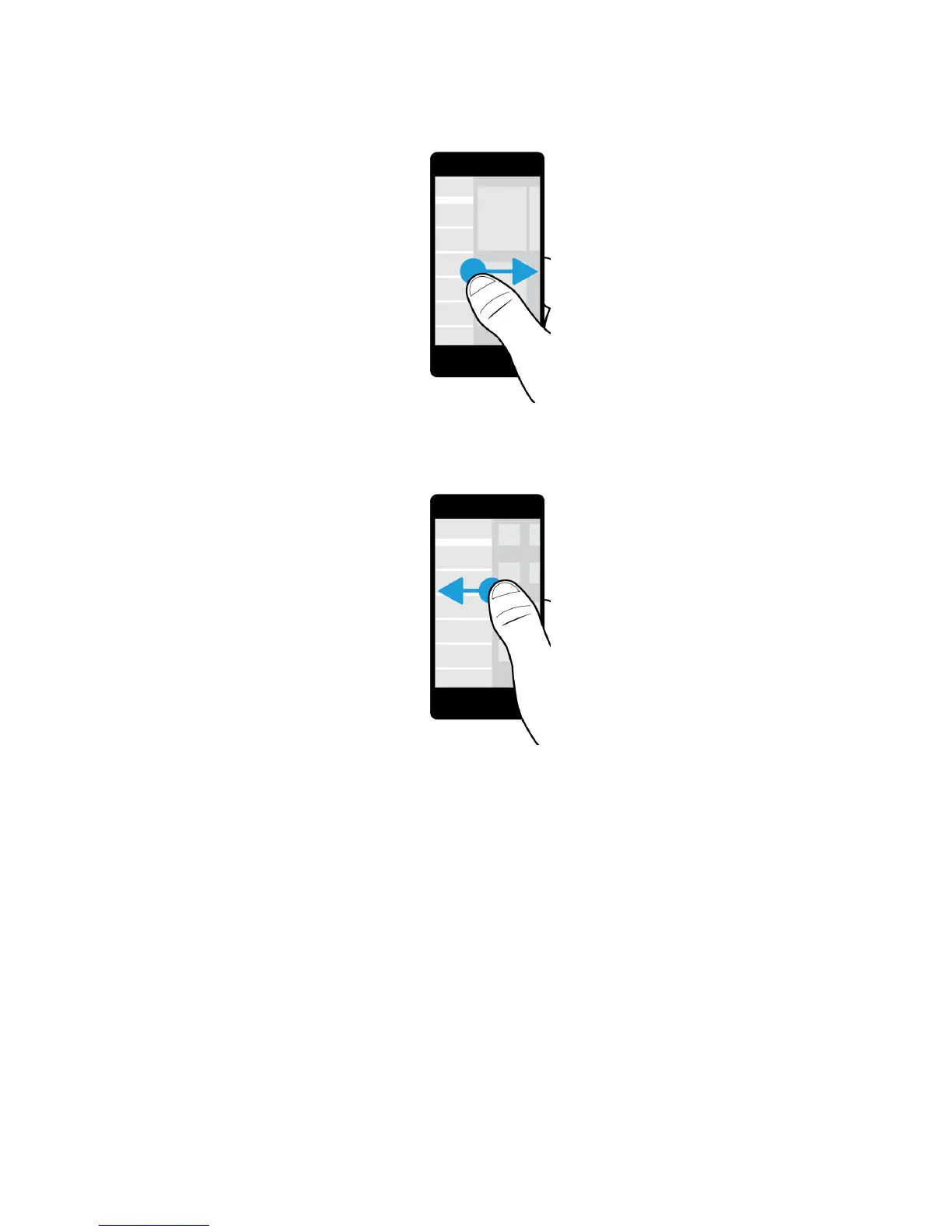
To see the apps that are open (if any), slide your finger from right to left. To see all your apps, continue sliding your
finger from right to left.
Peek at the BlackBerry Hub
To see your messages, you can peek at the BlackBerry Hub, or open it, from anywhere on your BlackBerry device.
From the bottom of the screen, slide your finger up and to the right.
User Guide Setup and basics
26















 To Next Page