• Lift to wake
• Flip to mute
• Flip to save power
• Hold to stay awake
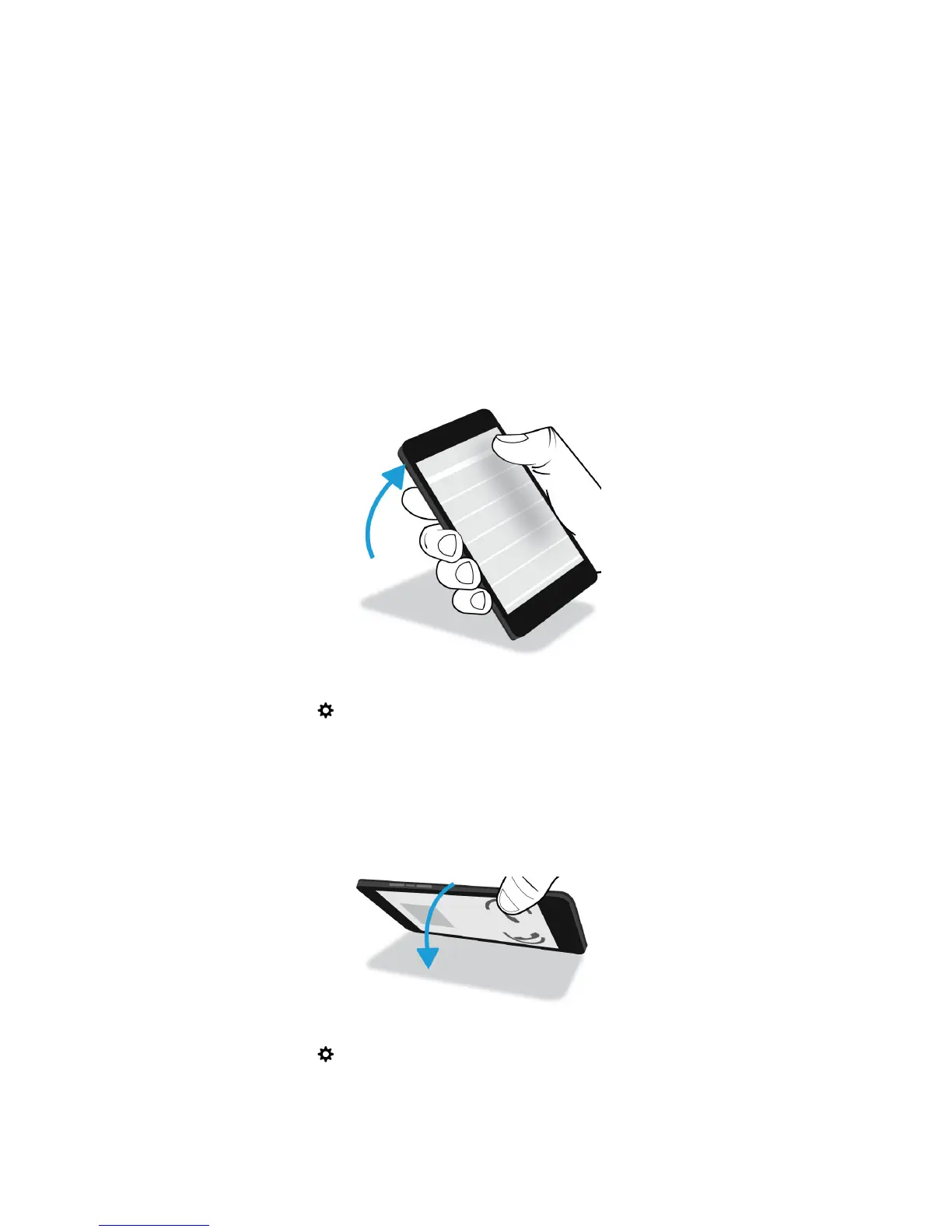
Lift to wake
If this feature is turned on, when you pick up your BlackBerry device from a flat surface, your device wakes up
automatically. You don’t have to press the Power/Lock key or swipe up from the bottom of the screen to start using your
device.
To turn on or turn off this feature, tap Settings > Advanced Interaction. Tap the Lift to Wake switch.
Flip to mute
If this feature is turned on, when you receive a call and it isn’t a convenient time to respond, you can turn your device
facedown to silence the ring tone or vibration. You still receive a notification of the missed call.
To turn on or turn off this feature, tap Settings > Advanced Interaction. Tap the Flip to Mute switch.
User Guide Setup and basics
32















 To Next Page