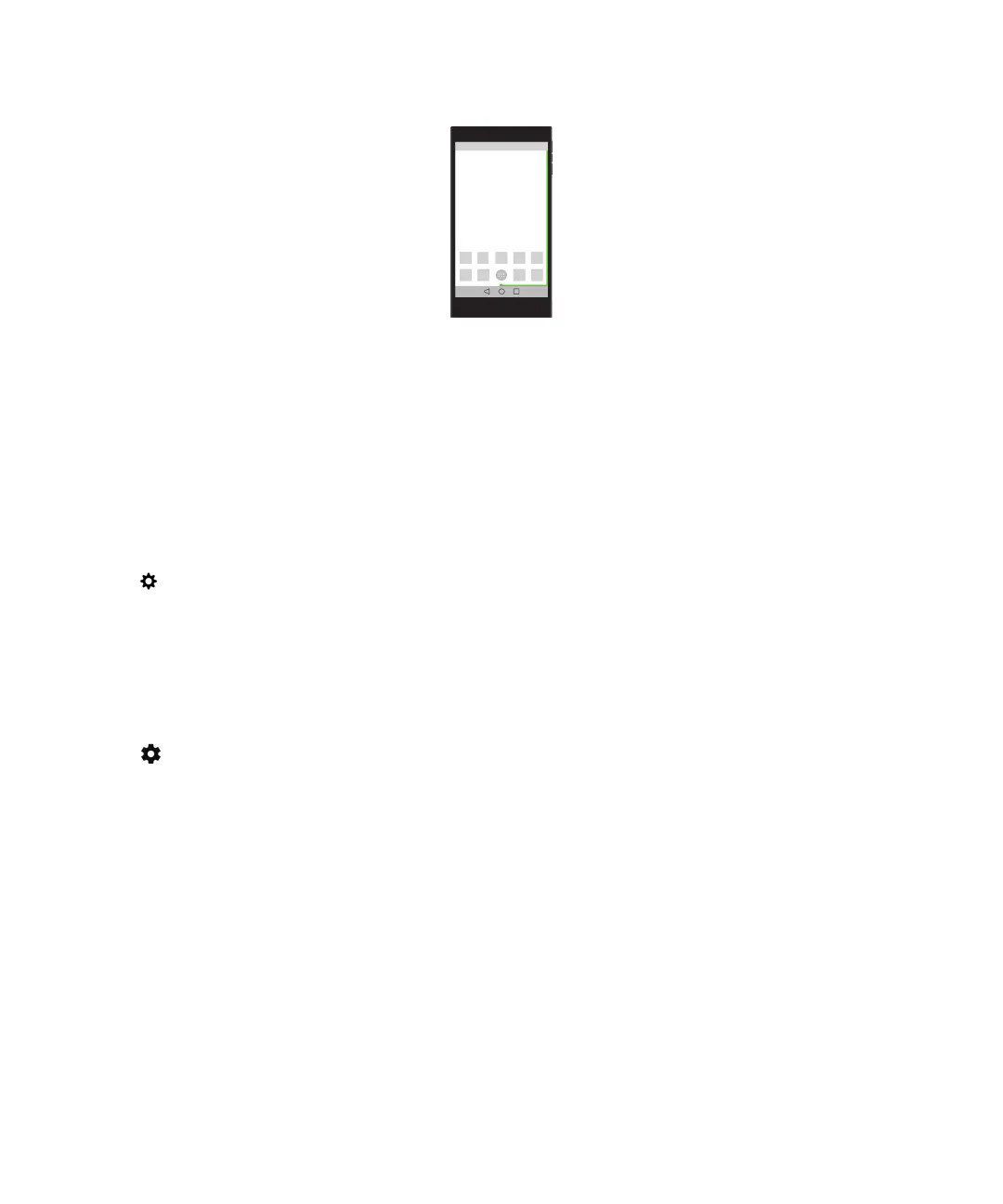
When the device is asleep and charging, the percentage of your current battery power and an estimate of how much time
until the device is fully charged appears above the strip. The indicator will automatically disappear when the room is dark.
Turn the battery edge indicator on or
o
By default, the battery edge indicator is turned on. You can turn o the battery edge indicator so it no longer appears on
your device screen.
1. Swipe down from the top of the screen once with two fingers, or twice with one finger.
2.
Tap > Display.
3. Turn on or turn o the Battery Edge switch.
Check your battery power level and usage info
1. Swipe down from the top of the screen once using two fingers, or twice using one finger.
2.
Tap > Battery.
Tip: If you're charging your device, this screen also displays an estimate of how long until your device is done charging.
How can I extend battery life?
You can try closing any apps or features that you’re not using. You can also try turning down your screen brightness or
device volume.
Turn on Battery saver mode
Battery saver mode conserves battery power by limiting features like vibration, location services, and data services.
User Guide Settings
101














 To Next Page