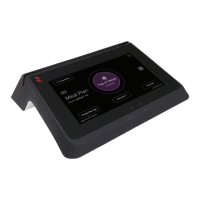
M ULTI-FUNCTION READER MF4100 INSTALLATION GUIDE
D OCUMENT 1295 REV 01
PRINTED N OVEMBER 3 , 2 0 0 9 1-3
VESA MOUNTING BRACKET OVERVIEW
The MF4100 Multi-Function Reader ships with a VESA style mounting bracket. The mounting bracket is
optional, but simplifies installation on vertical and horizontal surfaces. The VESA mounting bracket is
adjustable to allow the MF4100 to be positioned at different angles.
Mounting Options
The VESA Mounting Bracket can be
mounted in the following ways:
• Wall mount
• Onto an electrical gang box (attended or unattended)
• Directly to a wall (use suitable anchors)
• Table top mount
• With VESA bracket (fixed 15 degree or adjustable angle)
• Without VESA bracket
The holes in the center of the base and pivot plate allow cables to be routed out of the assembly.
Screw Positions
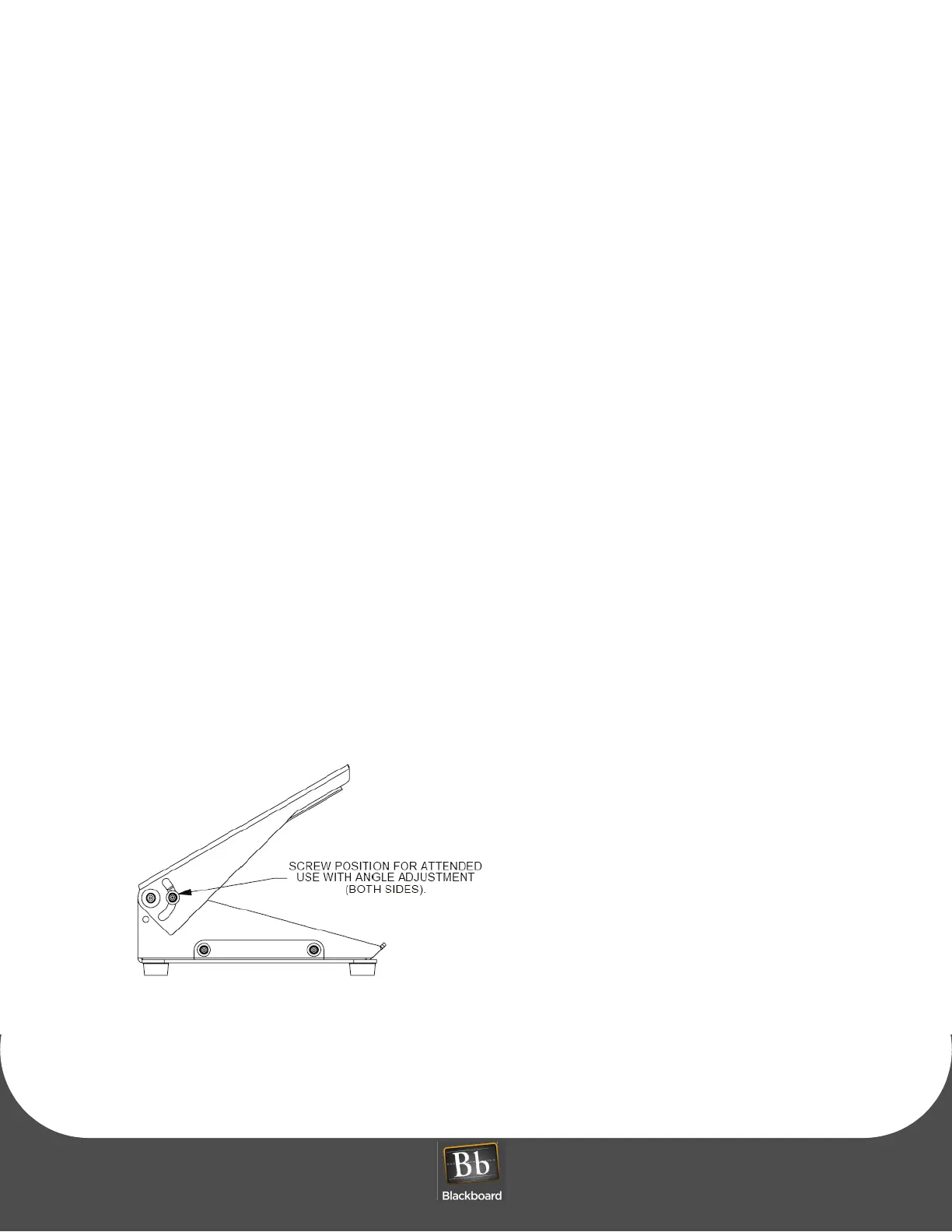
The VESA bracket has provisions for Attended or
Unattended mounting positions. To use in attended
locations, the top pivot plate can be used in any position by placing the lock screws in the position shown
below.
Figure 1-5 VESA Bracket Screw Position - Attended


 To Next Page