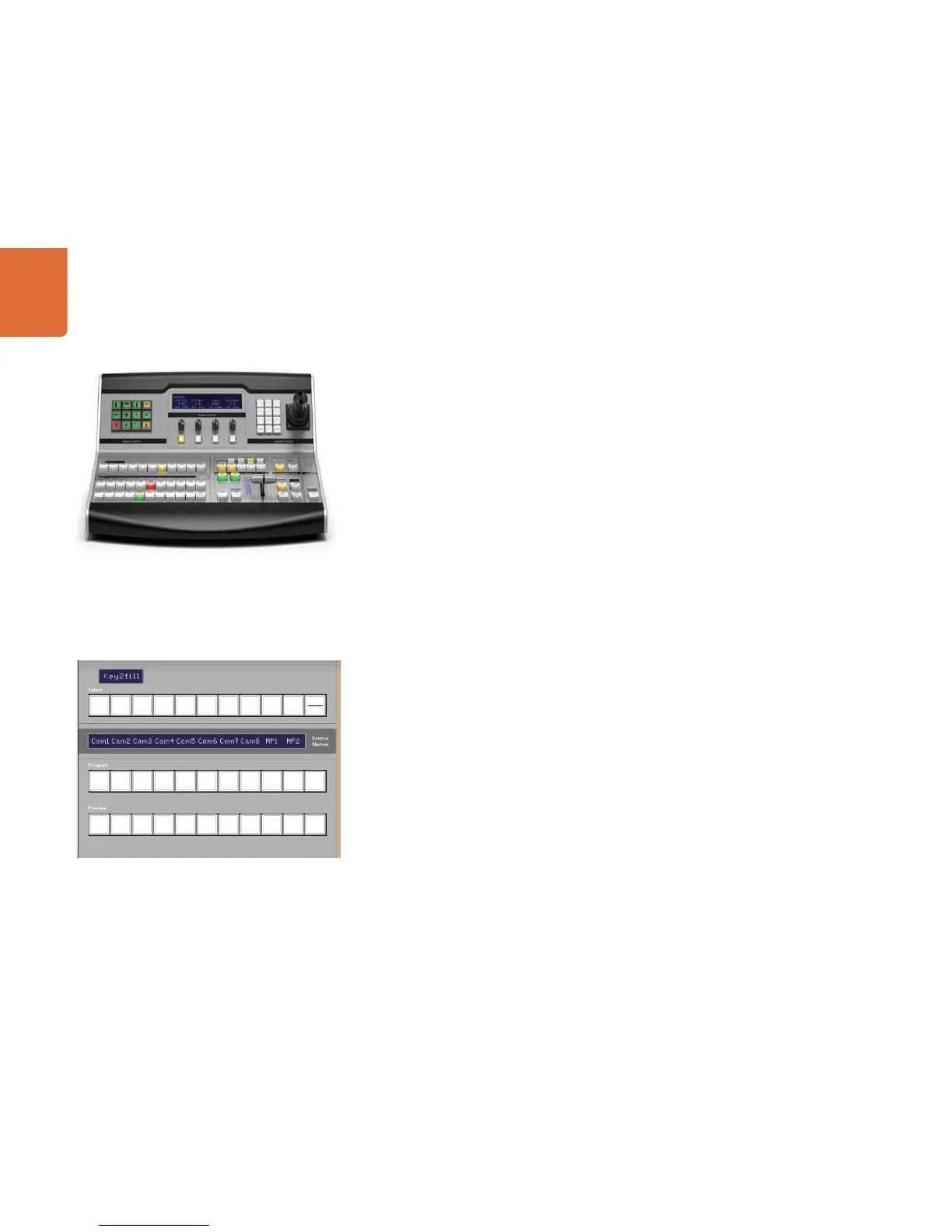
Using the ATEM 1 M/E Broadcast Panel
37
Control Panel Overview
The ATEM Broadcast Panel plugs in using an ethernet connection to the ATEM processor chassis.
This keyboard has similar functions to the software panel, and the main buttons are laid out in a similar M/E
style, so it's easy to move between the hardware and software interfaces.
If fast and critical live switching is being done, then the ATEM Broadcast Panel is an incredibly fast and
robust control solution. There's nothing like pushing high quality buttons on a panel to ensure fast and
accurate switching!
When using the hardware broadcast panel and software panels together, any change on one panel will be
reflected on the other, and you can use both panels at the same time. You can also plug in more than one
broadcast panel.
Using the Control Panel
Mix Effects
The program bus, preview bus and source names display are used together to switch sources on the
program and preview outputs.
Source Names Display
The source names display uses a 4 character label to represent the switcher's external inputs or internal
sources. Labels for the 8 external inputs can be edited on the settings tab of the software control panel.
Labels for the internal sources are fixed and don't need to be changed.
Pressing the SHIFT button will change the source names display to show extra sources, called shifted
sources, allowing selection of up to 20 different sources.
When aux has been selected in the system control block, pressing the SHIFT and CUT/FILL buttons
simultaneously will change the source names display to show protected sources, available for routing to
auxiliary outputs. Protected sources are program, preview, clean feed 1 and clean feed 2.
Program Bus
The program bus is used to hot switch background sources to the program output. The source currently on
air is indicated by a button that is illuminated red. A blinking red button indicates that the shifted source is
on air. Pressing the SHIFT button will display the shifted source.
ATEM 1 M/E Broadcast Panel



 To Next Page