Using the ATEM 1 M/E Broadcast Panel
38
Preview Bus
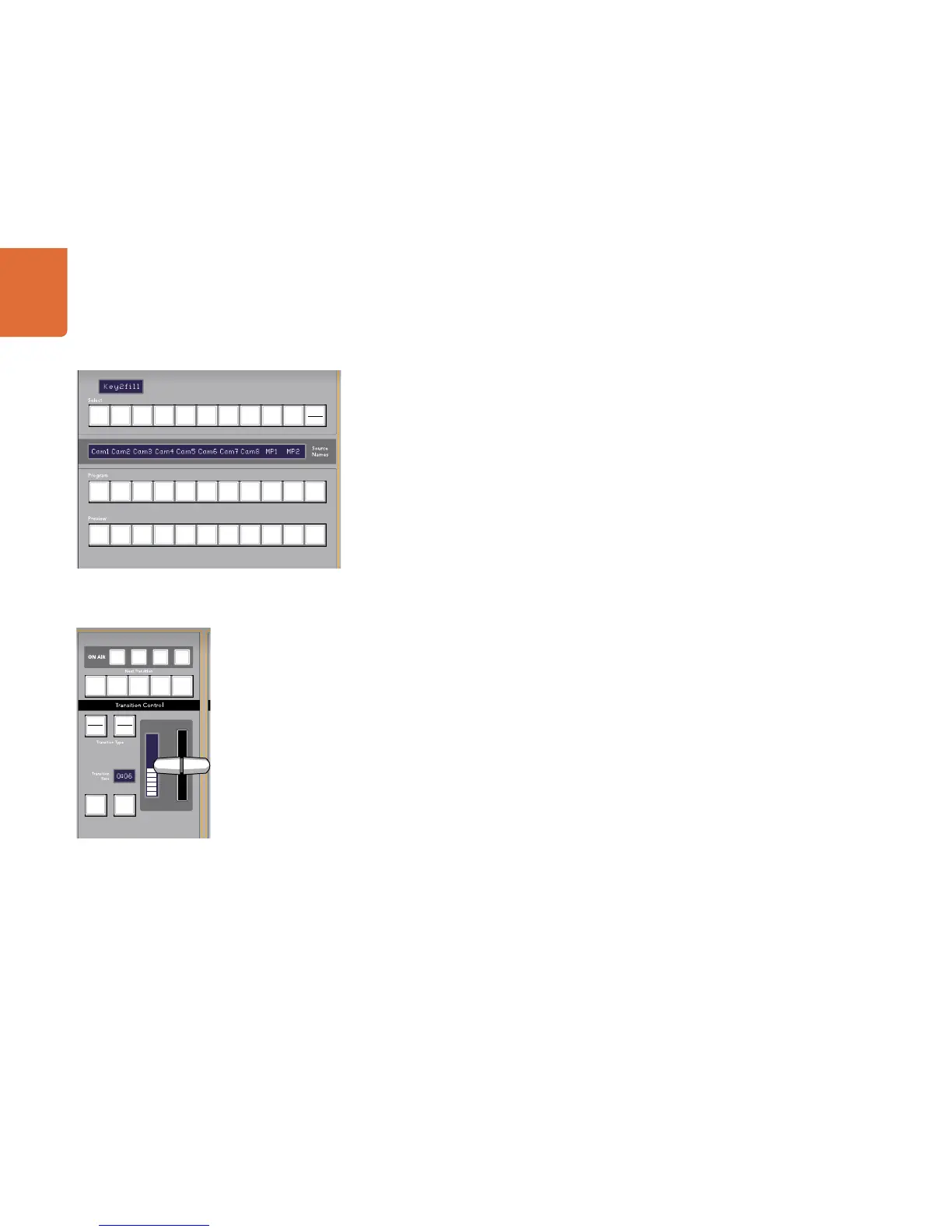
The preview bus is used to select a source on the preview output. This source is sent to program when the
next transition occurs. The selected source is indicated by a button that is illuminated green. A blinking
green button indicates that the shifted source is on preview. Pressing the SHIFT button will display the
shifted source.
SHIFT
The SHIFT button provides a global shift and is used to shift the program, preview, and select busses along
with the label. It also provides a shift for the transition type and joystick and other menu functions.
Destination Display and Select Bus
The destination display works in conjunction with the source names display and select bus and is used to
assign sources to auxiliary outputs and keyers.
The 8 character destination display and select bus together show you the routing of sources to keys and
auxiliary outputs. The currently selected source is indicated by an illuminated button. A blinking button
indicates a shifted source. A green illuminated button identifies a protected source. Protected sources are
program, preview, clean feed 1 and clean feed 2.
CUT/FILL
When a key setup menu is selected and the CUT/FILL button is pressed, the destination display and select
bus change to show the currently selected cut signal (also known as the Key signal) for that key. When
selecting sources for auxiliary outputs, pressing the CUT/FILL button along with the SHIFT button displays
program, preview, clean feed 1 and clean feed 2 as sources for selection on the select bus.
Transition Control and Upstream Keyers
CUT
The CUT button performs an immediate transition of the Program and Preview outputs, regardless of the
selected transition type.



 To Next Page