Using the ATEM 1 M/E Broadcast Panel
39
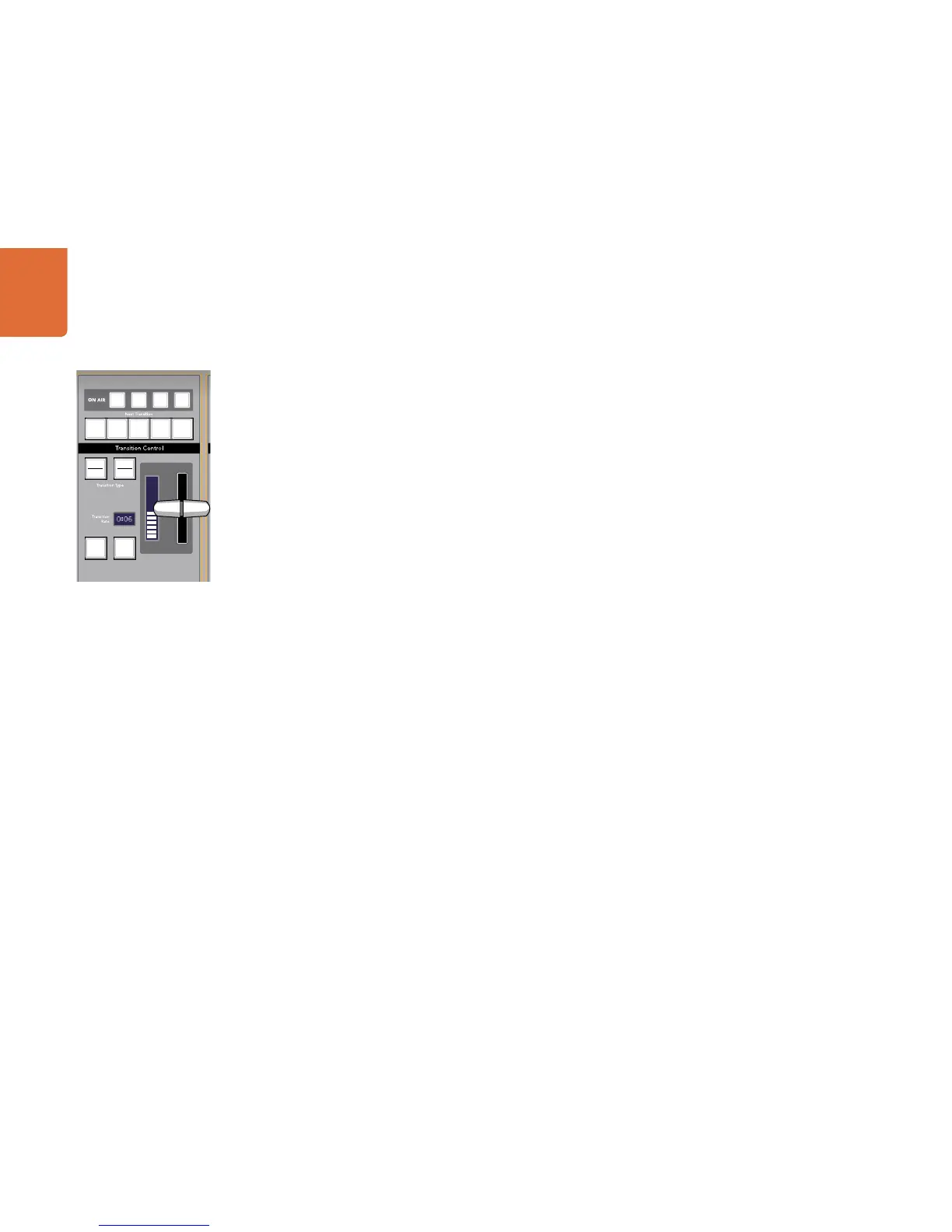
AUTO and Transition Rate
The AUTO button will perform the selected transition at the rate specified in the transition rate window.
The transition rate for each transition type is set in the system control, and is displayed in the transition rate
window of the transition control block when the corresponding transition style button is selected.
The AUTO button illuminates red for the duration of the transition and the transition rate display updates to
indicate the number of frames remaining as the transition progresses. If the software control panel is active,
the virtual fader bar updates to provide visual feedback on the progress of the transition.
Fader Bar and Fader Bar Indicator
The fader bar is used as an alternative to the AUTO button and allows the operator to manually control
the transition. The fader bar Indicator next to the fader bar provides visual feedback on the progress of the
transition.
The AUTO button illuminates red for the duration of the transition and the transition rate display updates to
indicate the number of frames remaining as the transition progresses. If the software control panel is active,
the virtual fader bar updates to provide visual feedback on the progress of the transition.
Transition Type Buttons
The two transition type buttons allow the operator to select one of five types of transitions; mix, wipe, dip,
DVE, and stinger. Mix and wipe transition types are selected by pressing the appropriately labeled transition
type button.
Dip and DVE transition types are selected by holding down the SHIFT button while pressing the desired
transition type button. The button will illuminate green indicating a shifted transition type.
The stinger transition type is selected by simultaneously pressing both transition type buttons. When stinger
transitions are selected, both buttons will be illuminated green.
PREV TRANS
The PREV TRANS button enables the preview transition mode allowing the operator to verify a dip, mix,
wipe or DVE transition by performing it on the preview output using the fader bar.



 To Next Page