Help
94
Getting Help
The fastest way to obtain help is to go to the Blackmagic Design online support pages and check the latest
support material available for your ATEM switcher.
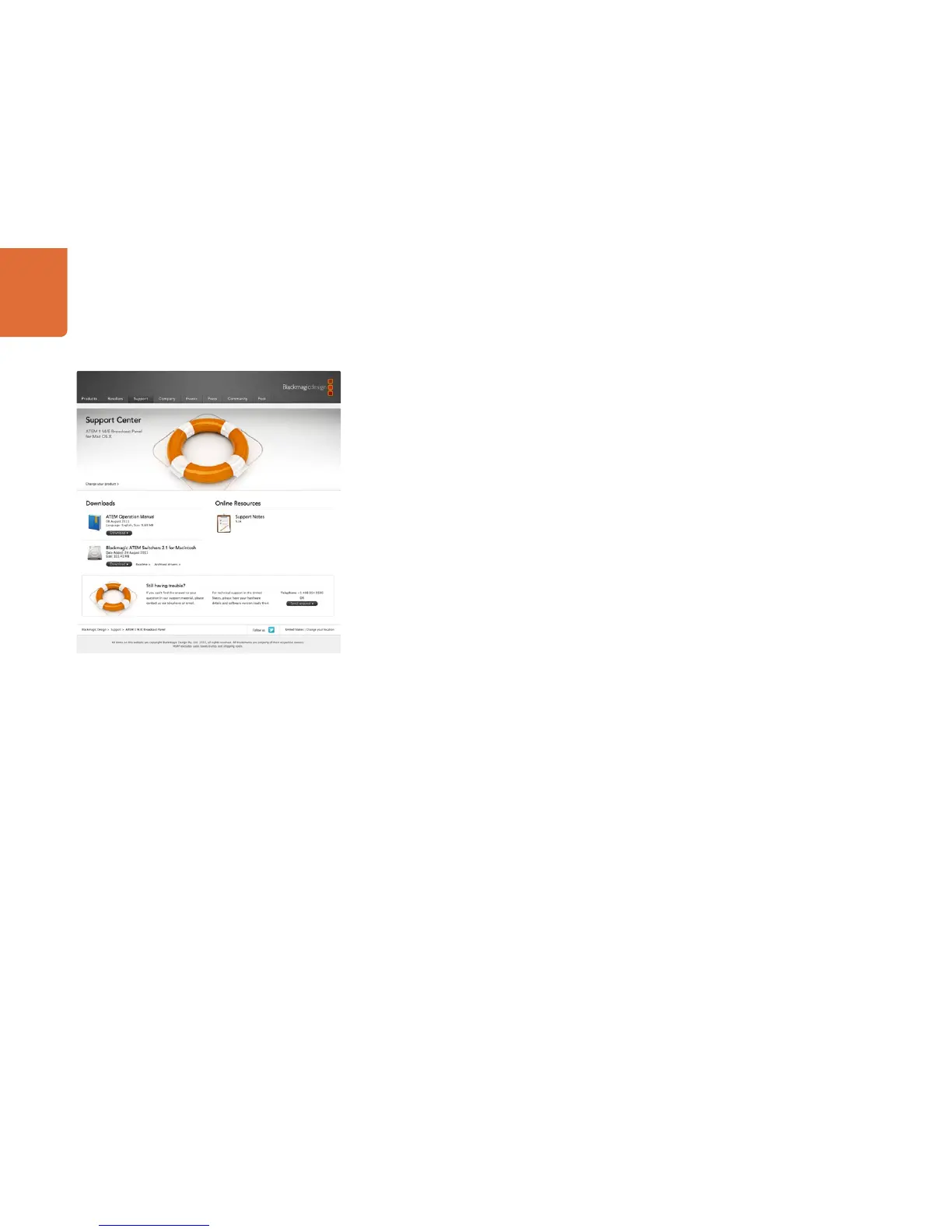
Blackmagic Design online support pages
The latest manual, software and support notes can be found at the Blackmagic Support Center at
www.blackmagic-design.com/support.
Contacting Blackmagic Design support
If you can't find the help you need in our support material, please use the "Send request" button, on the
support page for your ATEM switcher model, to email a support request. Alternatively call your nearest
Blackmagic Design support office at www.blackmagic-design.com/company.
Checking the version currently installed
To check which version of ATEM software is installed on your computer, open the About ATEM Software
Control window.
• On Mac OS X, open ATEM Software Control from the Applications folder. Select About ATEM Software
Control from the application menu to reveal the version number.
• On Windows 7, open ATEM Software Control from your Start menu. Click on the Help menu and select
About ATEM Software Control to reveal the version number.
How to get the latest updates
After checking the version of ATEM software installed on your computer, please visit the Blackmagic Support
Center at www.blackmagic-design.com/support to check for the latest updates. While it is usually a good
idea to run the latest updates, it is a wise practice to avoid updating any software if you are in the middle of
an important project.



 To Next Page