Operating Your ATEM Switcher
44
Cut Transitions
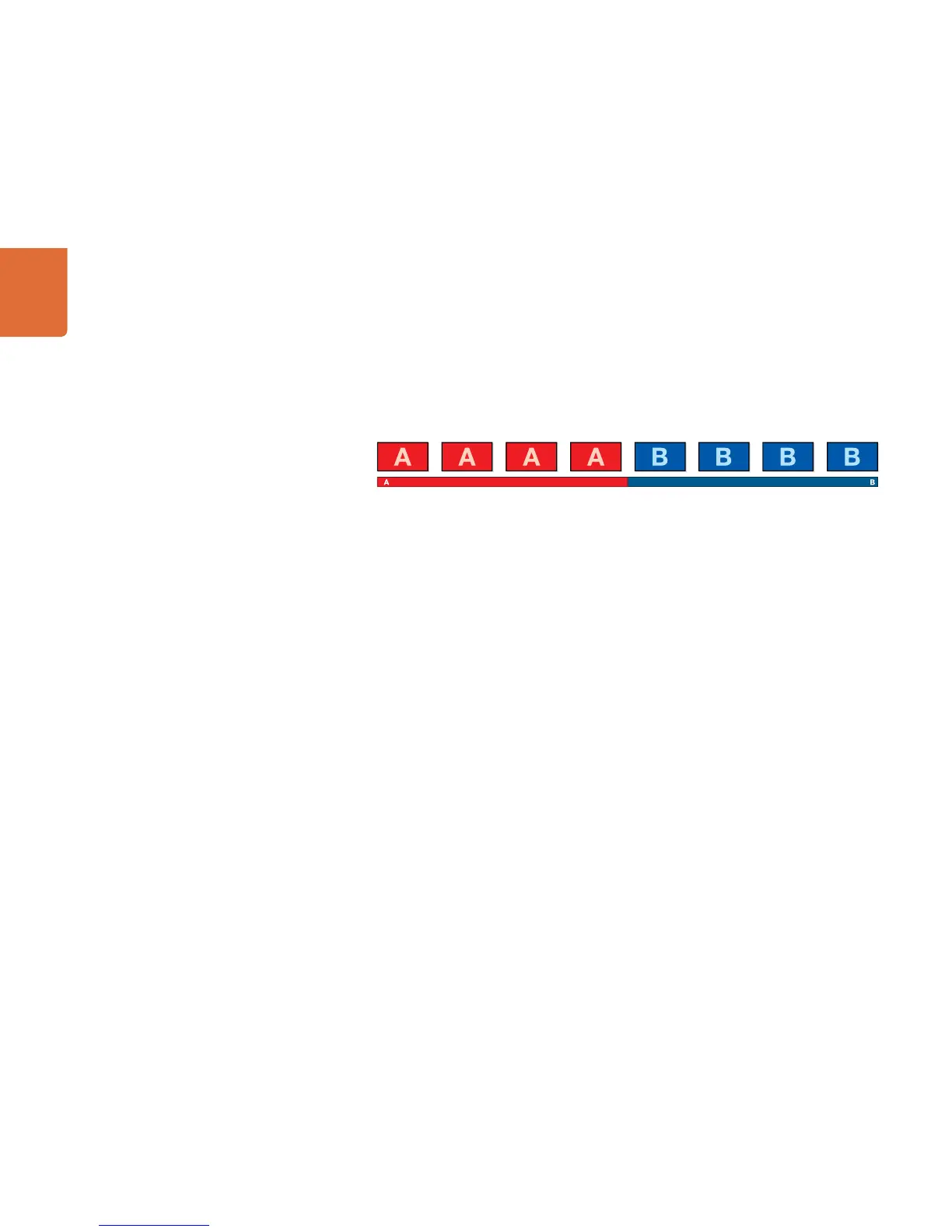
The cut is the most basic transition that can be performed on the switcher. In a cut transition the program
output is immediately changed from one source to another.
Program output for a cut transition.
A cut transition can be performed directly from the program bus, or using the CUT button in the transition
control block.
Program Bus
When a cut transition is performed from the program bus, only the background will be changed, and all
upstream and downstream keys will maintain their current state.
To perform a cut transition from the program bus on the software control panel
Step 1. On the program bus, select the video source that you want on the program output. The program
output will immediately change to the new source.
To perform a cut transition on the software control panel using a keyboard
Step 1. Enable <caps lock> or press and hold the <shift> key.
Step 2. Press the number key on the keyboard corresponding to the video source that you want on the
program output. The program output will immediately change to the new source.
To perform a cut transition from the program bus on the broadcast panel
Step 1. On the program bus, select the video source that you want on the program output. The program
output will immediately change to the new source.



 To Next Page