Operating Your ATEM Switcher
69
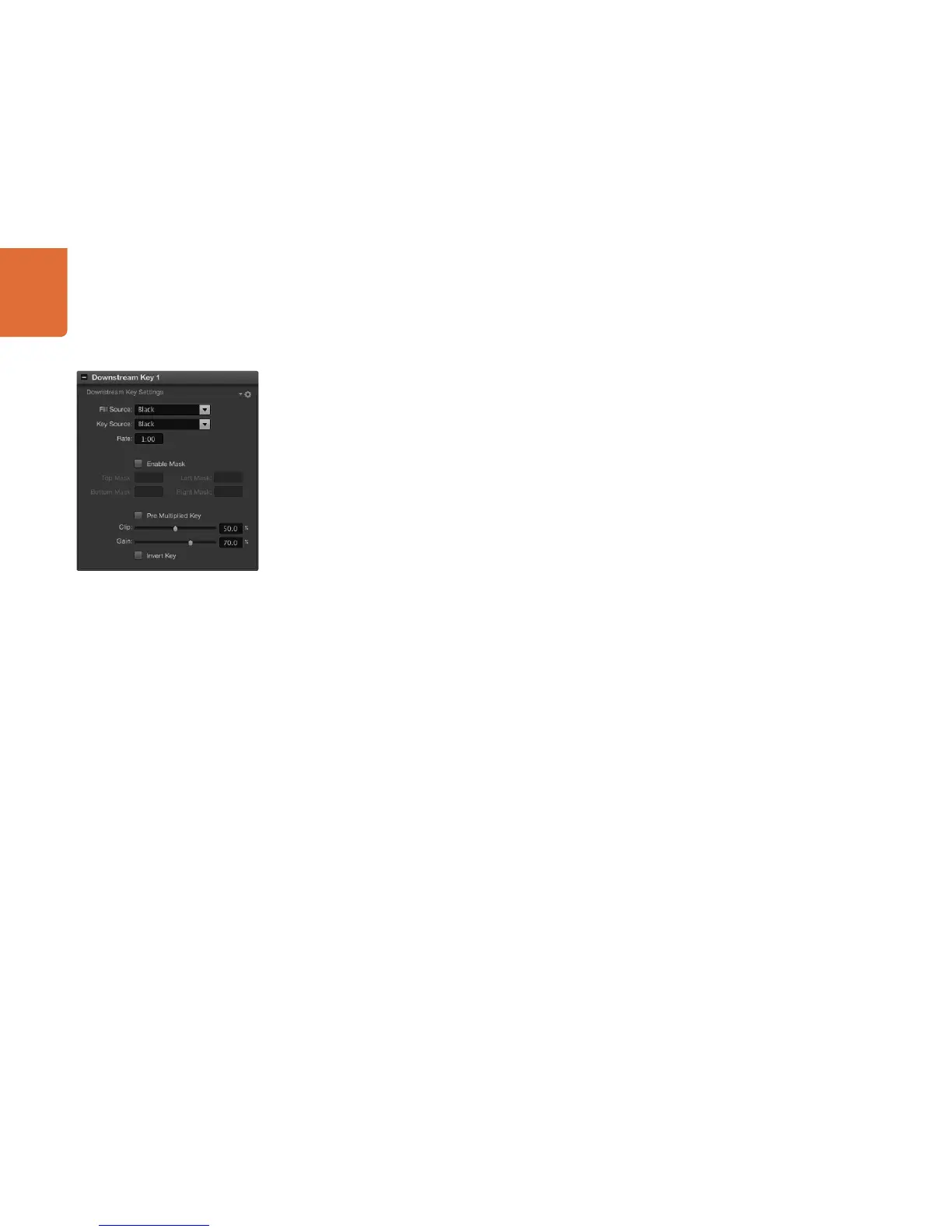
Performing a Downstream Luma/Linear Key
To set up a luma/linear key on downstream keyer 1 on the software control panel:
Step 1. Select the downstream key 1 palette.
Step 2. Use the drop down controls labeled fill source and key source to specify the fill and key
sources.
If performing a luma key, select the same source for both fill and key.
Step 3. Adjust the key parameters to refine the key.
To set up a luma/linear key on downstream keyer 1 on the broadcast panel:
Step 1. Press the DSK 1 TIE button to enable the downstream keyer on the preview output. The system
control will dynamically navigate to the DSK 1 menu. You can manually navigate to the DSK 1
menu by pressing HOME > DSK KEYS > DSK 1.
Step 2. The destination display will say DSK1 fill. Select the fill source on the select bus.
Step 3. Hold down the CUT/FILL button so the destination display says DSK1 cut and select the key
source on the select bus.
If performing a luma key, select the same source for both fill and key.
Step 4. Adjust the clip and gain controls to refine the key or press the pre-mult button for pre-multipled
keys. The clip and gain controls are not available for pre-multipled keys.
Downstream Keyer Settings



 To Next Page