Operating Your ATEM Switcher
80
Using Upstream Keyer Transitions
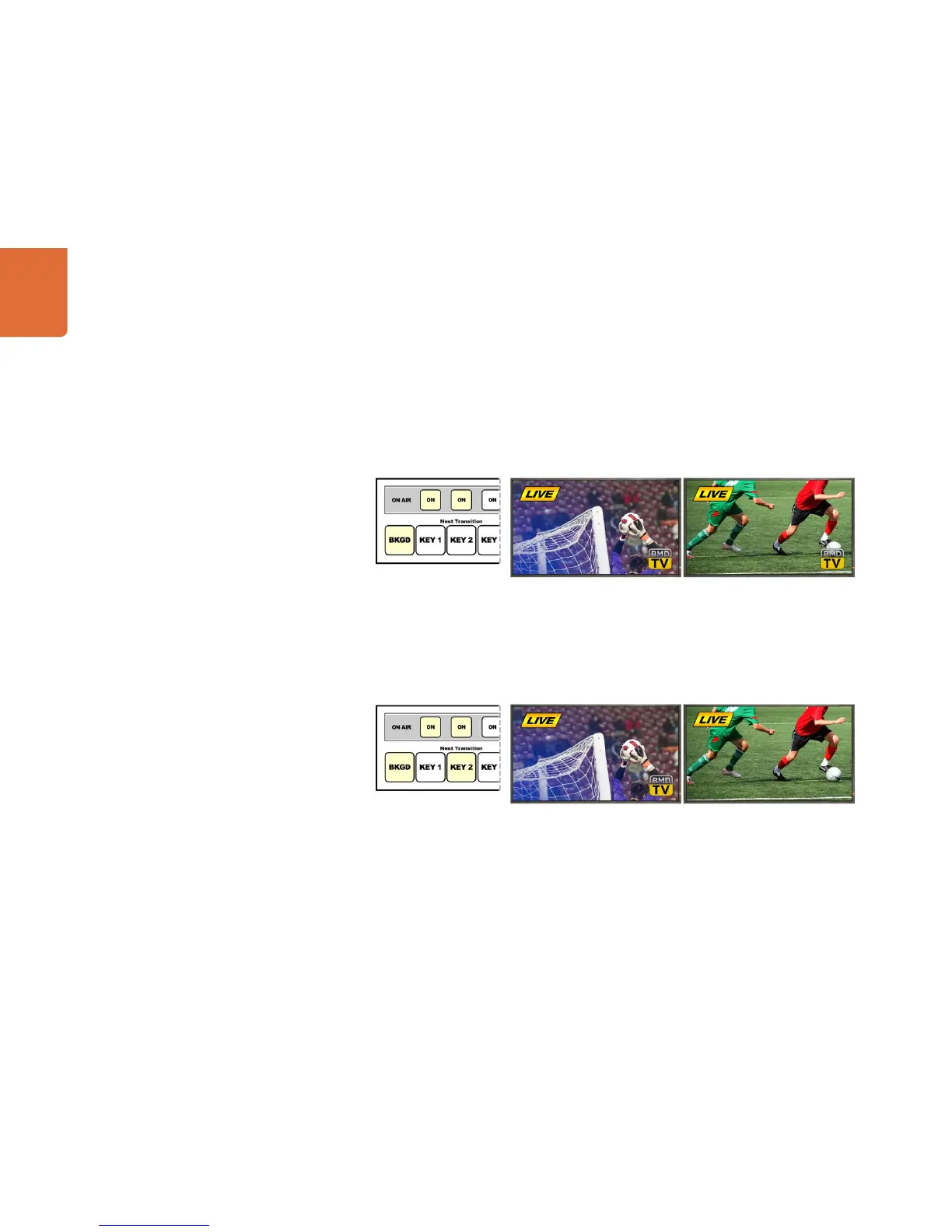
Example 3:
In this example, key 1 and key 2 are on-air, indicated by the illuminated ON buttons. The next transition has
the background selected, indicated by the illuminated BKGD button, therefore the next transition will only
transition the background leaving both key 1 and key 2 on-air.
Example 4:
In this example, key 1 and key 2 are on-air. The next transition has the background and key 2 selected,
therefore the next transition will transition the background and change the state of key 2 turning it OFF so
that it is not visible on the program output.
Control panel next transition
buttons before transition.
Program output before transition. Program output after transition.
Control panel next transition
buttons before transition.
Program output before transition. Program output after transition.



 To Next Page