12
4 / USING YOUR APPLIANCEEN
•
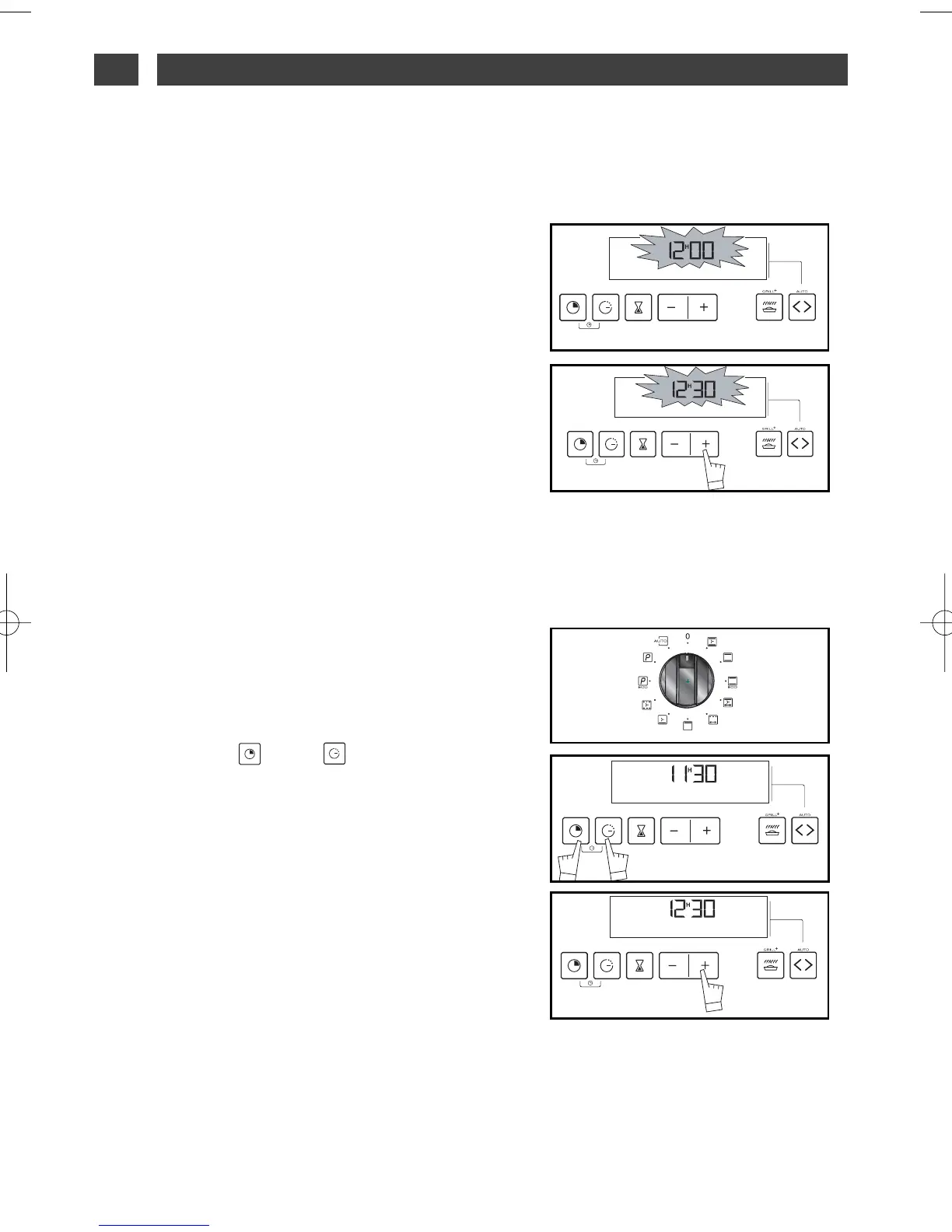
How to set the time.
--
When the power is on
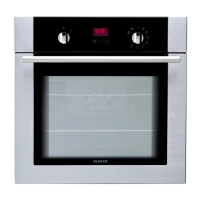
The display flashes 12:00. (fig.1)
Set the time by pressing the + or - buttons
(continued pressure on the button runs
through the numbers quickly) (fig.2).
Example: 12:30
The adjusted time is automatically recorded
after a few seconds.
The display stops flashing.
- To reset the time on the clock
The function selector must be in position 0
(fig. 1).
Press buttons “ ” and at the same
time for a few seconds (fig.2), then release
them when the time of day begins to flash.
The sound of beeping shows that you can set
it now.
Adjust the time setting using the + or - but-
tons (fig.3).
The adjusted time is automatically recorded
after a few seconds.
fig.1
fig.2
fig.2
fig.3
fig.1



 To Next Page