33
Programming
First power-up
At first power-up you are prompted to set Standard motor frequency bFr page 44. Next time power is applied rdY appears. Operating mode
selection is then possible using the MODE key as detailed below.
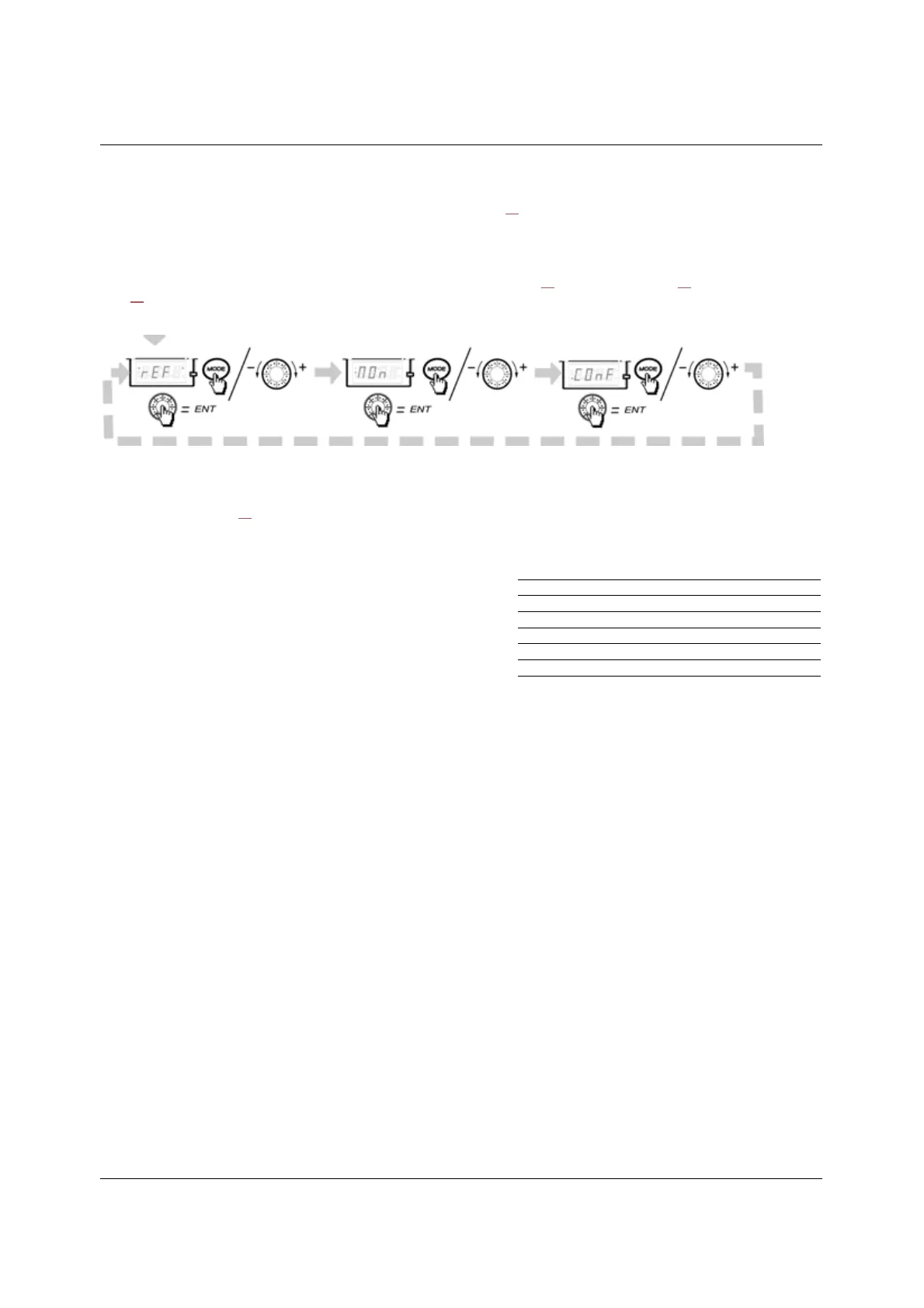
Menus structure
Access to menus and parameters is possible through 3 modes: Reference rEF page 36, Monitoring MOn page 37 and Configuration COnF
page 43
. Switching between these modes is possible at any time using the MODE key or Jog Dial on keyboard. The first press on the MODE
key moves from the current position to the top of the branch. A second press switches to the next mode.
Menu customization using Software
ER12 factory settings enable drive operation with most applications. You can use software to customize the "MyMenu" and FULL menus
of COnF mode (see page 43
), by selecting which menus and parameters will be hidden or accessible for the user. Once the configuration
has been adjusted, it can be downloaded to the ER12 by connecting the drive to the computer or by downloading the configuration through
the multiloader or simpleloader.
Software can be used to operate the drive for testing and commissioning.
For further information, please consult the Software help.
Description
Software
USB/RJ45 cable
Simple-loader tool
Multi-loader tool
Bluetooth adapter



 To Next Page