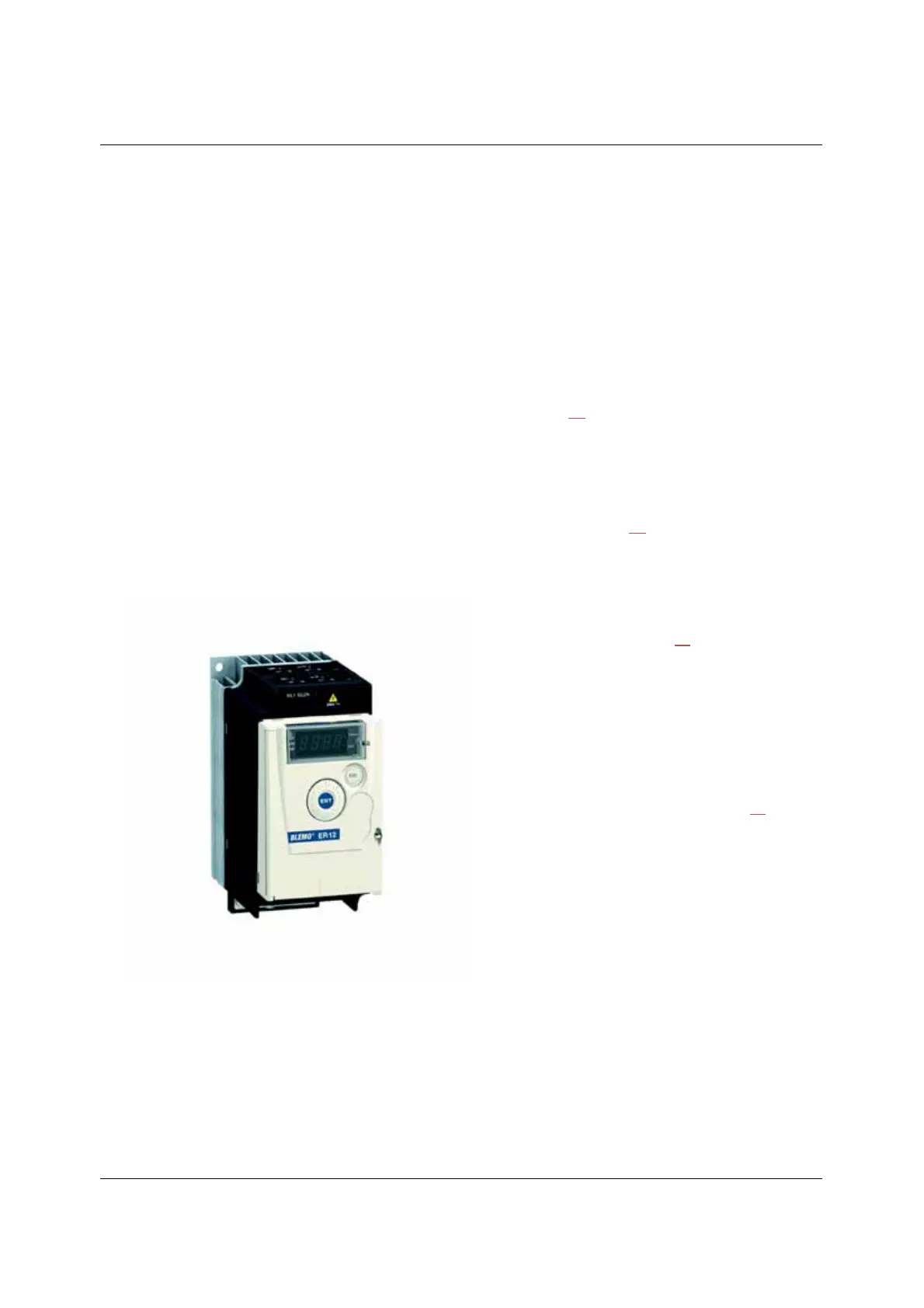
8
Steps for setting up
(also refer to Quick Start)
1. Receive and inspect the drive
• Check that the part number printed on the label is the same as that on the
purchase order.
• Remove the ER12 from its packaging and check that it has not been damaged
in transit.
2. Check the line voltage
• Check that the line voltage is compatible with the voltage
range of the drive (page 10
).
3. Mount the drive
• Mount the drive in accordance with the instructions
in this document (page 12
).
• Install any options required.
Steps 2 to 4 must
be performed with
the power off.
4. Wire the drive
(page 19)
• Connect the motor, ensuring that its
connections correspond to the voltage.
• Connect the line supply, after making sure
that the power is off.
• Connect the control part.
5. Configure the drive (page 31)
• Apply input power to the drive but
do not give a run command.
• Set the motor parameters
(in Conf mode) only if the factory
configuration of the drive is not
suitable.
• Perform auto-tuning.
6. Start



 To Next Page