23
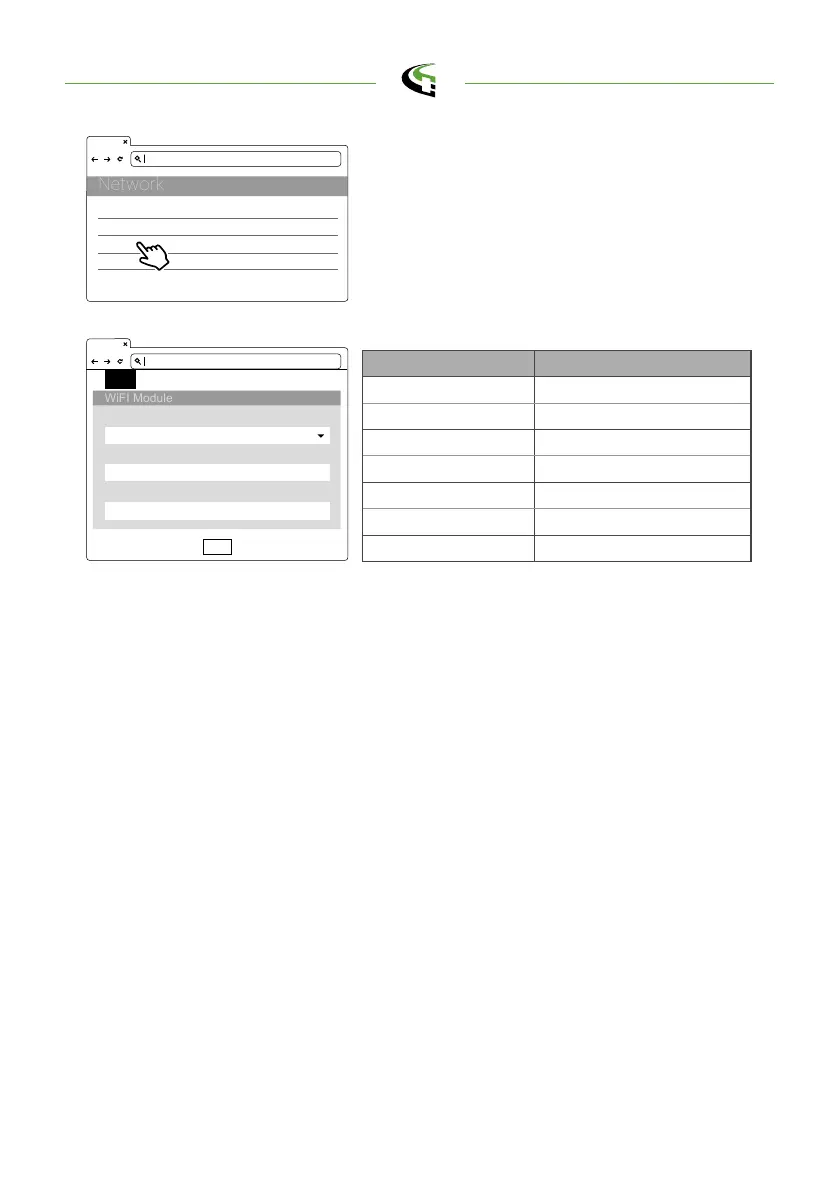
Wi-Fi Setting Description
Wifi Ssid Service Set Identifier,SSID
Wifi Password Password to access to Wi-Fi
Wifi Dhcp Server DHCP server of Wi-Fi
Wifi Dhcp Client DHCP client of Wi-Fi
WifiIpAddress Wi-Fi IP address
WifiSubmask Address Wi-Fi submask address
WifiGateway Address Wi-Fi gateway address
192.168.1.10
SET UPGRADE OTHER LANGUAGE
WiFiMode
WiFiSsid
WiFiPassword
Set
Step 4.
Select Wi-Fi Module
Select Wi-Fi modes and fill in SSID and Password
according to your application, if not required, just
keep default.
192.168.1.10
Network Status
Ethernet
WiFi
3G/4G
+
+
+
+
semaconnect.com



 To Next Page