15
5 Basics (for Windows)
This chapter explains the basics of how to use your Windows device. If you are an Android device user, refer
to Basics (for Android) on page 27.
5.1 Turning the Device On and Off
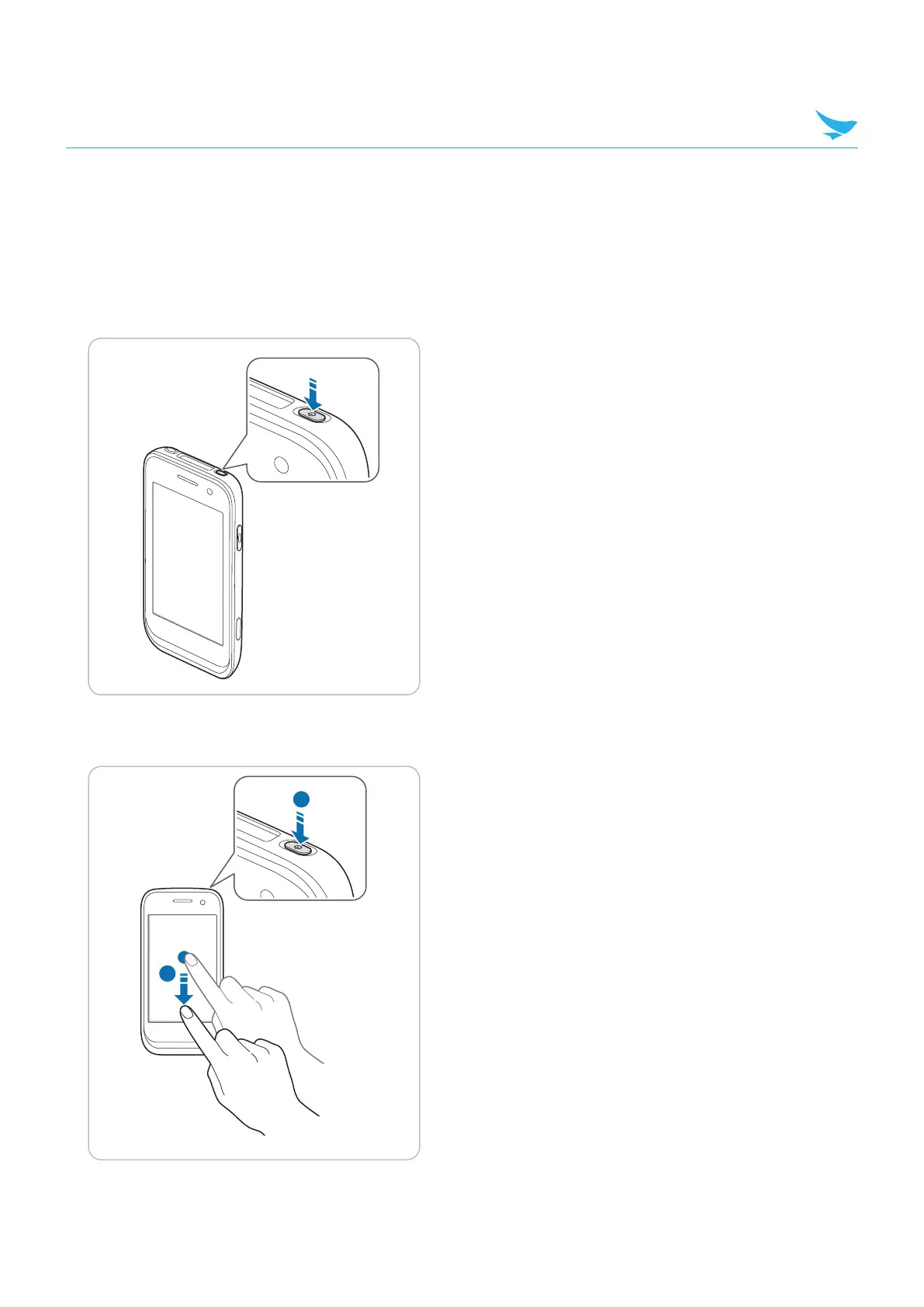
To turn on the device, press and hold the Power button for a few seconds.
To turn off the device, press and hold the Power button for a few seconds, and then drag the “slide down
to power off” message downward.
1
2



 To Next Page