5 Basics (for Windows)
23
5.7 Using Your Device with Ease
Make it easier to see, hear, and use the device with its built-in accessibility features.
On the Apps screen, tap Settings > ease of access and make the text size bigger, set a high-contrast
theme, zoom in on the screen, and more to fit your individual needs. For more information on configuring
ease of access settings, refer to Ease of Access on page 109.
5.7.1 Quick Actions
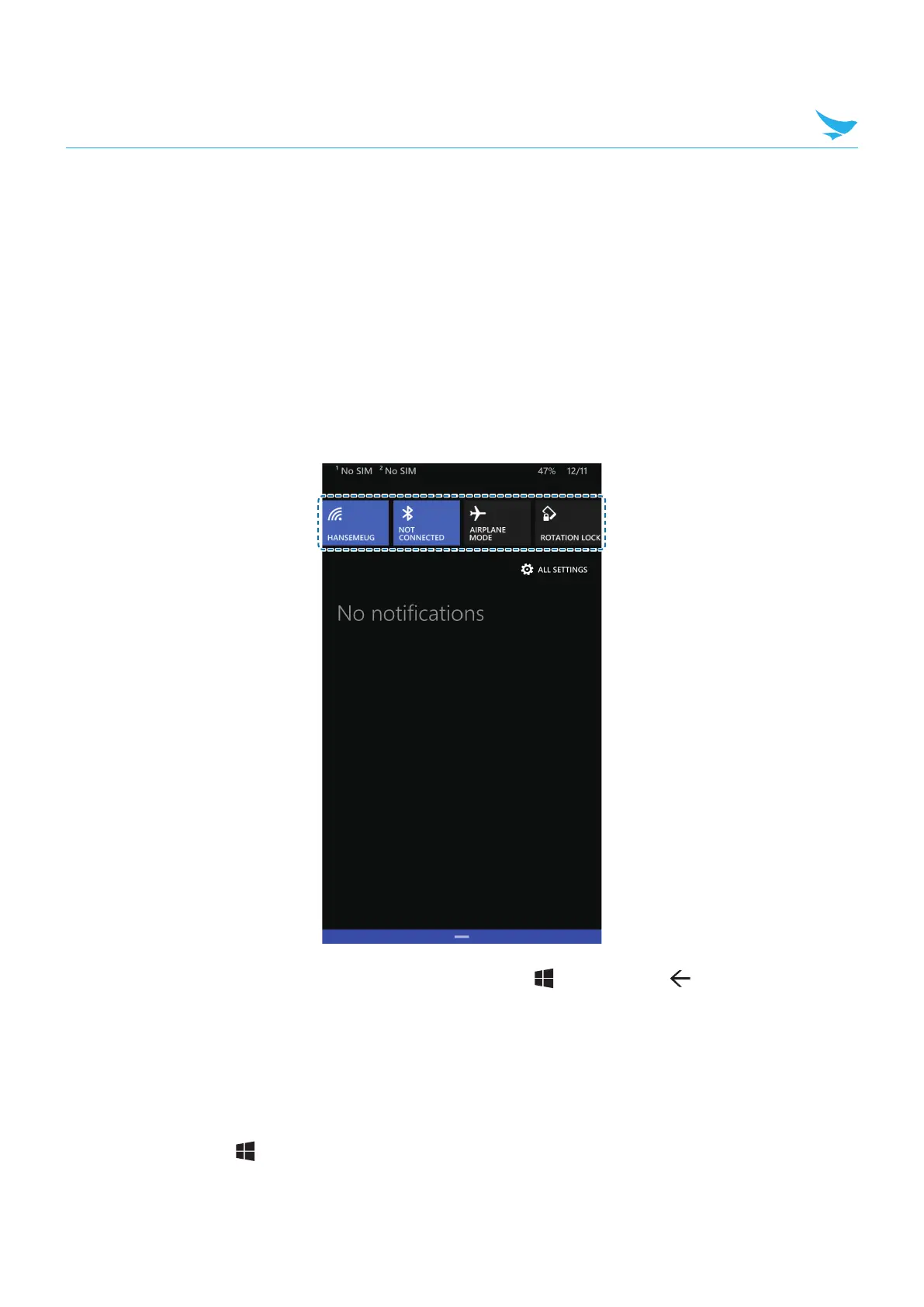
Access the most frequently used settings quickly with quick action, turning them on or off in an instance.
1
Drag down from the top of the screen at any time from any menu or app and tap a quick action button to
turn it on or off.
2
Drag up from the bottom of the screen or tap the Start button or Back button to close the action
center.
To change quick actions
1
On the Apps screen, tap Settings > notifications+actions and tap any quick action.
2
Tap a setting or action from the list to add.
3
Tap the Start button to save the setting.



 To Next Page