8 Applications (for Android)
73
8.2 Overview of Apps
On the Home screen, tap to view your all apps. All the apps on your device will be displayed under the
APPS tab. The WIDGETS tab shows all widgets that can be placed on the Home screen.
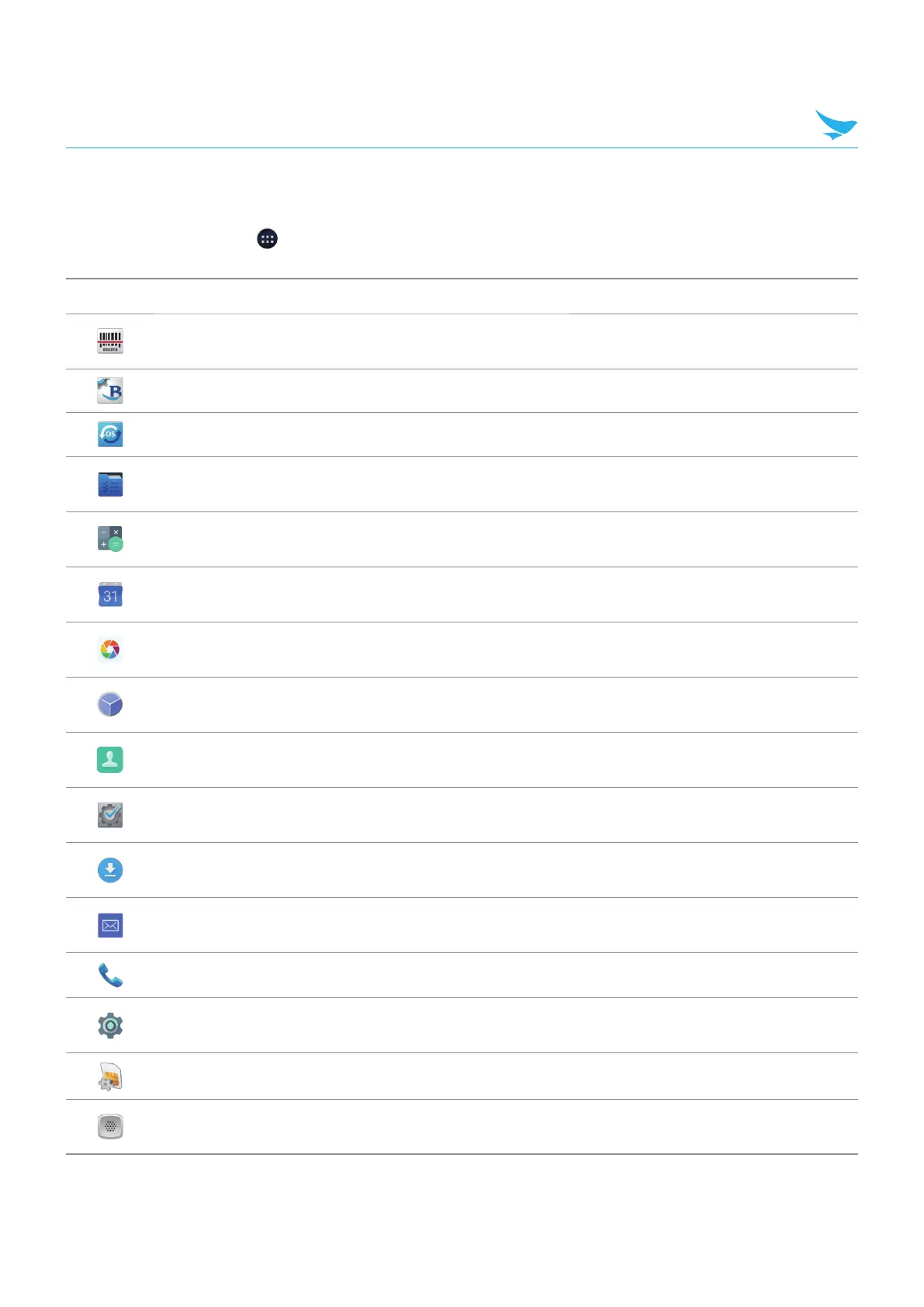
Icon Name Description
BarcodeTest
Use to scan and read the barcode information. For more information, refer to
Barcode on page 86.
BBSettings Use to change your Bluebird settings in Symbology and Fix/Volume/Mode.
BBUpdate Use to update your device.
Bluebird File
Manager
Use to organize and manage your files.
Calculator
Use for mathematical calculations. For more information, refer to Calculator
on page 96.
Calendar
Use to create, view, and manage events. For more information, refer to
Calendar on page 90.
Snapdragon
Camera
Use to take photos or record videos. For more information, refer to
Snapdragon Camera on page 86.
Clock
Use to set an alarm, view current times around the world, and use a timer or
a stopwatch. For more information, refer to Clock on page 92.
Contacts
Use to add, view, and edit your contacts. For more information, refer to
Contacts on page 83.
DevCheck
Use to view device version information, check your device, or to reset your
device.
Downloads
Use to view all downloaded files. For more information, refer to Downloads
on page 96.
Email
Use to send or view emails. For more information, refer to Email on page
85.
Phone Use to make phone calls. For more information, refer to Phone on page 74.
Settings
Use to configure your device. For more information, refer to Settings (for
Android) on page 113.
SIM Toolkit Use various apps provided by the inserted SIM card.
Voice Dialer
Use to say various commands. For more information, refer to Voice Dialer on
page 83.



 To Next Page