7 Applications (for Windows)
46
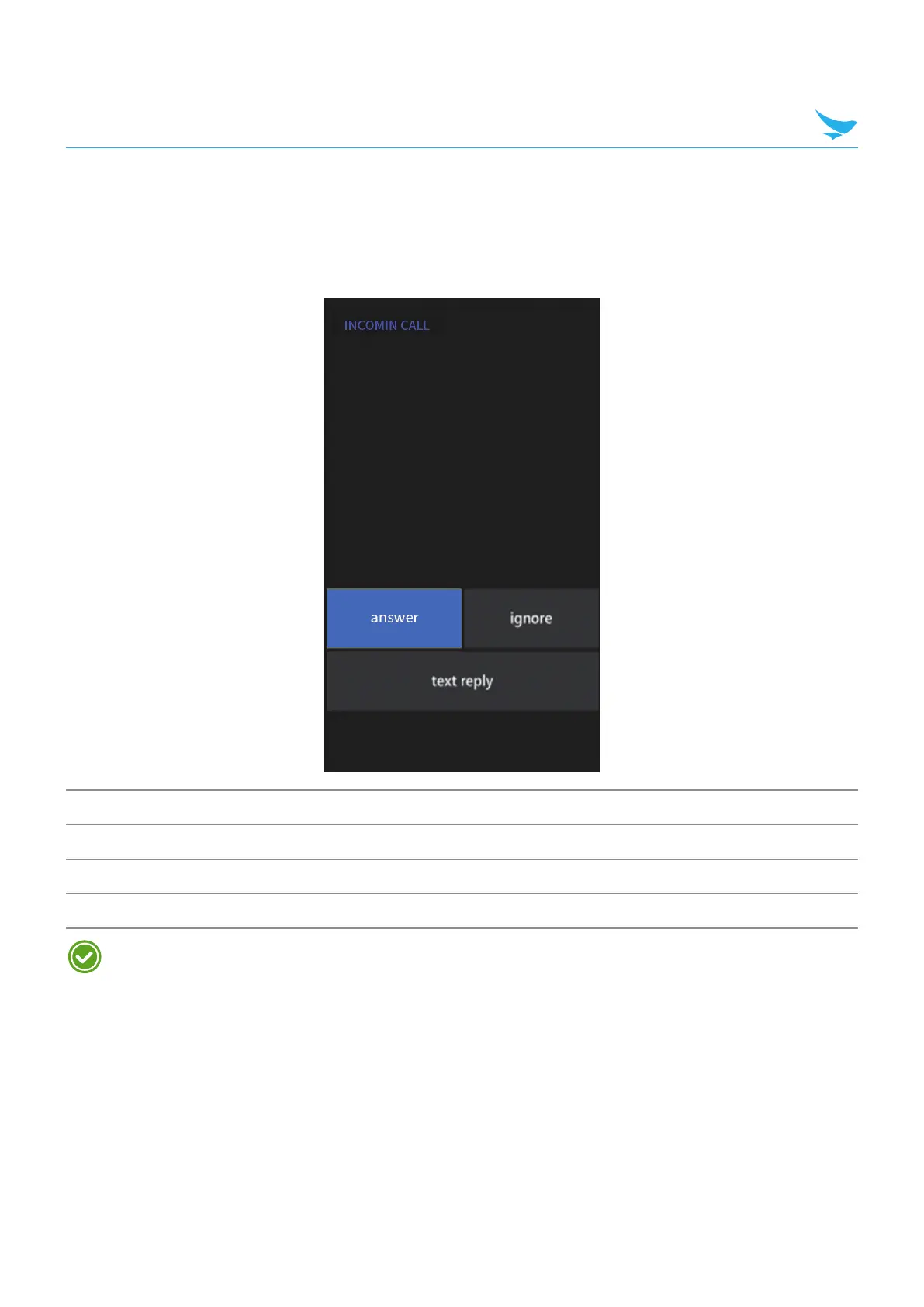
7.3.2 Answering Calls
When you receive a phone call, the incoming call screen displays the caller ID, and any other available
information, such as the caller’s name, if saved in the Contacts list.
Tap one of the following buttons:
Icon Description
answer Answer an incoming call.
ignore Decline an incoming call and divert it to voicemail.
text reply Decline an incoming call and send a text message.
To silence the ringtone of an incoming call, press the volume down button on the side of the device.



 To Next Page