7 Applications (for Windows)
42
7.3 Phone
7.3.1 Making Calls
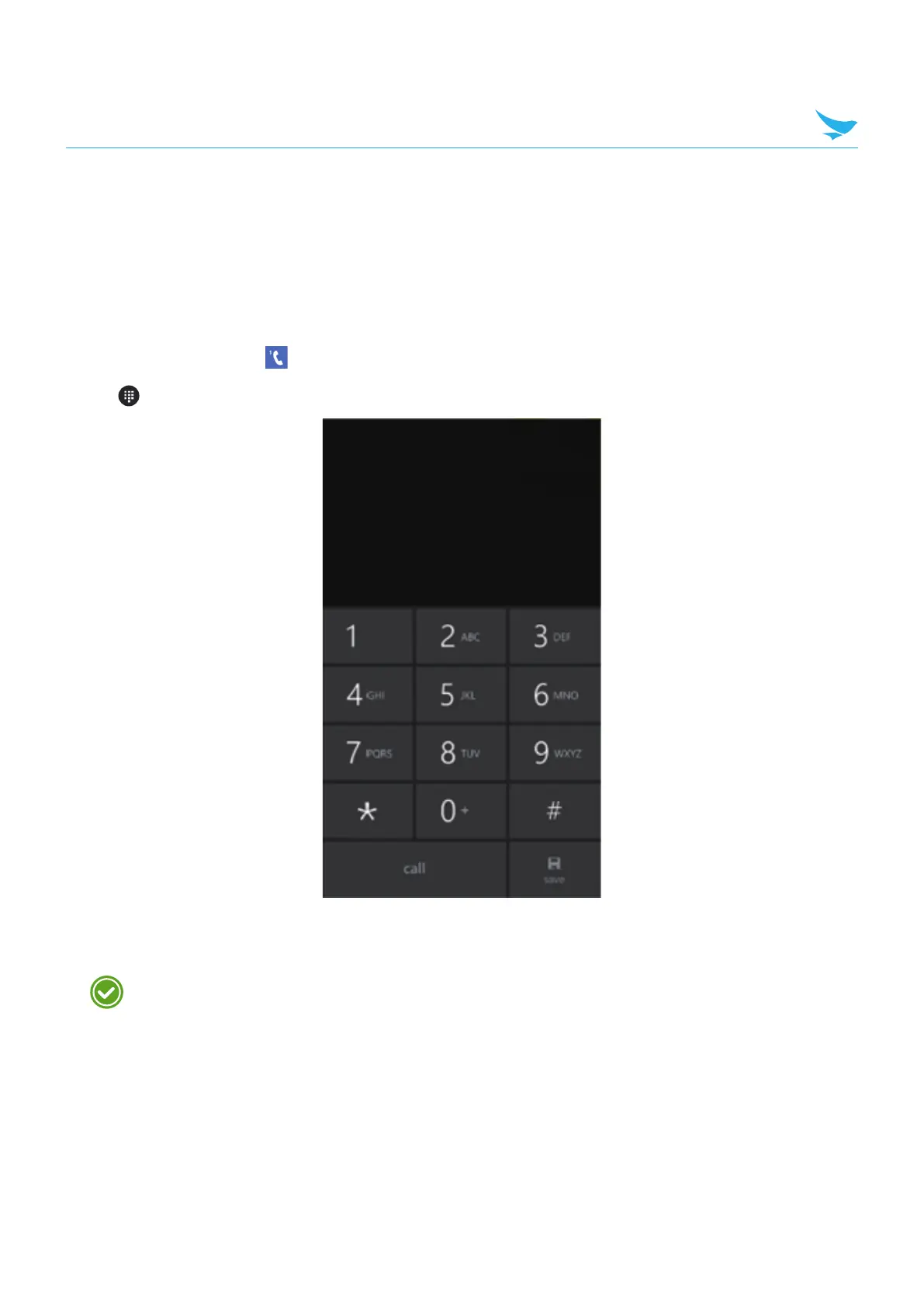
To make a call on the dialer screen
1
On the Start screen, tap .
2
Tap on your Phone app.
3
Tap the keypad, enter a phone number, then tap call to call.
t Enter digits and tap save to save a new phone number in your Outlook contacts.
Touch and hold number 1 key to use voice mail.



 To Next Page