7 Applications (for Windows)
41
Icon Name Description
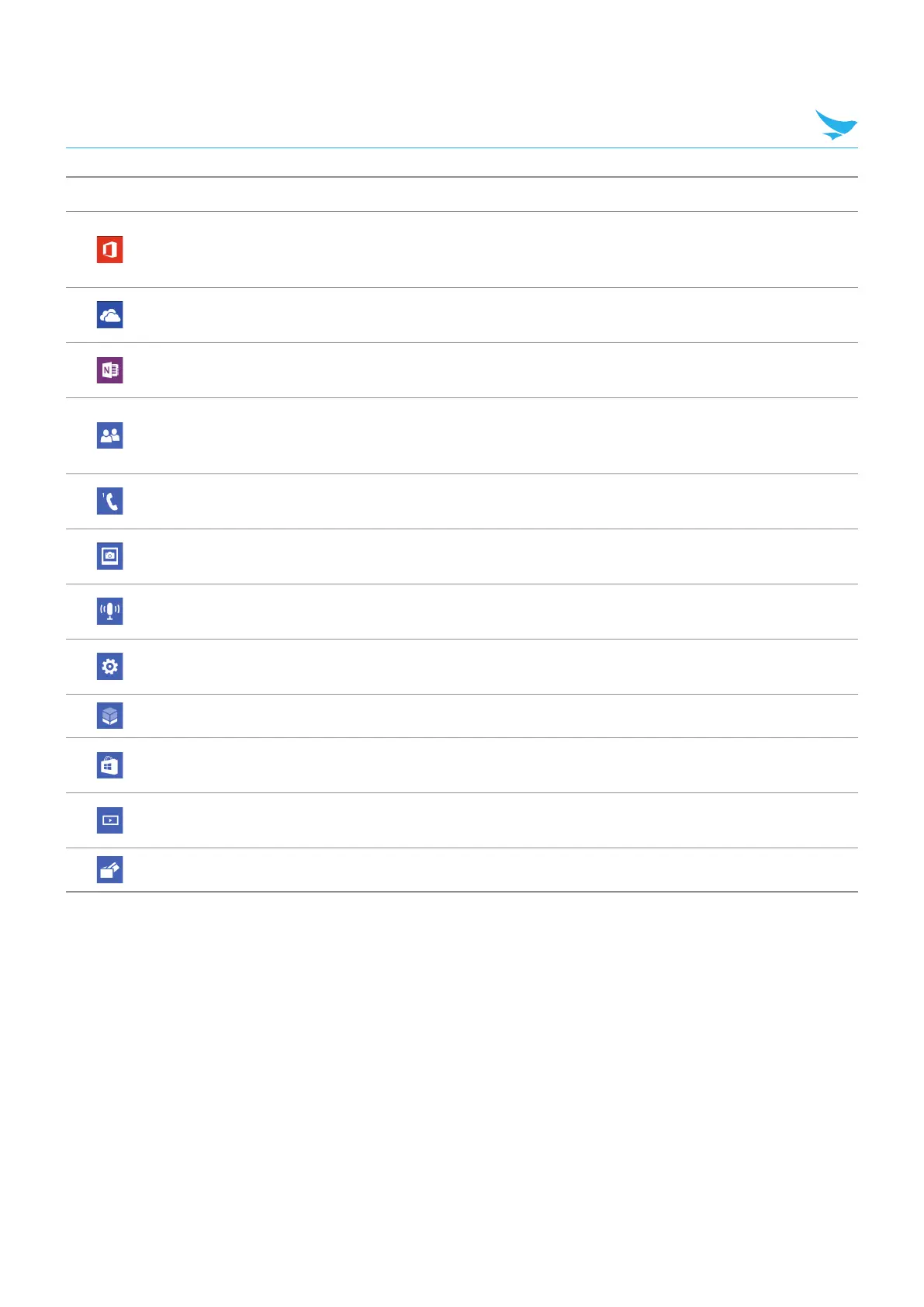
Office
Use to work on MicroSoft office documents. Create and edit Word,
Excel documents, view PowerPoint slides, and more. For more
information, refer to Microsoft Office Mobile on page 61.
OneDrive
Use to save and upload content saved in device. For more
information, refer to Microsoft OneDrive on page 66.
OneNote
Use to create reminders. For more information, refer to Microsoft
OneNote on page 65.
People
Use to add, view, and edit the contacts or share information with
people involved in same groups or rooms. For more information,
refer to People on page 49.
Phone
Use to make phone calls. For more information, refer to Phone on
page 42.
Photos
Use to view and manage all photos and videos. For more
information, refer to Photos on page 58.
Podcasts
Use to get the latest audio or video podcasts. For more information,
refer to Podcast on page 69.
Settings
Use to configure your device. For more information, refer to Settings
(for Windows) on page 98.
Storage Sense Use to check the storage space and set the storage location.
Store
Use to download apps. For more information, refer to Installing and
Uninstalling Apps on page 39.
Video
Use to view all videos saved in the devices. For more information,
refer to Videos on page 68.
Wallet Use to pay for goods with the card payment system on your device.



 To Next Page