7 Applications (for Windows)
67
7.11.8 Continuing with a Document on Another Device
Upload and save your documents on OneDrive, and access your documents from any other devices.
1
When working on an Office document, tap > save as....
2
Enter a file name, set the file location to OneDrive.
3
Tap save.
You can now open the document from OneDrive on another device and continue where you left off.
7.12 Music
Use this app to listen to music.
Listening at a high volume for a long time may damage your hearing.
You must have a Microsoft account to download music from your Xbox.
7.12.1 Playing Music
On the Start screen, tap . Browse music by artist, album, song, genre or playlist. Tap a song to play it.
You can listen to audio through the built-in speaker, headphones or earphones, or wireless Bluetooth stereo
headphones.
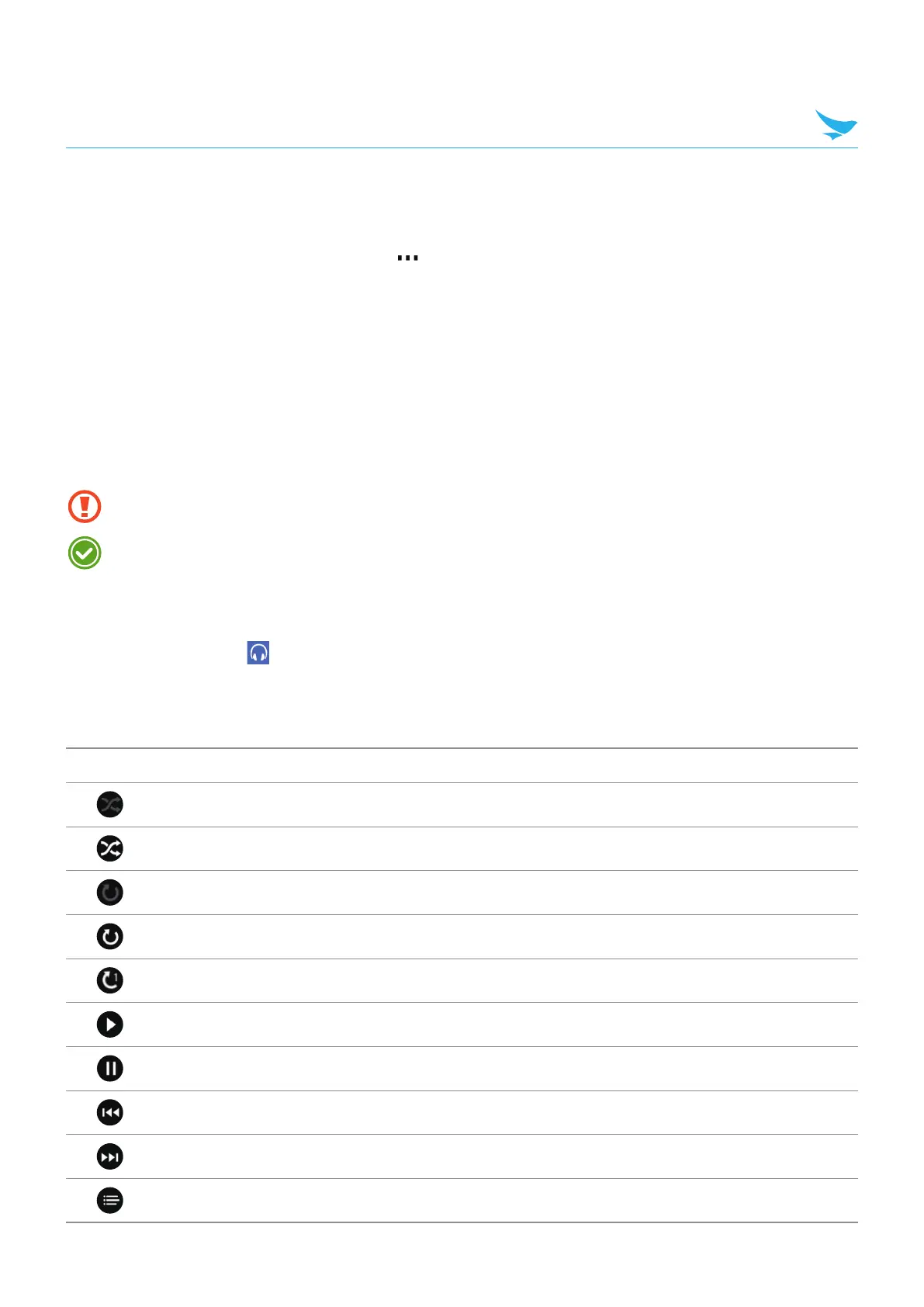
The following icons are used to indicate the current status on the play screen.
Icon Description
Shuffle is off.
Shuffle is on.
Repeat is off. Play all songs in the playlist only once.
Repeat all songs.
Repeat the current song.
Play a song.
Pause a song.
Skip to the previous song. Tap and hold to rewind.
Skip to the next song. Tap and hold to fast-forward.
Open the playlist.



 To Next Page