7 Applications (for Windows)
40
7.2 Overview of Apps
On the Start screen, tap All apps to view your all apps. All the apps on your device will be displayed.
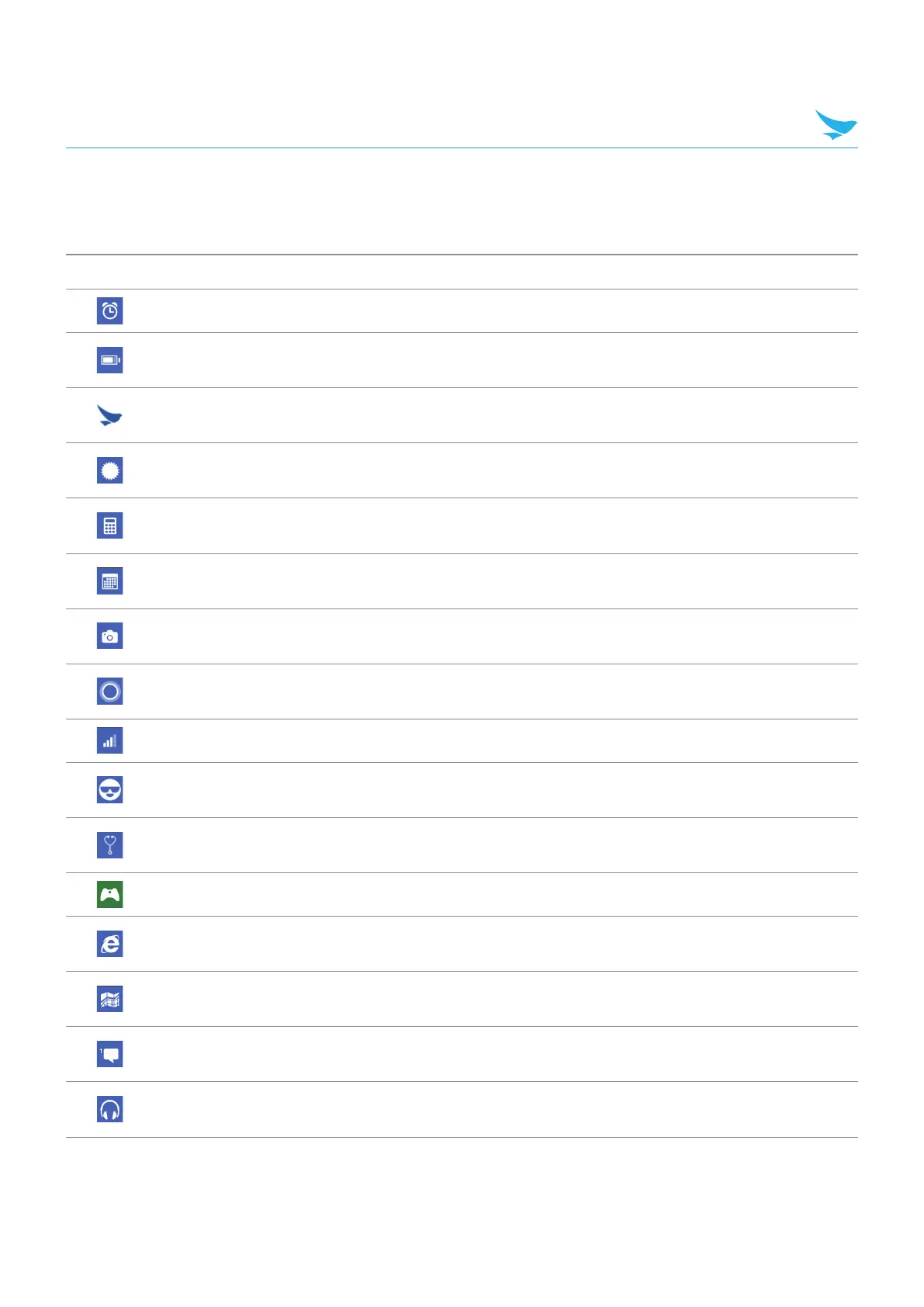
Icon Name Description
Alarms Use to set alarms.
Battery Saver
Use to check the battery usage and estimated remaining battery.
Activate the battery saver mode to conserve the battery life.
BB_Devchecker
Use to view device version information, check your device, or to
reset.
BB_EF_ScannerApp
Use to scan and read the barcode information. For more information,
refer to Barcode on page 55.
Calculator
Use for mathematical calculations. For more information, refer to
Calculator on page 70.
Calendar
Use to create, view, and manage events. For more information, refer
to Calendar on page 69.
Camera
Use to take photos or record videos. For more information, refer to
Camera on page 56.
Cortana
Use to get help for finding things on device, manage calendar, files
as a voice recognition service.
Data Sense Use to conserve cellular data and track usage on your device.
Feedback Hub
Use to send feedback to the manufacturer to improve their products
and service.
Field Medic
Use to check and collect the device information and ETW logs from
your device.
Games Use to play games saved in device.
Internet Explorer
Use to browse the Internet. For more information, refer to Internet on
page 60.
Maps
Use to find the locations. For more information, refer to Map on
page 71.
Messaging
Use to send or receive SMS or MMS message. For more
information, refer to Messaging on page 52.
Music
Use to listen music saved in device. For more information, refer to
Music on page 67.



 To Next Page