7 Applications (for Windows)
43
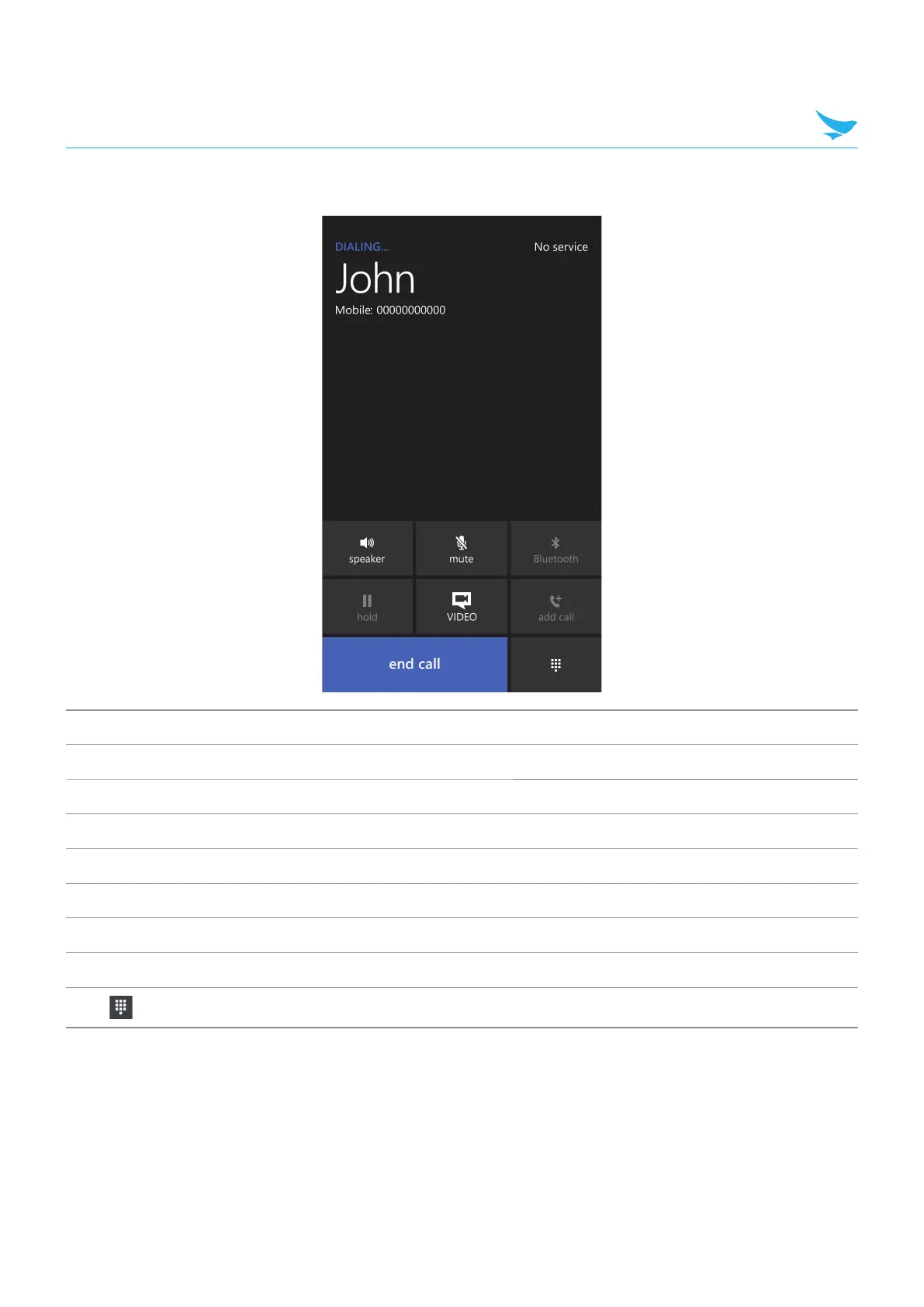
To use options during your call
Icon Description
speaker T
urn the speakerphone on.
mute Mute your microphone.
Bluetooth Transfer the current call to the connected Bluetooth headset.
hold Hold the current call.
VIDEO Change to a video call.
add call Add another person to the call.
end call End the call.
Open the Keypad.



 To Next Page