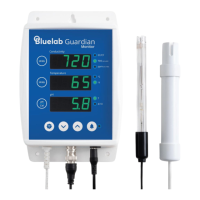
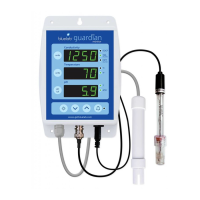
Bluelab Guardian Monitor
Bluelab Corporation Limited 7 Version1:180809_bl
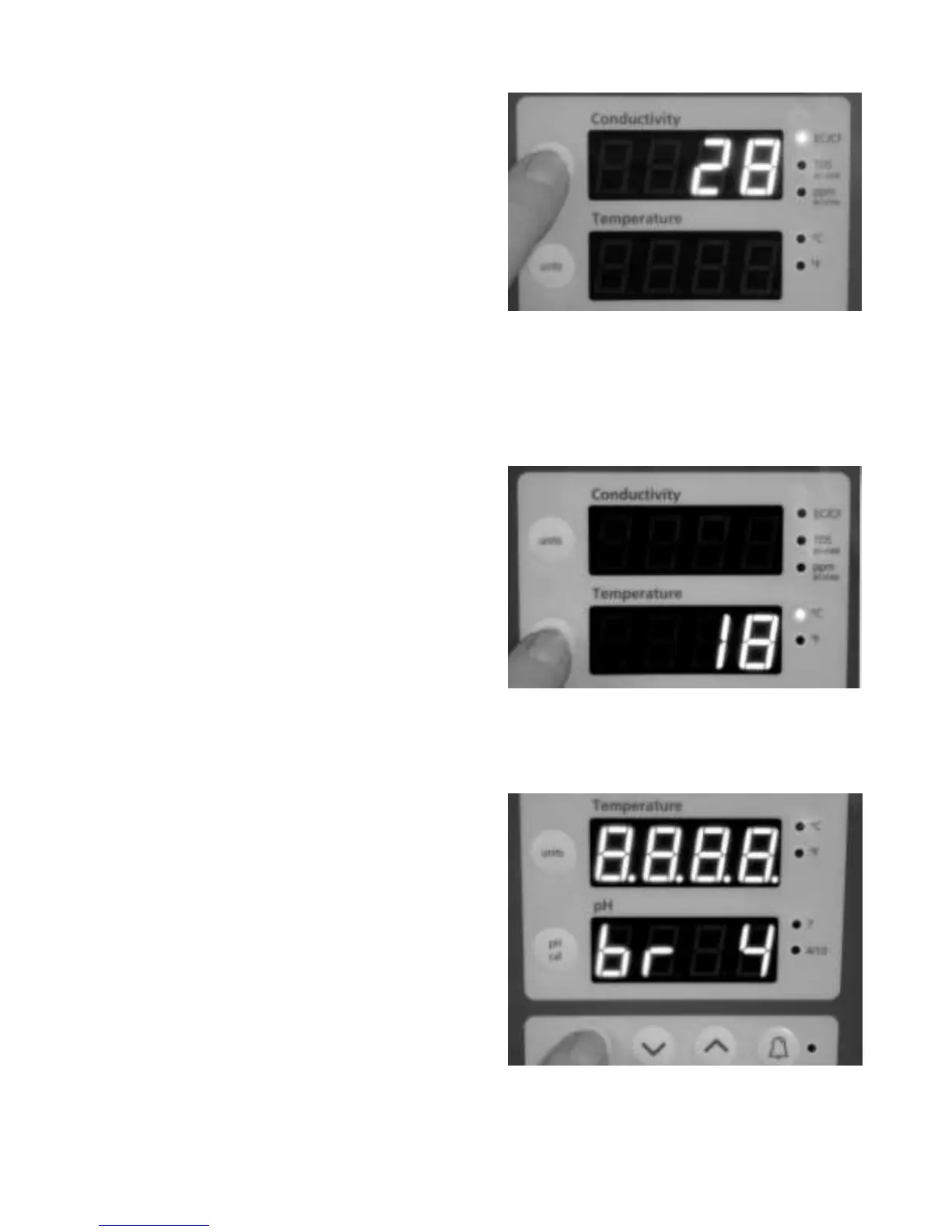
STEP 5 - Select the desired conductivity unit
Conductivity readings can be displayed in EC, CF,
TDS or ppm700. The selected unit is indicated by
one of the 3 LEDs next to the Conductivity window.
When the EC/CF LED is on, the monitor is displaying
conductivity in units of EC or CF. If there is a decimal
point present in the conductivity display, the units
are EC. If there is no decimal point the units are CF.
To change the units to be displayed;
1. Press and hold the conductivity ‘units’ button
and after 3 seconds it will change to the next
unit indicated by the glowing LED.
2. Release.
3. Repeat step 1 and 2 until the desired unit is
selected.
STEP 6 - Select the desired temperature
unit
Temperature readings can be displayed in either
degrees Celsius (°C) or degrees Fahrenheit (°F). The
selected unit is indicated by one of the two LEDs
next to the Temperature window.
To change the unit to be displayed;
1. Press and hold the temperature ‘units’ button
and after 3 seconds it will change to the next
unit indicated by the glowing LED.
2. Release.
3. Repeat step 1 and 2 until the desired unit is
selected.
STEP 7 - Select the desired brightness level
of the LED displays
These can be adjusted to best suit the light levels of
the environment. There are eight (8) levels of
‘brightness’ that can be selected.
To change the brightness;
1. Press and hold the brightness button and at
the same time press either the up or down
buttons to change the brightness. Brightness
levels are shown in the pH window. 1=least
bright, 8=brightest


 To Next Page
 Loading...