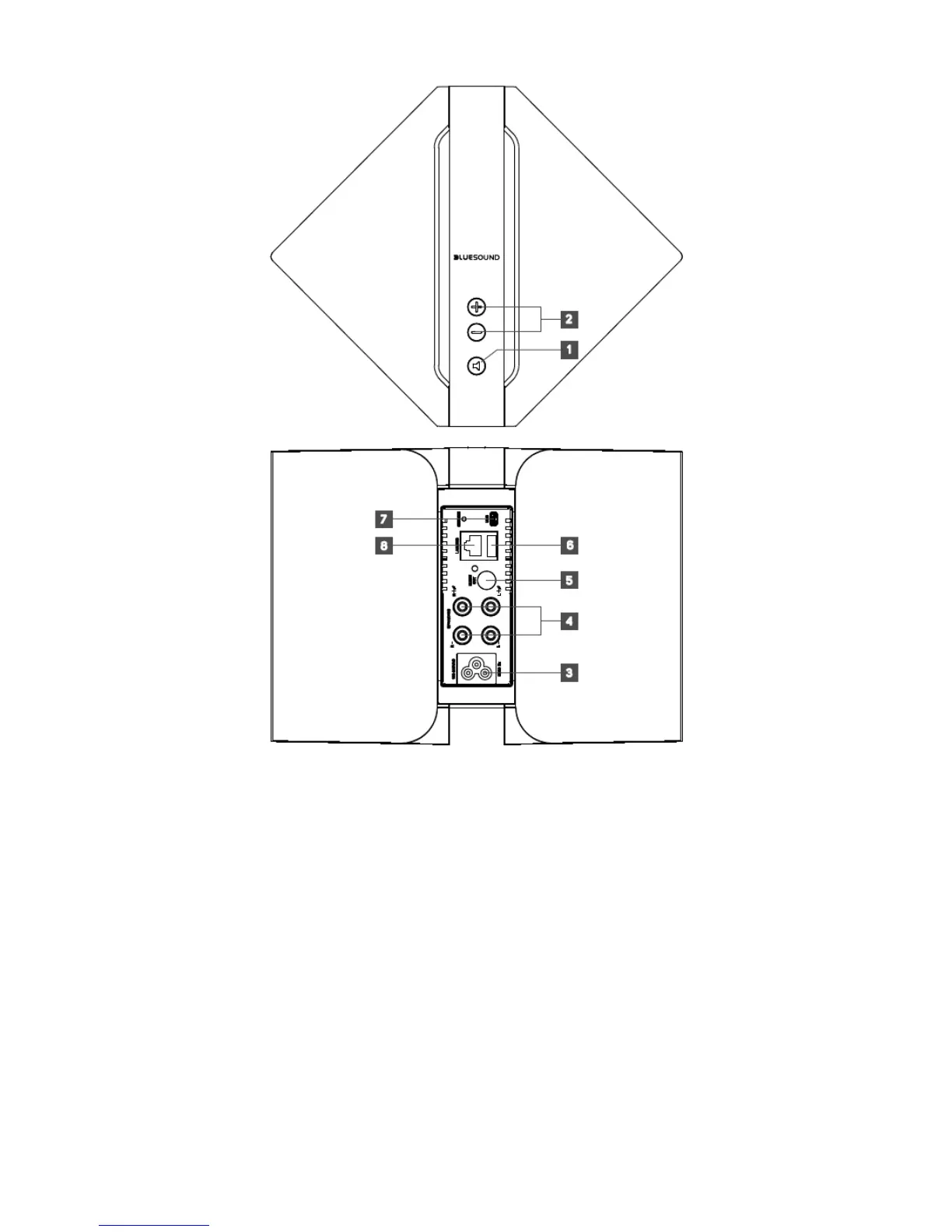
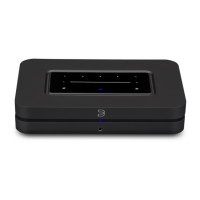
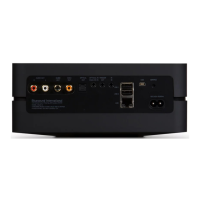
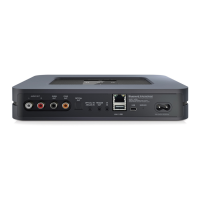
Top & Back of P OWERNODE
1) LED INDICATOR/MUTE
This button has multiple functions - an indicator of network connectivity and a MUTE button.
Below is a table of the LED blink codes and their corresponding descriptions.
LED BLINK CODE DESCRIPTION
Short blue flash, then red Powering up, rebooting the unit
Solid green Hotspot Mode
Flashing green Connecting to Network shares
Solid red Cannot boot; drive error
Red pulse No internet gateway
White pulse Software update ava ilable
Solid red Upgrade mode
Alternate flashing red and green Upgrading…
Flashing blue Mute mode
Solid white I ndexing
Solid blue Connected to Network – ready to use with Bluesound App
Flashing red Factory reset in progress





 To Next Page