Quick Setup Guide
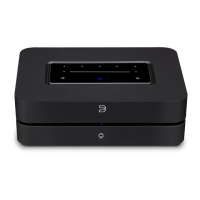
In case you simply cannot wait to experience the performance of your new POWERNODE N150,
we provide the following “Quick Setup Guide” instructions to get you underway.
1 . Connect for Sound
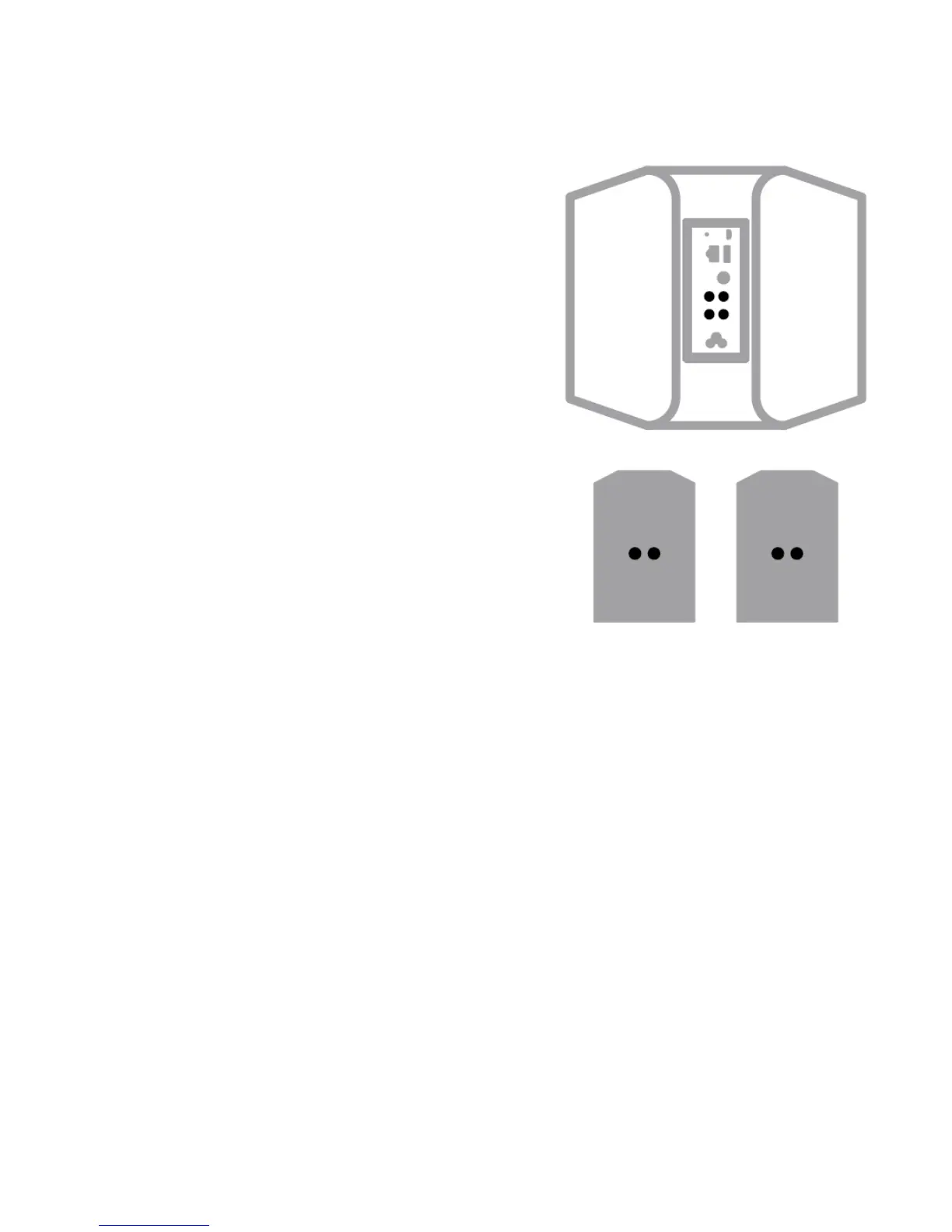
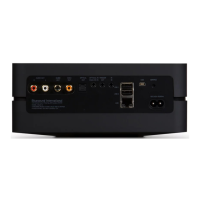
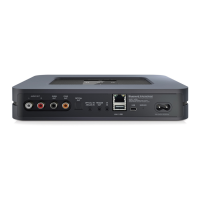
A Connect one end of the speaker wires to the terminals on the back of th e
POWERNODE .
B Connect the other end of the speaker wires to each corresponding
speaker. Make sure the “+” (red) terminal and “ - “ (black) terminal are
connected to the corresponding “+” and “ - “ terminals of the loudspeaker.
Use extra care to ensure that no stray wires or strands cross between posts
or terminals at either end.
A Subwoofer can also be connected directly to the P OWERNODE .
Subwoofer cable not included.





 To Next Page