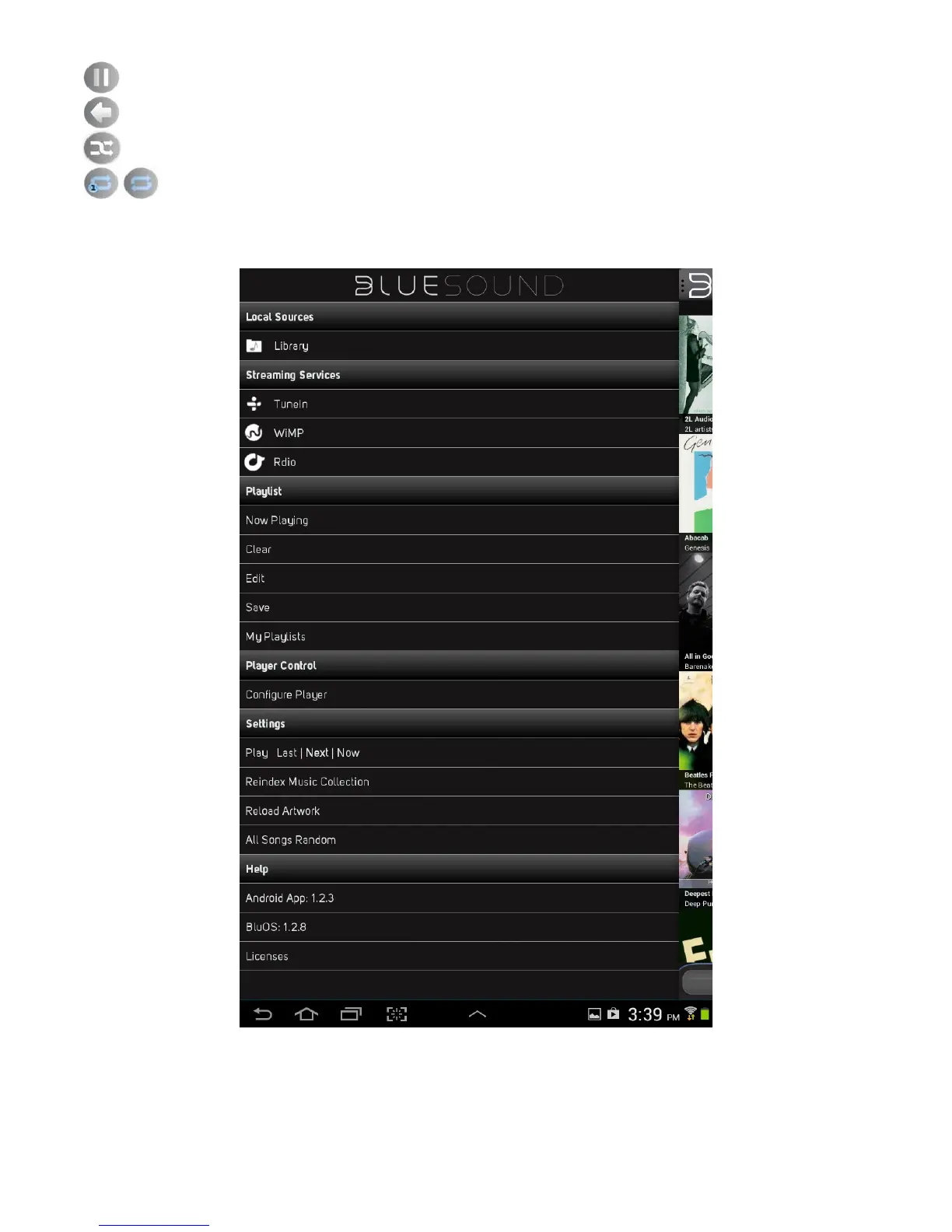
Pause Button – Select to pause playback of song or broadcast.
Previous (back) Button – Select to return to previous display or menu window.
Shuffle Button – Select to playback in random order the songs in the current playlist.
Repeat Button – Select to repeat current song, repeat current playlist or no - repeat.
Navigation Drawer
The following explains the function of each item in the Bluesound Navigation Drawer.




 To Next Page