Deleting a Playlist
To delete a Playlist
1. Select the Playlist button and the catalog of saved Playlists will appear.
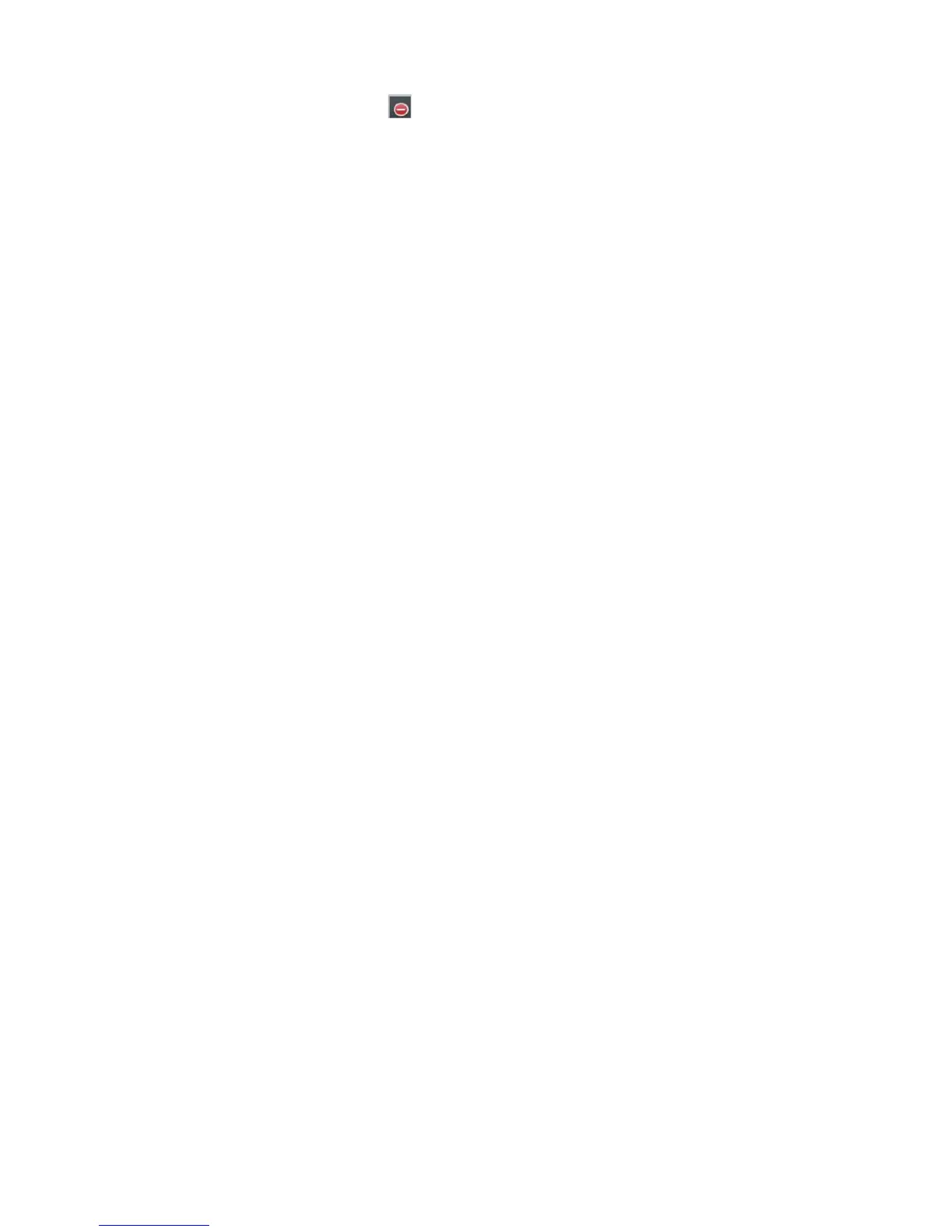
2. Select the Ed it button and this symbol will appear to the left of each saved Playlist name.
3. Select the Playlist name to be deleted and a Delete button will appear to the right of the selected playlist name.
Select Delete to remove the selected playlist from the catalog. Repeat the same steps for other playlist names to be
deleted.
4. Once you complete all the playlist names you want deleted, tap Done to exit Playlist Edit mode.




 To Next Page