17ENGLISH
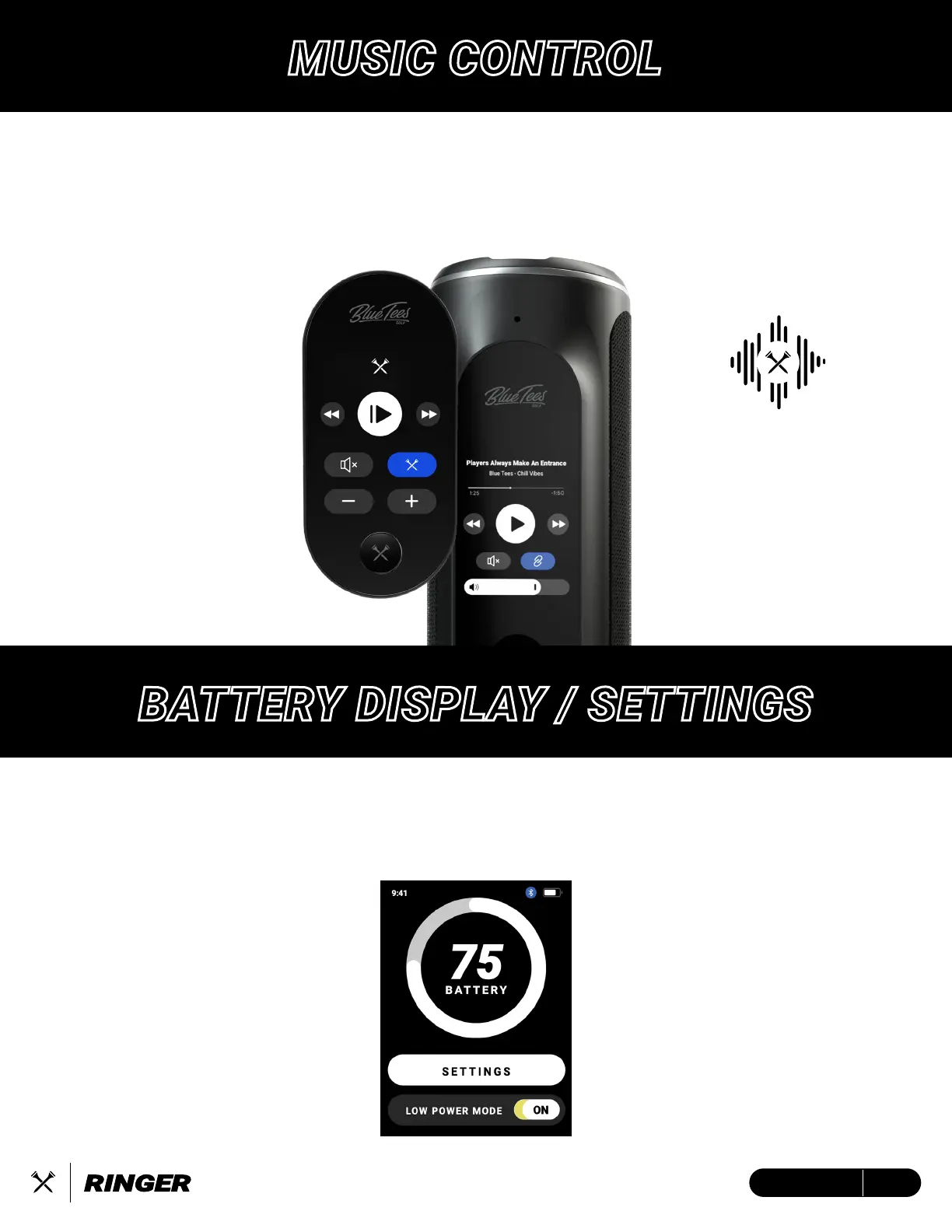
MUSIC CONTROL
When you connect Ringer and Player+ to the Blue Tees Game App, the Music Control screen will
display as an up and down swipe in the Utility screens. Play/Pause or mute your music, as well
as change from previous to the next song. When you tap the blue Crossed Tees button, this will
activate audible Front/Center/Back GPS distances on the Player+ speaker.
“Front 187,
Center 205 Yards
Back 212”
BATTERY DISPLAY / SETTINGS
The Ringer device will support at least 10 hours of battery on a full charge.
See page 5 for more information on charging the device.
Low Power Mode -
When toggled ON:
1. After five (5) seconds, device
screen will dim to 75%
2. After 10 more seconds, device
screen will sleep
3. Tap screen to wake
See page 7 for more information
on device settings


 To Next Page