Energy Monitoring
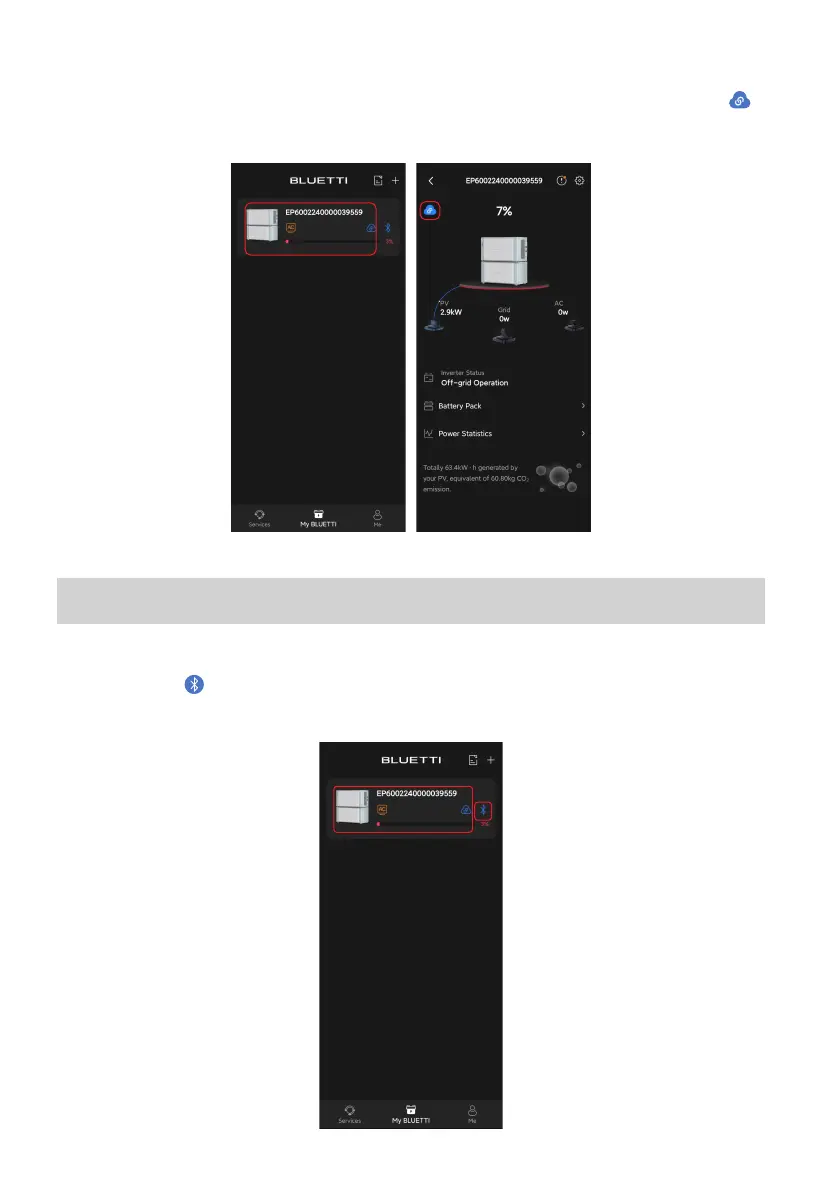
After you establish a successful connection, go to My BLUETTI page and tap EP600 name
area or the icon and you can view its operation status, including the remaining battery
level, charging and discharging status, battery pack status, and more.
■
Connect to EP600
Go to My BLUETTI page, and tap the EP600 name area to connect via WiFi. You'll see
in the upper left corner of operation status page.
11



 To Next Page