MD8 MAIN FRAME INSTALLATION
14
The MD8 main frame assembly, Fig 1, is shipped with
some of the retaining pins and bolts installed. It will be
necessary to remove the pins as the different parts are
assembled on the main frame. The main frame should
be installed on the mounting frame plate as follows:
(1) Position the Backhoe Mainframe (item 1) over the
mounting plate on the mounting Frame. Maneuver the
main frame until the eight holes in the main frame
align with the eight (8) holes in the mounting plate.
Secure the mainframe with eight (8) each 5/8” x 2”
machine bolts, lockwashers and hex nuts supplied in
the mounting frame kit. Torque the bolts and nuts per
Table 1, Page 39.
Fig. 2
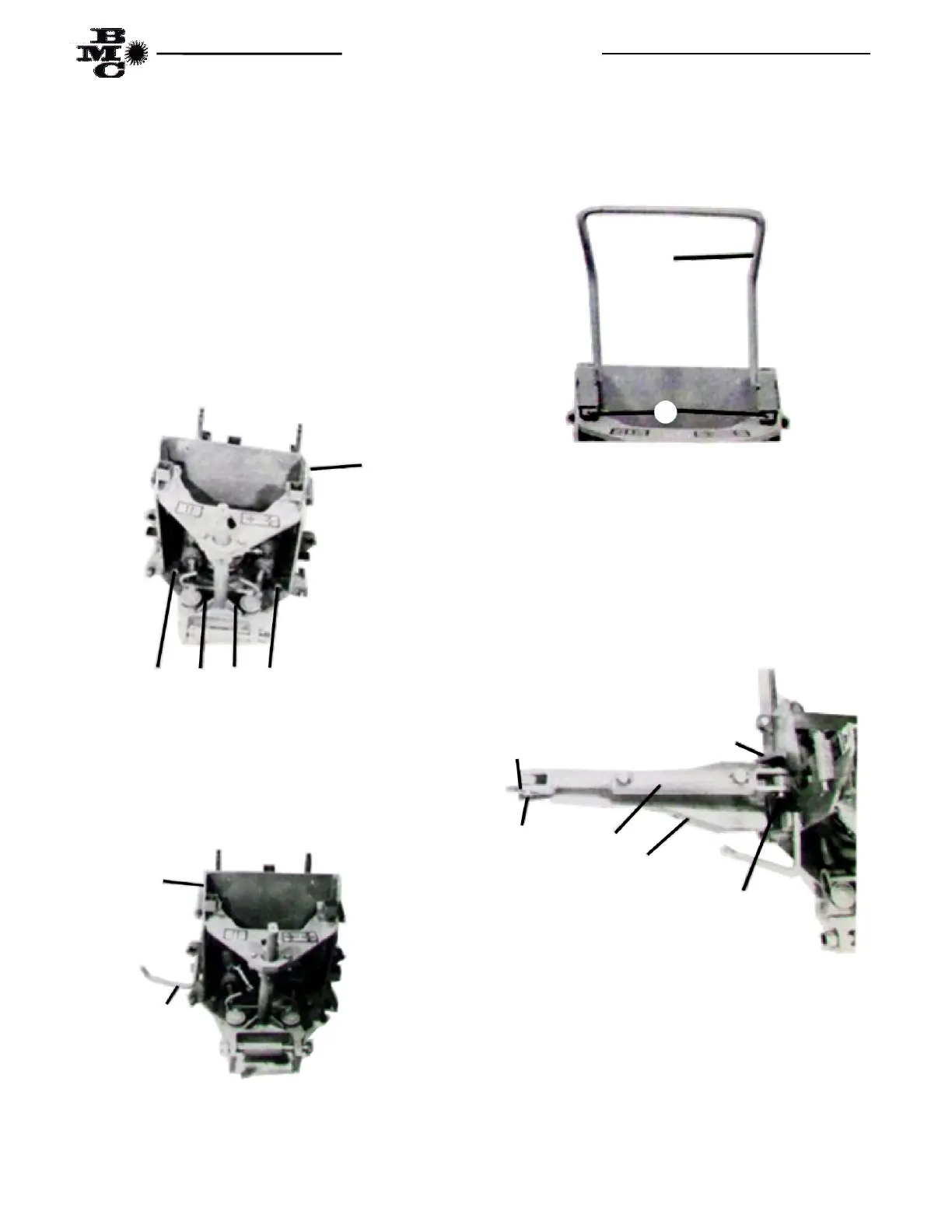
(2) Install the left step (Item 3) in the step mounting
receptacle located on the left side of the Backhoe main
frame with orientation of the step as shown in Fig. 3.
(3) Repeat step two to install the right step (Item 2).
Fig. 3
(4) Install the grab bar (Item 4) in the grab bar
mounting receptacle located on the inside of the side
plates and just above the top plate. Secure the grab bar
with two (2) 3/16” x 1 ½” cotter pins (Item 11) as
shown in Fig. 4.
Fig. 4
(5) Attach the left stabilizer arm (Item 5) between
the stabilizer mounting lugs, located on the left side of
the mainframe near lower edge, securing the arm to the
mainframe with one (1) each stabilizer pin (Item 6) and
two (2) each 3/16” x 1 ½” cotter pins as shown in Fig.
5.
Fig. 5
(6) Repeat step 5 for the right side stabilizer arm.
1
Bolts, Machine 5/8” x 2”
1
2
11
10 9
5
10
6
4
11



 To Next Page