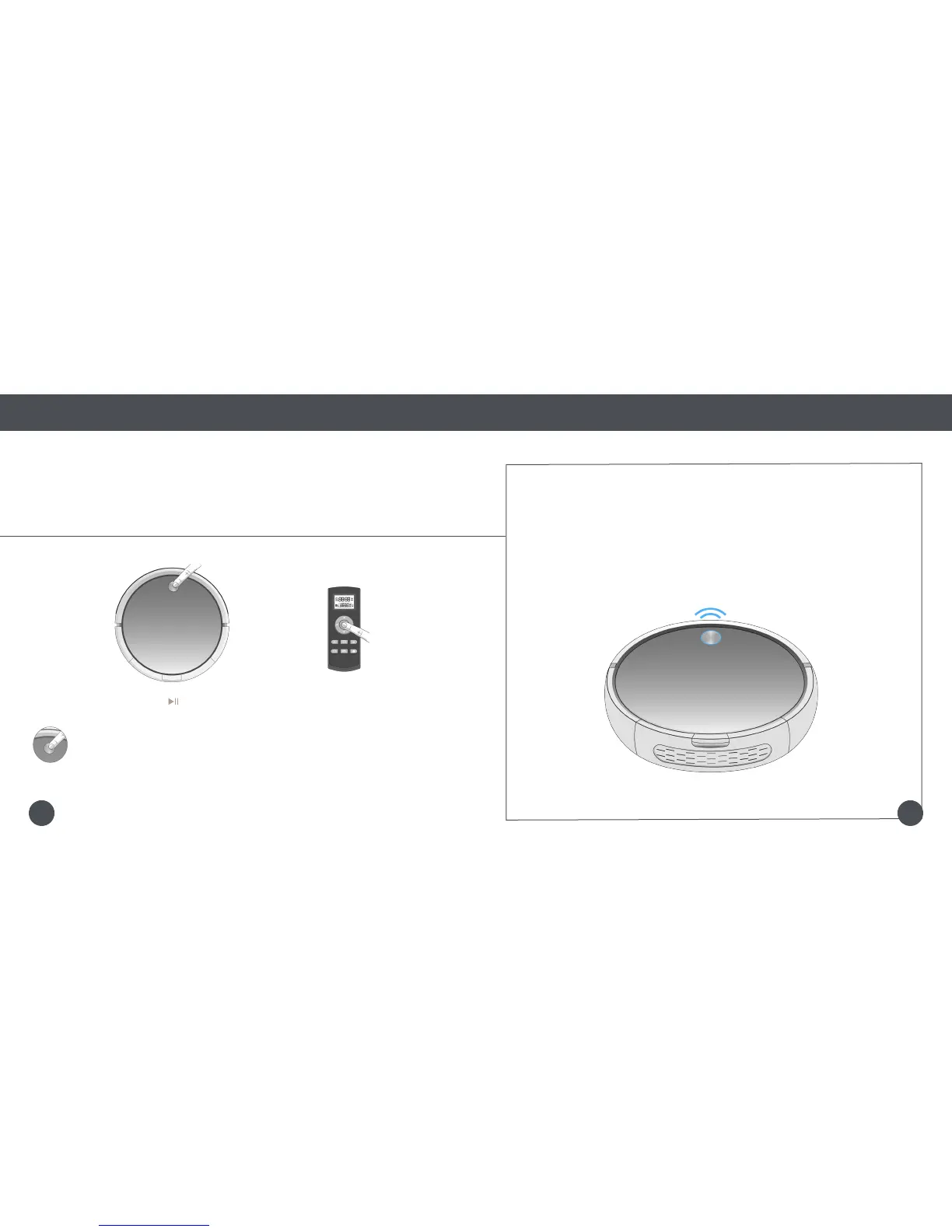
Step 2: Click and Go!
Once Bob is fully charged, he is ready to clean!
Quick Start
Getting Started
Get Bob Started: Bob will be ready to clean in just 2 easy steps.
Quick Tip:
If Bob is left idling for 5 minutes, he will enter standby mode to conserve his battery
When in standby mode, Bob is paused.
To take him out of standby mode, press his cover button or any button on his remote.
Press Bob’s cover button, or the button on his remote, and he will clean on his default Robot mode.
OR
Bob works on the 2-Click System!
1 click to clean, and 2 clicks to charge.
It’s as easy as 1-2-Sweep.
1413















 To Next Page