Quick Start
Remote Control
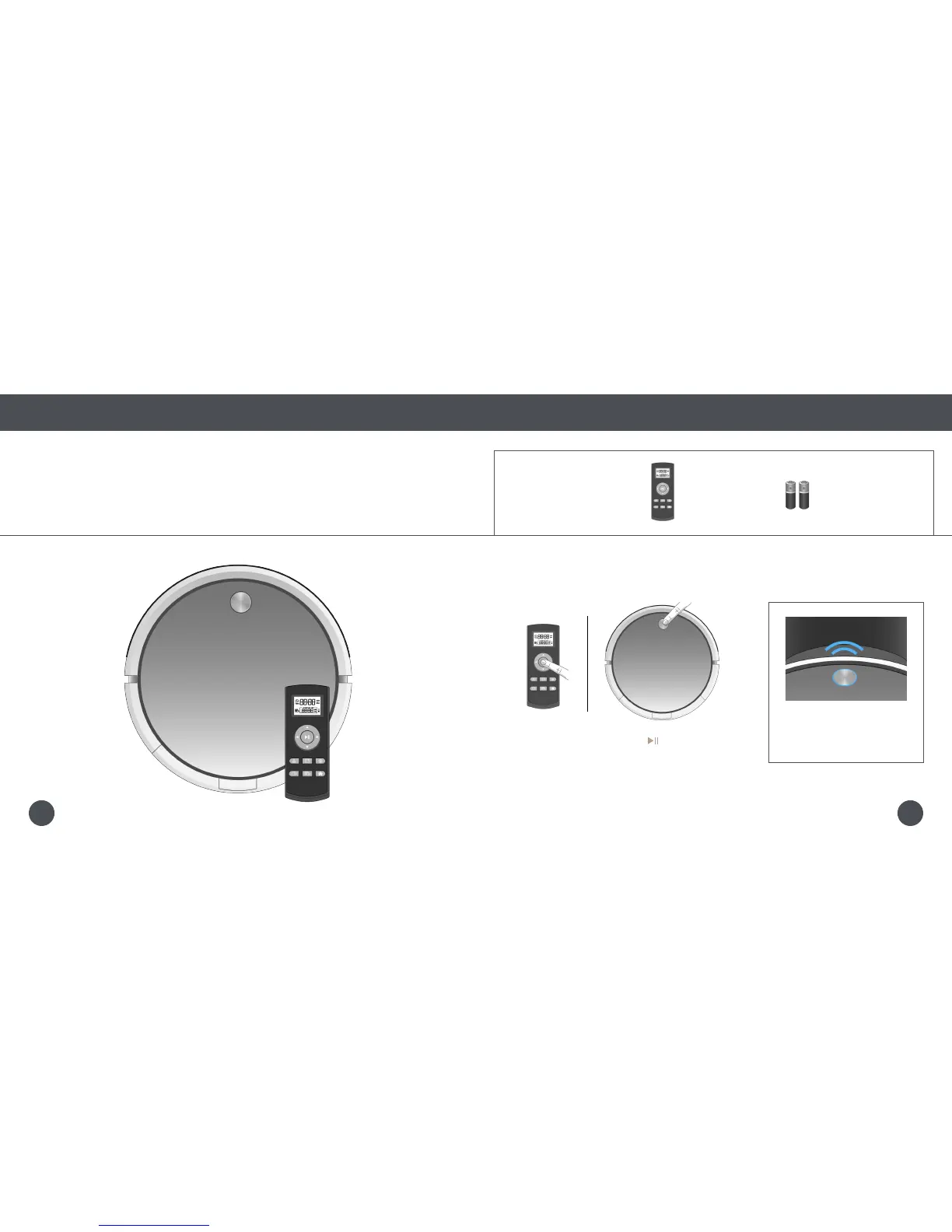
Syncing the Remote
Syncing the Remote
If Bob is not responding to his remote, he may need to be synced to it. You will only need to do this
once. Make sure the remote has a working pair of batteries before proceeding.
Parts You’ll Need: Remote Control AAA Batteries x2
(not included)
1. While still holding down the button, press
and hold Bob’s cover button for 4 seconds.
Bob will chirp 3 times to let you
know the sync was successful.
2625















 To Next Page