BodorWelder Fiber Laser User Manual-V1.1
Bodor Inc.
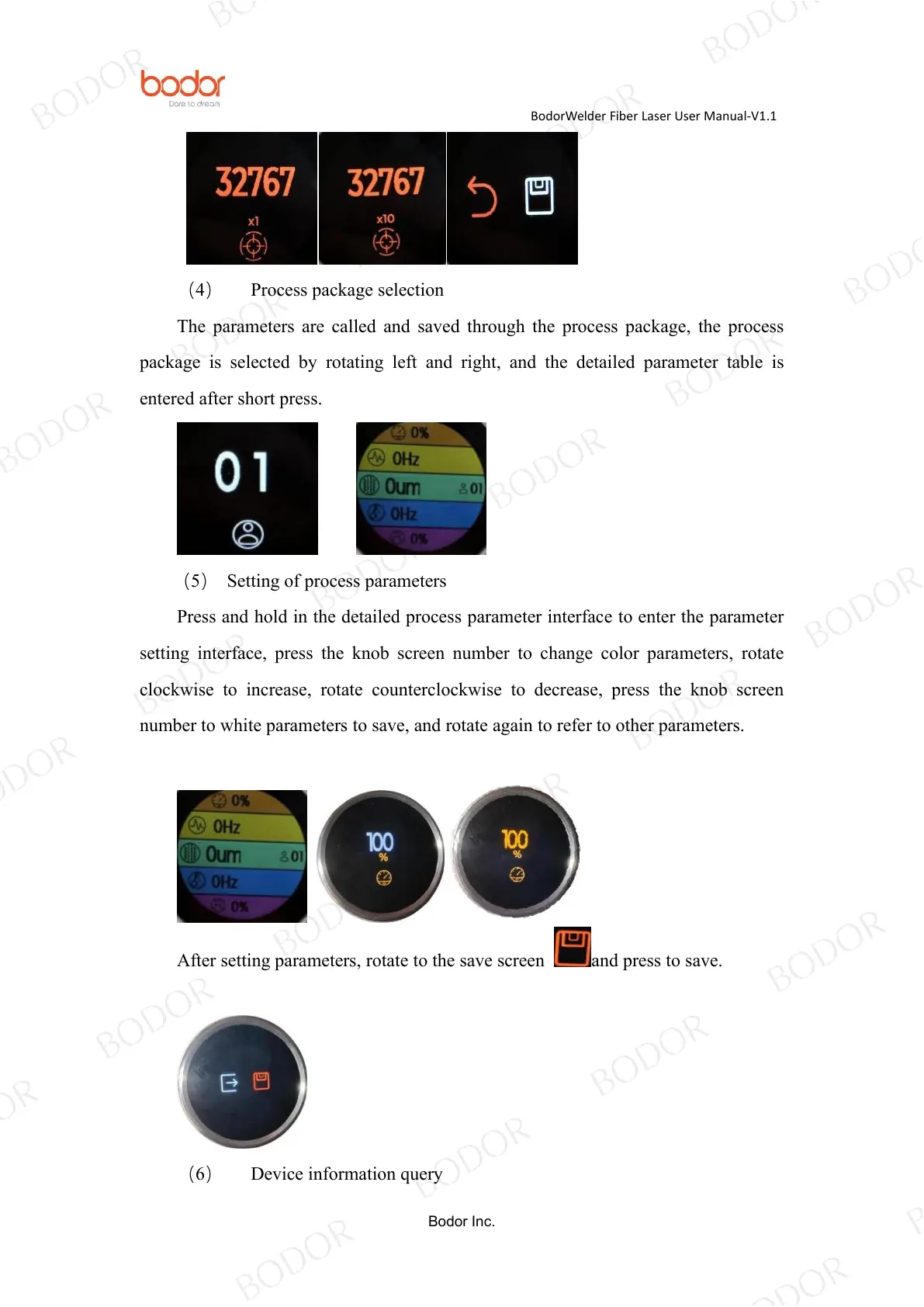
(4) Process package selection
The parameters are called and saved through the process package, the process
package is selected by rotating left and right, and the detailed parameter table is
entered after short press.
(5) Setting of process parameters
Press and hold in the detailed process parameter interface to enter the parameter
setting interface, press the knob screen number to change color parameters, rotate
clockwise to increase, rotate counterclockwise to decrease, press the knob screen
number to white parameters to save, and rotate again to refer to other parameters.
After setting parameters, rotate to the save screen and press to save.
(6) Device information query



 To Next Page