Bomgar Appliance Installation
Depending on the appliance type, your installation instructions may vary. Review the section that pertains to your appliance type.
l Install the Bomgar B200 Appliance in Your Server Rack
l Install the Bomgar B300 or B400 Appliance in Your Server Rack
Install the Bomgar B200 Appliance in Your Server Rack
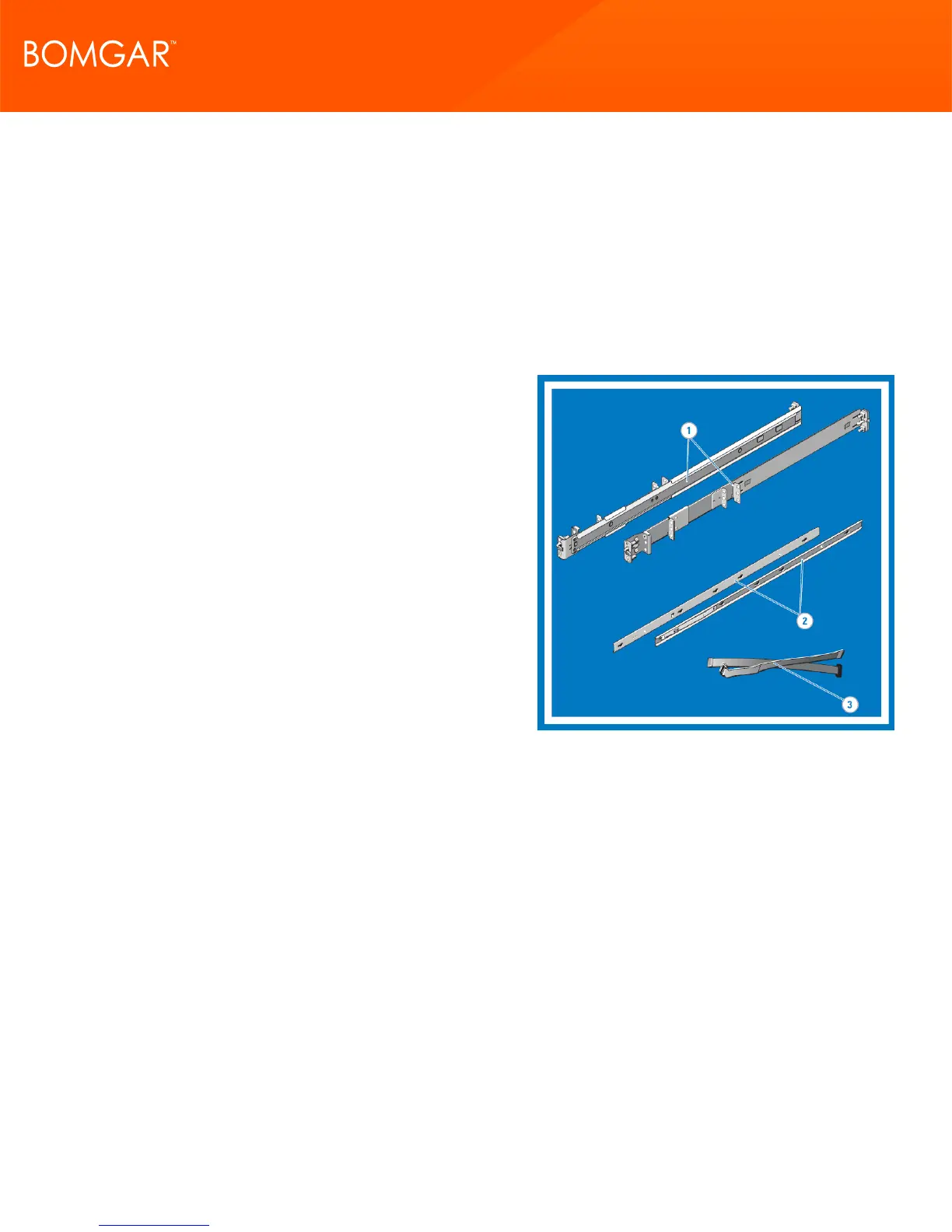
1. Identifying the Rail Kit Contents
Locate the components for installing the rail kit assembly:
l Two Dell ReadyRails static rails
l Two chassis rail members
l Two Velcro straps
CONTACT BOMGAR info@bomgar.com | 866.205.3650 (US) | +44 (0) 1628 480 210 (UK/EMEA) BOMGAR.COM 6
© 2017 Bomgar Corporation. All rights reserved worldwide. BOMGAR and the BOMGAR logo are trademarks of Bomgar Corporation; other trademarks shown are the property of their respective owners. TC: 1/11/2018
REMOTE SUPPORT APPLIANCE INSTALLATION



 To Next Page