EasyManua.ls Logo

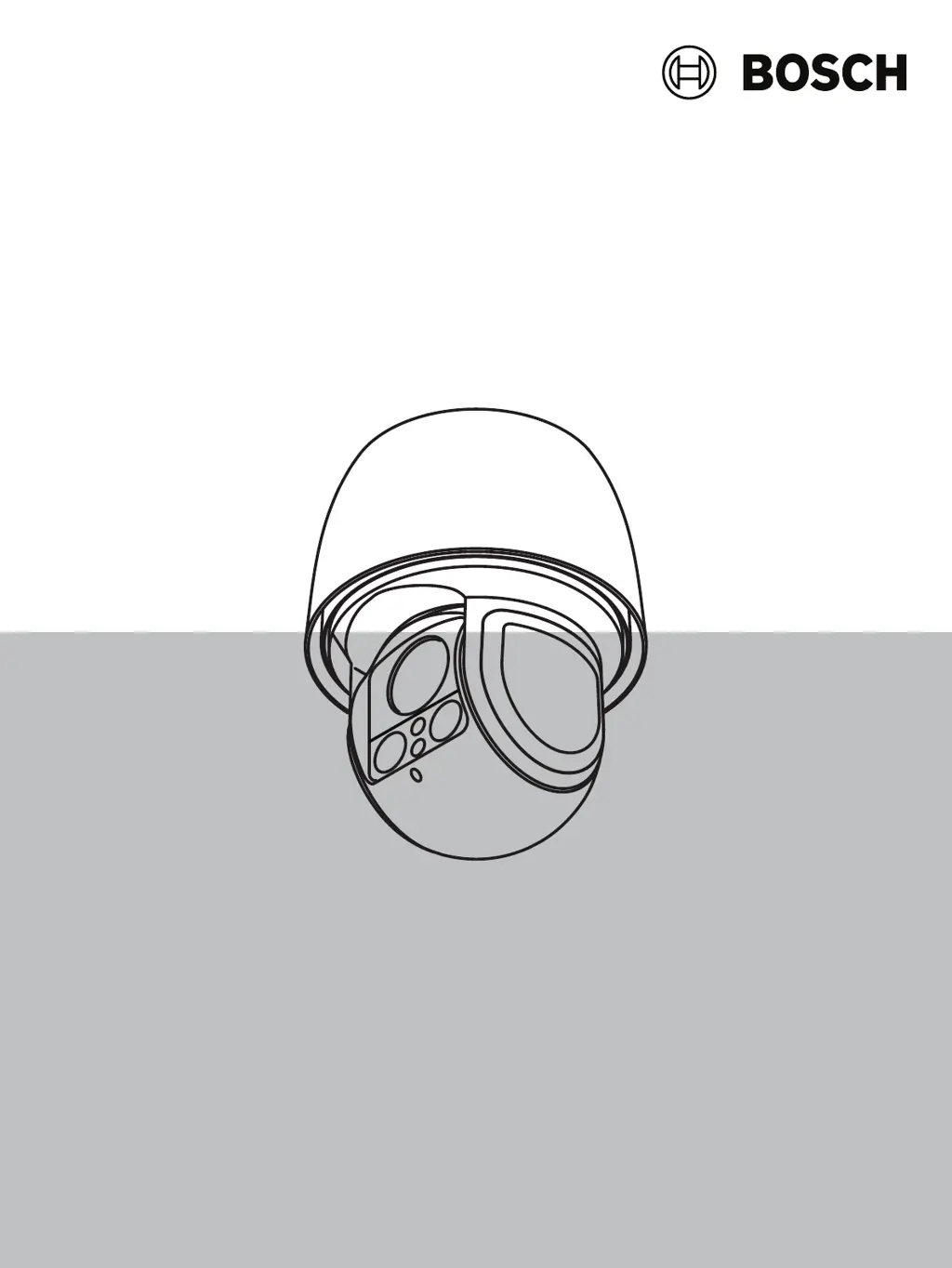
Bosch AUTODOME IP starlight 5000i IR - User Manual

Bosch AUTODOME IP starlight 5000i IR
72 pages
Print Icon
To Next Page IconTo Next Page
Loading...
AUTODOME IP starlight 5000i IR
NDP‑5512‑Z30L│NDP‑5512‑Z30L-P
en
User Manual

Table of Contents

Questions and Answers

  • S
    samantha65Sep 23, 2025
    How to improve weak contrast on the screen of my Bosch Digital Camera?
    • K
      Katherine WallaceSep 23, 2025
      If the contrast on the screen of your Bosch Digital Camera is too weak, adjust the contrast feature of the monitor. Also, check if the camera is exposed to strong light; if so, reposition the camera.
  • M
    Miss Diana PerkinsAug 25, 2025
    Why does my Bosch Security Camera reboot frequently?
    • J
      john30Aug 25, 2025
      If your Bosch Security Camera frequently or intermittently reboots, try testing it with an alternative power supply. Also, check the Bosch website for any available software updates that may address this issue.
  • V
    Victoria OwensAug 25, 2025
    How to fix a dark picture on Bosch Security Camera?
    • M
      Michael AshleyAug 26, 2025
      If your Bosch Security Camera has a dark picture, check that the Gain Control is set to High and that the Auto Iris Level is set to the appropriate level. Ensure that the maximum distance between any two Ethernet connections is 100 m (328 ft) or less. If needed, restore all camera settings.
  • M
    Melissa SmithAug 27, 2025
    What to do if my Bosch Security Camera has no network connection?
    • A
      Ashley BuckleyAug 27, 2025
      If your Bosch Security Camera is not connecting to the network, verify all network connections. Make sure that the distance between any two Ethernet connections does not exceed 100 m (328 ft). If you are using a firewall, ensure that the Video Transmission mode is set to UDP.
  • H
    Heather SimpsonAug 27, 2025
    Why is the video rolling on my Bosch Security Camera?
    • M
      Michael PerezAug 27, 2025
      If you're experiencing rolling, noisy, or distorted video on your Bosch Security Camera, start by checking the integrity of all connectors and splices of the shielded Ethernet cable.
  • W
    William HallSep 15, 2025
    What to do if nothing appears on the screen of my Bosch Digital Camera?
    • W
      William AcevedoSep 15, 2025
      If nothing appears on the screen of your Bosch Digital Camera, check if the power cord and line connection between the camera and monitor are properly connected.
  • N
    Nicole BradleySep 12, 2025
    What to do if my Bosch Digital Camera does not operate after exposure to extreme low temperatures?
    • A
      Andrew AyersSep 12, 2025
      If your Bosch Digital Camera does not operate after exposure to extreme low temperatures (below -40 ° (-40 °F)), allow the camera to warm up. You can also reset the camera by typing “/reset” at the end of the IP address of the camera in your web browser.
  • R
    Ronald MartinezSep 14, 2025
    How to resolve a dim image on the screen of my Bosch Digital Camera?
    • D
      David VillegasSep 14, 2025
      If the image on the screen of your Bosch Digital Camera is dim, check if the bubble is dirty. If it is, clean it with a soft, clean cloth.
  • C
    Casey CookSep 5, 2025
    What to do if my Bosch Digital Camera moves when attempting to move other cameras?
    • B
      Brent HarrisSep 5, 2025
      If your Bosch Digital Camera moves when you're trying to move other cameras, check that the camera’s IP address is properly set. Use Configuration Manager to confirm that two cameras do not have the same IP address. If they do, change the address of one of the cameras.
  • M
    Mark SmithSep 2, 2025
    Why is there no network connection for my Bosch Digital Camera?
    • D
      Daniel StevensSep 2, 2025
      If your Bosch Digital Camera has no network connection, verify all network connections. Also, ensure that the maximum distance between any two Ethernet connections does not exceed 100 m (328 ft). If you're using a firewall, check that the Video Transmission mode is set to UDP.

Summary

Introduction

System Requirements

Details the hardware and software prerequisites for camera operation.

Establishing the Connection

Guides on setting up network connectivity and IP addressing for the camera.

Password Protection

Explains security measures for accessing the camera, including initial password setup.

System Overview

Camera

Installer Menu

Provides access to core camera settings like sensor mode, image rotation, and LEDs.

Encoder Profile

Adapts video data transmission settings for different network environments.

Recording

Storage Management

Covers configuration of storage media, including iSCSI and local SD cards.

Alarm

Alarm Connections

Configures how the camera responds to alarms, including IP address connections.

Network

Troubleshooting

Table of Troubleshooting Issues

Identifies common problems and provides actions to resolve them.

Physical Reset Button

Explains how to perform a hardware reset for various troubleshooting scenarios.

Bosch AUTODOME IP starlight 5000i IR Specifications

General IconGeneral
Low-light PerformanceStarlight technology
Ingress ProtectionIP66
IK RatingIK10
Sensor Type1/2.8-inch CMOS
Video CompressionH.265, H.264, MJPEG
Lens TypeVarifocal
Frame RateUp to 60 fps
Vandal ResistanceIK10
Optical Zoom30x
Operating Temperature-40 °C to +60 °C (-40 °F to +140 °F)
PowerPoE+ (IEEE 802.3at)
ApertureF1.6 to F4.7
Day/NightTrue Day/Night
Audio2-way audio
Network Interface10/100 Base-T Ethernet
Power Supply24 VAC; High PoE (IEEE 802.3at, Class 4)
Focal Length4.3 mm to 129 mm

Related product manuals