D8125INV
Installation
D8125INV Operation and Installation Guide
49690E Page 26 © 2005 Bosch Security Systems
2.
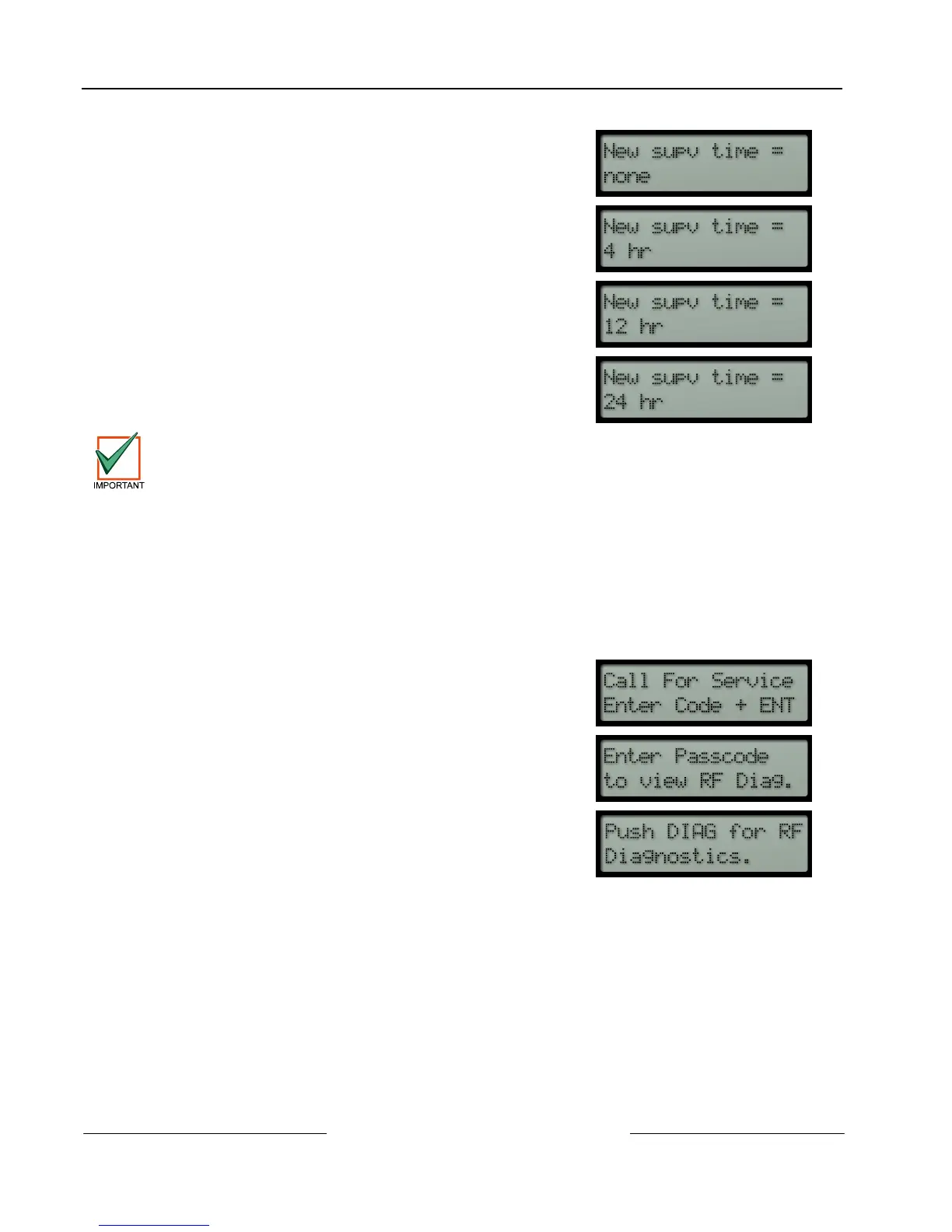
If [1] + [ENT] is pressed, the keypad will display (for two
seconds before returning to the main menu):
If [2] + [ENT] is pressed, the keypad will display (for two
seconds before returning to the main menu):................................
If [3] + [ENT] is pressed, the keypad will display (for two
seconds before returning to the main menu):................................
If [4] + [ENT] is pressed, the keypad will display (for two
seconds before returning to the main menu):................................
The Supervision Interval for Fire Points (Modes 8 – 12) will remain fixed at 4 hours regardless of
programmed value.
If a receiver does not receive a check-in transmission or any other type of transmission (ex. “Alarm, Tamper”) within the
time programmed, the D8125INV will send a Missing condition for that point to the control panel.
3.6.6 RF Diagnostics Function
The RF Diagnostics function allows you to troubleshoot individual RF transmitters programmed in the system. This
menu is split into two sub-menus: Individual point status and Off-Normal point status.
To access the RF Diagnostics menu, follow the steps shown below.
1.
To access this function, one of two methods can be used.
Press [DIAG] on the keypad from idle text.
a.
Enter a valid passcode and press [ENT]:
b. From the main menu (after a valid passcode has been
entered), press [DIAG] on the keypad.




 To Next Page