D8125INV
Installation
D8125INV Operation and Installation Guide
49690E Page 28 © 2005 Bosch Security Systems
To view the next RF point number programmed in the D8125INV, press [NEXT], otherwise press
[PREV] to see the previously programmed RF point.
5.
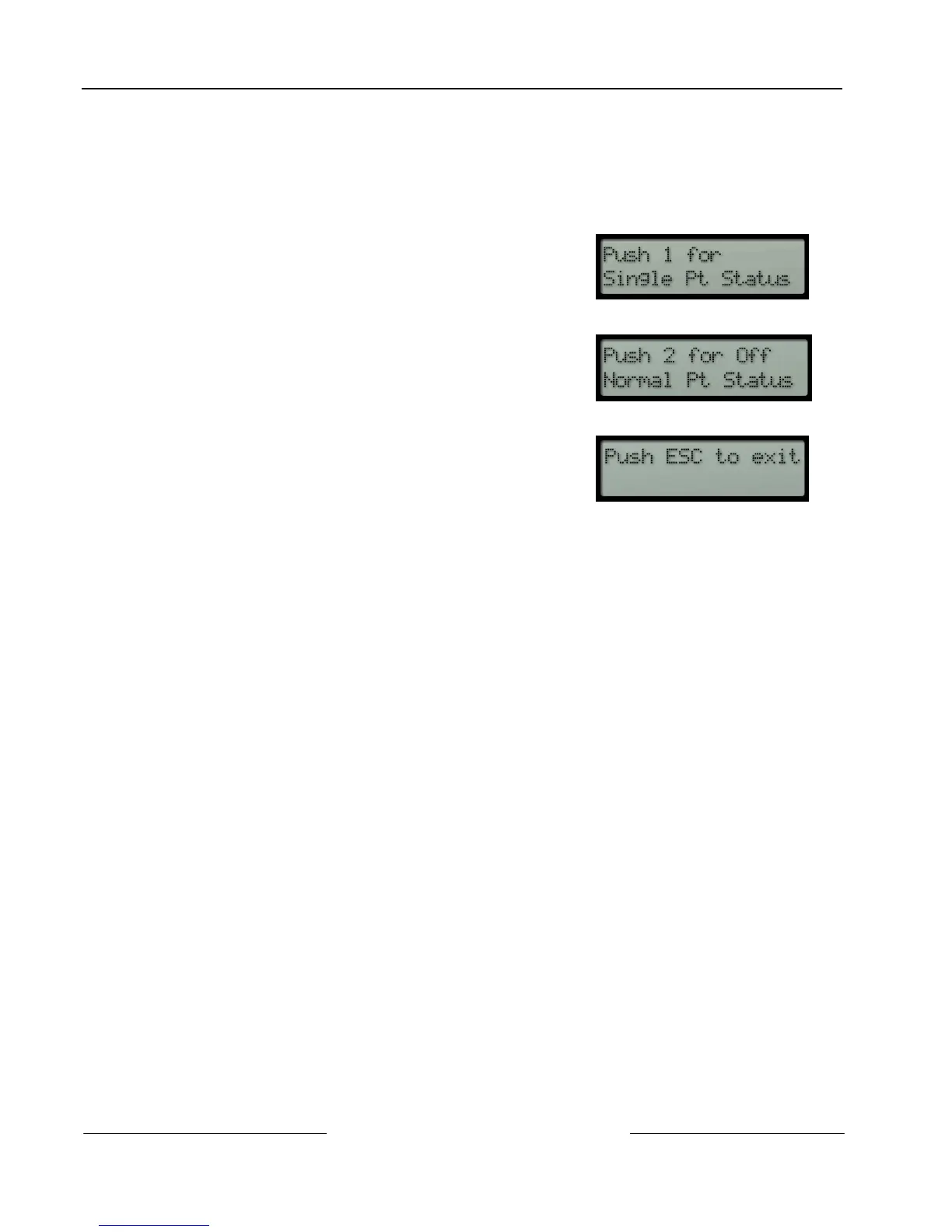
If [2] is pressed from this menu, the keypad will display all off-normal points at a 2-3 second scroll
rate. By pressing [NEXT] or [PREV] while this is scrolling stops the auto scroll. The [NEXT] and
[PREV] keys are used to view point status individually. (See Figure 18)
6.
The keypad will then revert back to the initial Diagnostics menu:
See step 4
See step 5




 To Next Page