17
1
2
3
4
Press the
ON/OFF
button
to turn it “On”.
Use the
button to select the
“cycle”.
Preparation
1. Check the temperature settings.
2. Check that the current time is correct.
An example of using hot water from
6:00 a.m. to 9:00 p.m. is described.
Press the
SET
button to change the
display to “pre-heat”.
When a timer period is set, circulation mode will automatically
turn on during that time.
Until the timer operation is canceled ( P19), circulation
operates during the same period every day.
Timer Setting Period for Circulation-1
When using a hot water storage tank circulation system,
do not set the timer for instant hot water operation.
If you are unsure how to use such a system, please contact
the retailer.
(Continued)
Press the button
until the is set to
“AM 6 - 7”.
* The
ON/OFF
is lit.
* The symbol blinks and
circulation mode starts
automatically.
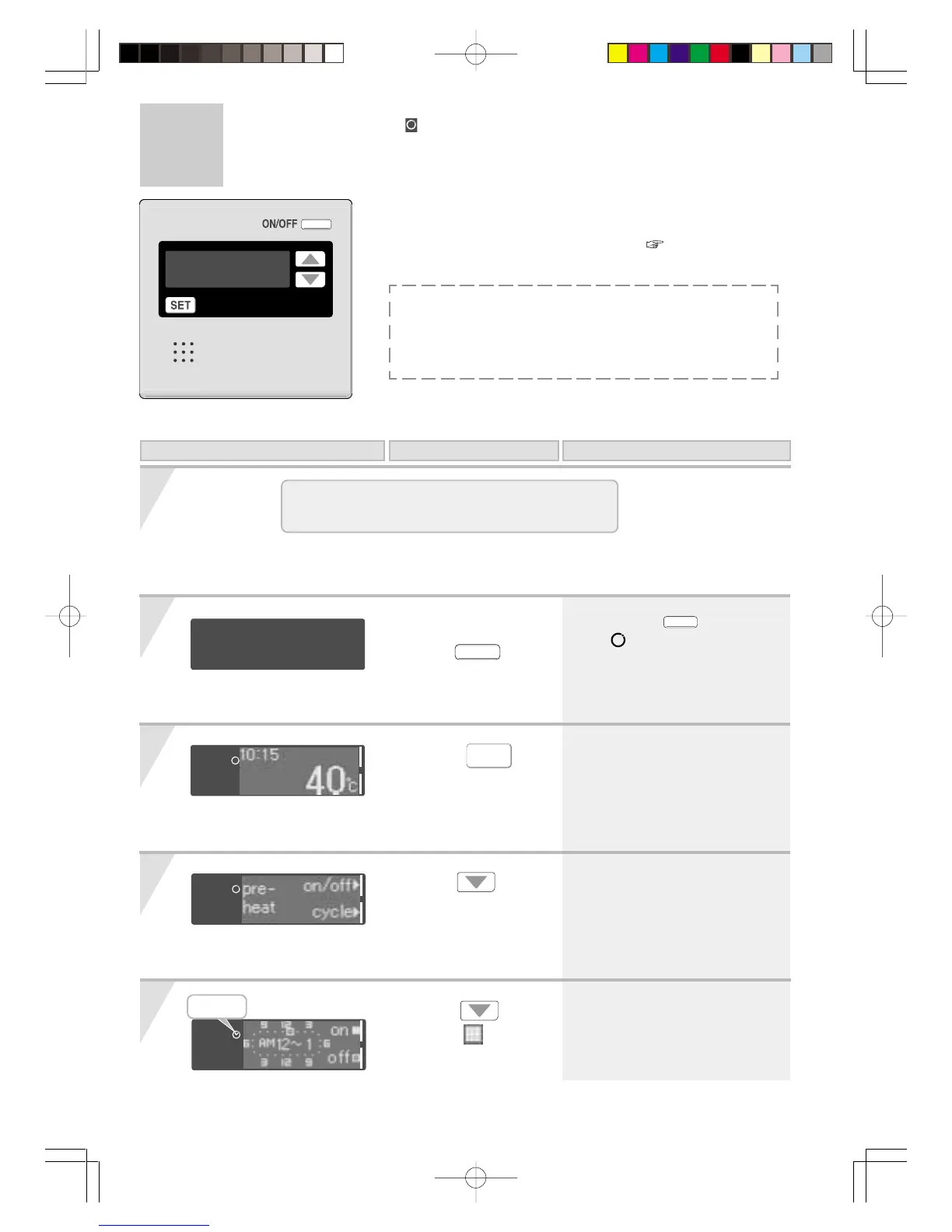
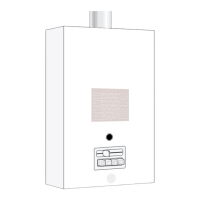
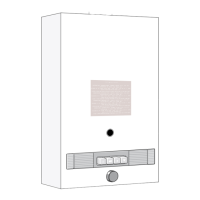
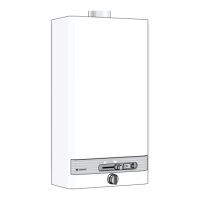
When using RCM3211
Display of on the remote controller
Lamp on
On this Display Operation Description




 To Next Page