Local set-up
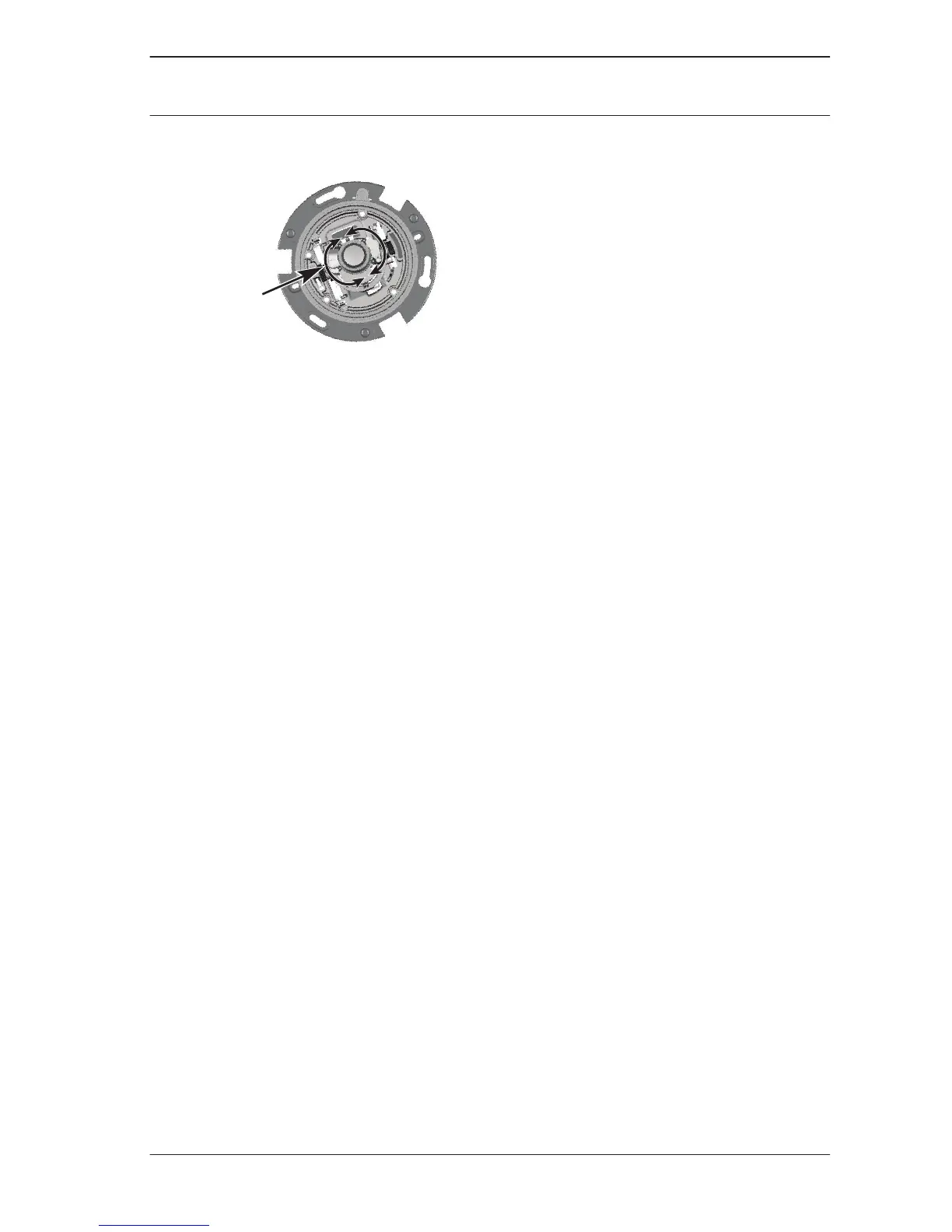
The Menu button on the control panel is used to access the
camera install wizard. When there is a choice in the wizard, the
options are selected by either a short press (less than 2 s) or a
long press (more than 2 s) of the Menu button.
Use the install wizard for the following functions:
– Choose application variant
– Change image orientation
– Activate automatic back focus
– Choose analog output
Note:
The zoom and focus are adjusted again later (with the dome
bubble in place) via the web browser. This optimizes picture
sharpness in both bright and low-level lighting.
Using the install wizard
To perform the set-up:
1. Power-up the camera and wait briefly until all LEDs show
green.
2. Open the camera install wizard by pressing the Menu
button.
3. To change the variant, briefly press Menu a number of
times until the desired variant is shown (remember that
changing the variant will reboot the system and may
eventually need a reset to return to factory defaults).
5.6
5.6.1
FLEXIDOME IP starlight
7000 VR
Installation | en 23
Bosch Security Systems 2016.06 | v1.0 | AM18-Q0710


 To Next Page