en-us Basic Operation
32
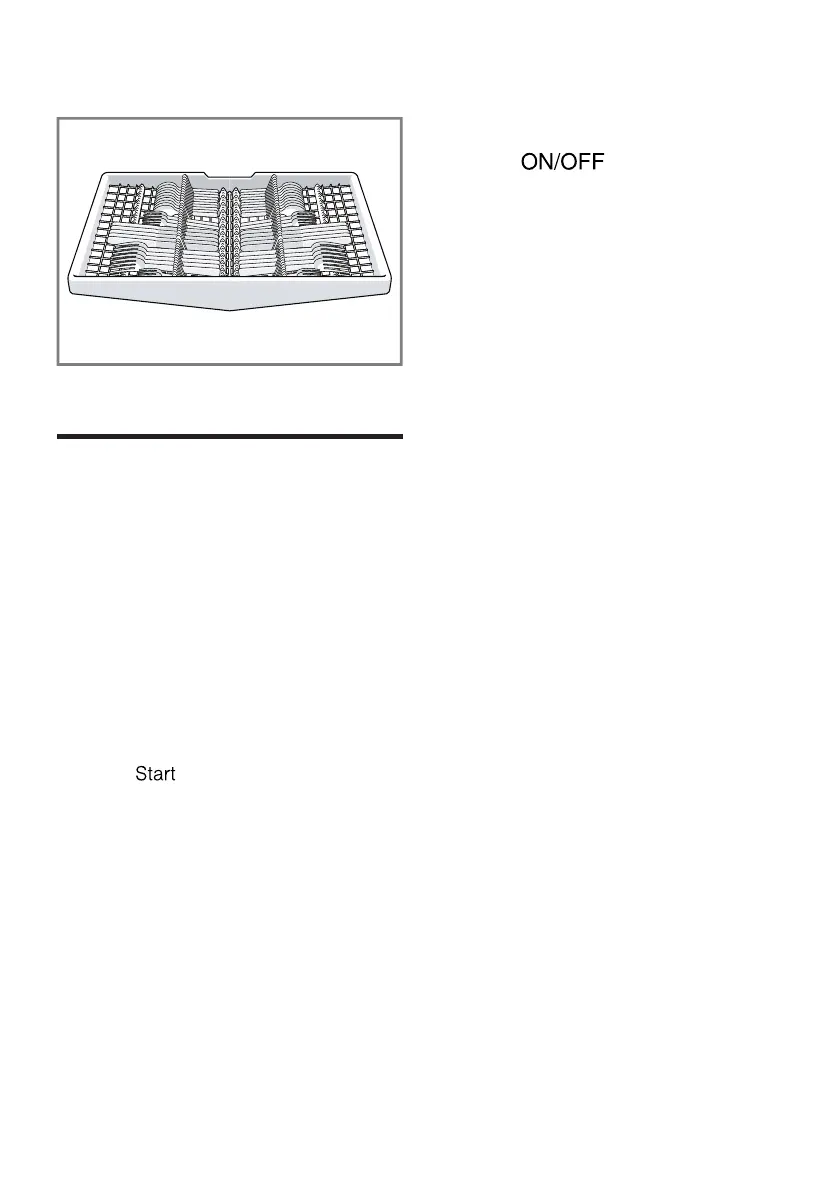
Third rack
Basic Operation
13 Basic Operation
Basic Operation
13.1 Protection against unin-
tentional operation
Your dishwasher has a built in feature
to help prevent unintentional operation,
e.g. by children. After starting the
appliance, the door has to be closed
within 4 seconds, otherwise the
operation will be paused. If this occurs,
follow the steps below to restart your
dishwasher.
▶ Press and close the door.
a The wash cycle will resume.
Note
Unintentional operation is activated
when:
¡ Pressing Start to begin a wash cycle
¡ Setting Delay time and pressing
Start
¡ Opening the door while Delay time
is active
¡ Opening the door during a wash
cycle.
¡ This feature cannot be deactivated.
13.2 Switching on the appli-
ance
▶ Press .
The program last selected and the
additional function last selected will
be set by default.
If you do not perform any actions on
the appliance for 10 minutes, it will
automatically switch off.
13.3 Setting a cycle
To adjust the wash cycle to the soiling
level of the dishware, select a suitable
program.
▶ Press the right cycle button.
a The cycle is set and the cycle button
flashes.
13.4 Setting options
You can set options to complete the
chosen wash program.
Note:The available options depend
on which program is selected.
▶ Press the button for the relevant
option.
a The option is set and the option
button flashes.
13.5 Setting the time delay
You can delay the start of the wash
cycle via the HomeConnect® app.
▶ Open the HomeConnect® app and
select the appliance.
In the settings, you can use the time
delay function to delay the start of
the wash cycle.



 To Next Page