EasyManua.ls Logo

Bosch VIA - Page 47

Bosch VIA
61 pages
Print Icon
To Next Page IconTo Next Page
To Previous Page IconTo Previous Page
Loading...
=
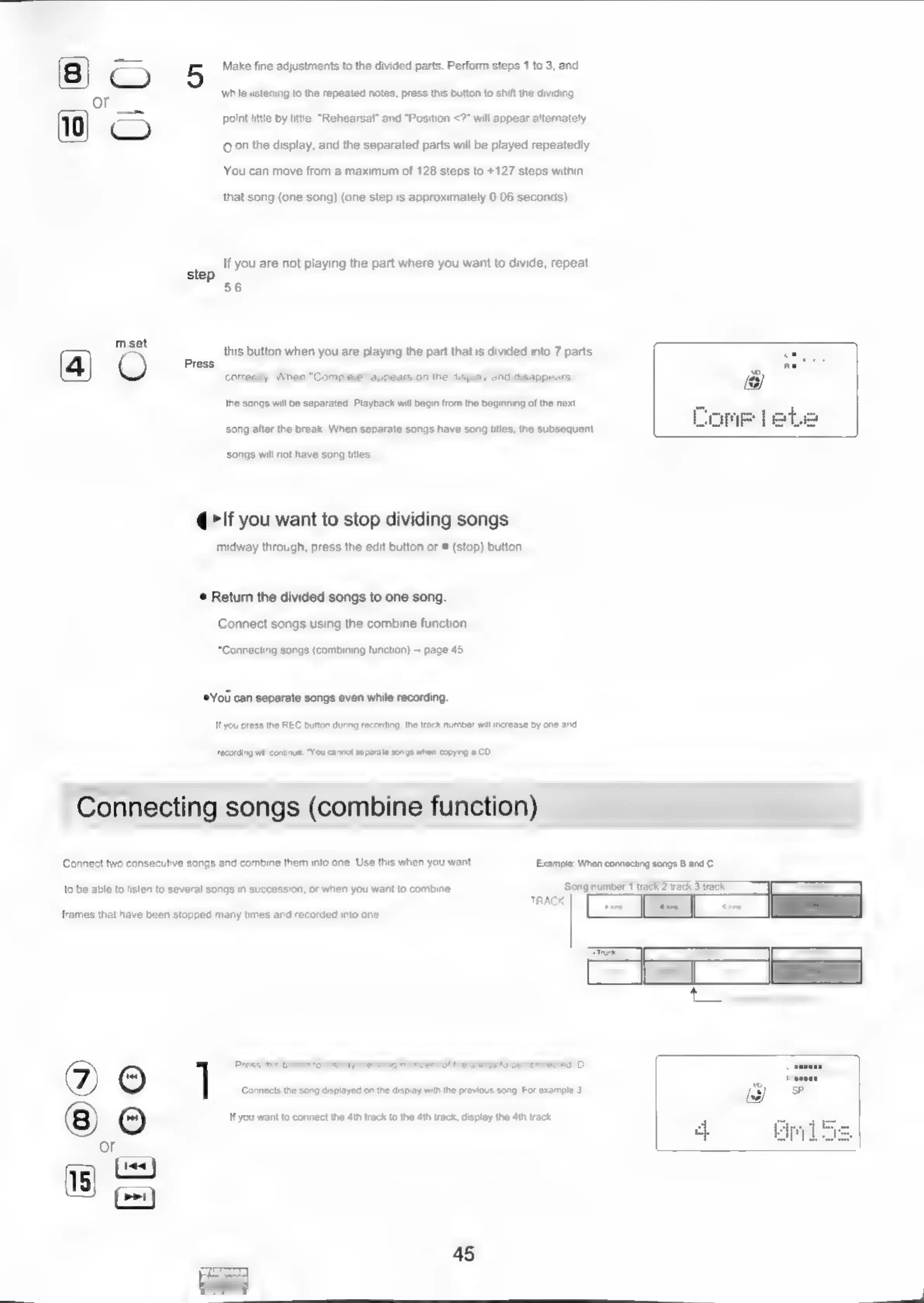
5
Make
fine
adjustments
to
the
divided
parts.
Perform
steps
1
to 3,
and
or
while
listening
to
the
repeated
notes,
press
this
button
to
shift
the
dividing
point
little
by
litte.
“Rehearsal”
and
“Position
<?"
will
appear
alternately
.
Q.0n
the
display,
and
the
separated
parts
will
be
played
repeatedly.
You
can
move
from
a
maximum
of
128
steps
to
+127
steps
within
that
song
(one
song)
(one
step
is
approximately
0.06
seconds).
tep
(fY0U
ate
not
playing
the
part
where
you
want
to
divide,
repeat
oP
8:
mast
this
button
when
you
are
playing
the
part
that
is
divided
into
7
parts
(4)
O
TPS
carey
dihen
*Compeli
ecplesi
on
the
dapley
and
easgreard,
the
songs
will
be
separated,
Playback
will
begin from
the
beginning
of
the
next
song
after
the
break,
When
separate
songs
have
song
tiles,
the
subsequent
songs
will
not
have
song
titles,
@>If
you
want
to
stop
dividing
songs
midway
through,
press
the
edit
button
or
#
(stop)
button.
©
Return
the
divided
songs
to
one
song.
Connect
songs
using
the
combine
function
“Connecting
songs
(combining
function)
~
page
45
*You
can
separate
songs
even
while
recording.
"you
press
the
REC
button
during
recording,
the
track
number
wall
increase
by
one
and
recording
will
continue.
“You
cannot
separate
songs
when
copying
a
CD,
Connecting
songs
(combine
function)
Connect
two
consecutive
songs
and
combine
them
into
one.
Use
this
when
you
want
Example:
When
connecting
songs
8
and
C
to
be
able
to
listen
to
several
songs
in
succession,
or
when
you
want
to
combine
‘Song
number
1
track
2
Wack
3
track
sini
(a
a
frames
that
have
been
stopped
many
times
and
recorded
into
one.
1
Press
this
button
to
display
the
song
numbers
of
the
songs
to
be
connected.
Di
Connects
the
song
displayed
an
the
display
with
the
previous
song,
For
example
3
8)
(6)
\fyou
want
to
connect
he
dth
rack
to
the
4th
track,
daplay
the
Ath
rack
or
(cs)
18)
(ony

Related product manuals