EasyManua.ls Logo

Bosch VIA - Page 48

Bosch VIA
61 pages
Print Icon
To Next Page IconTo Next Page
To Previous Page IconTo Previous Page
Loading...
Continuation
of
MD
deck
operation
<edit>
ealt
9
Press
this
button
until
"Combine?"
appears
on
the
display
maset
(4|
3
Press
this
button
When
“Complete”
appears
on
the
display
and
then
disappears,
the
songs
are
connected.
If
two
connected
songs
have song
titles,
the
latter
song
title
will
be
deleted
lf
you
want
to
stop
joining
songs
midway
through,
press
the
edit
button
or
#
(stop)
button
You
can
restore
the
connected
songs.
Use
the
divide
function
to
separate
songs.
“Separating
songs
(divide
function)
+
page
44
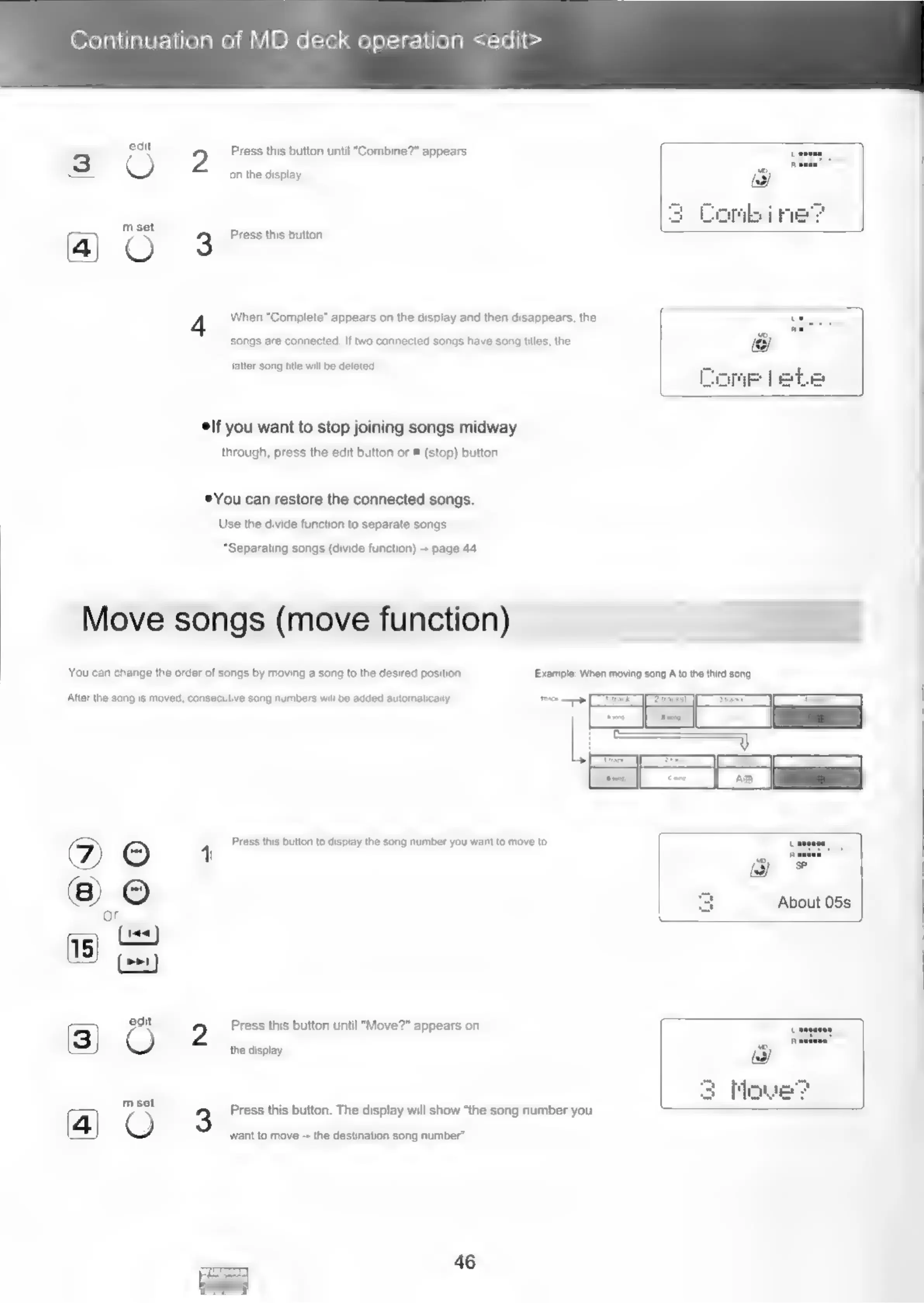
Move
songs
(move
function)
You
can
change
the
order
of
songs
by
moving
a
song
to
the
desired
position.
Example:
When
moving
song
A
to
the
third
song
Afier
the
song
is
moved,
consecutive
song
numbers
will
be
added
automatically
>
CEE
eT
on
Tos
L
=
=<
I
i
oe
Press
this
button
to
display
the
song
number
you
want
to
move
to.
About
05s
edit
2
Press
this
button
until
"Move?"
appears
on
O
the
display.
3
Mowe
set
3
Press
this
button.
The
display
will
show
“the
song
number
you
want
to
move
--
the
destination
song
number’.
46

Related product manuals