EasyManua.ls Logo

Bosch VIA - Page 50

Bosch VIA
61 pages
Print Icon
To Next Page IconTo Next Page
To Previous Page IconTo Previous Page
Loading...
Continuation
of
MD
deck
operation
<edit>
3
Press
the
number/letter
button
to
select
the
desired
character.
See
page
49
for
how
to
enter
characters
and
symbols.
m.set
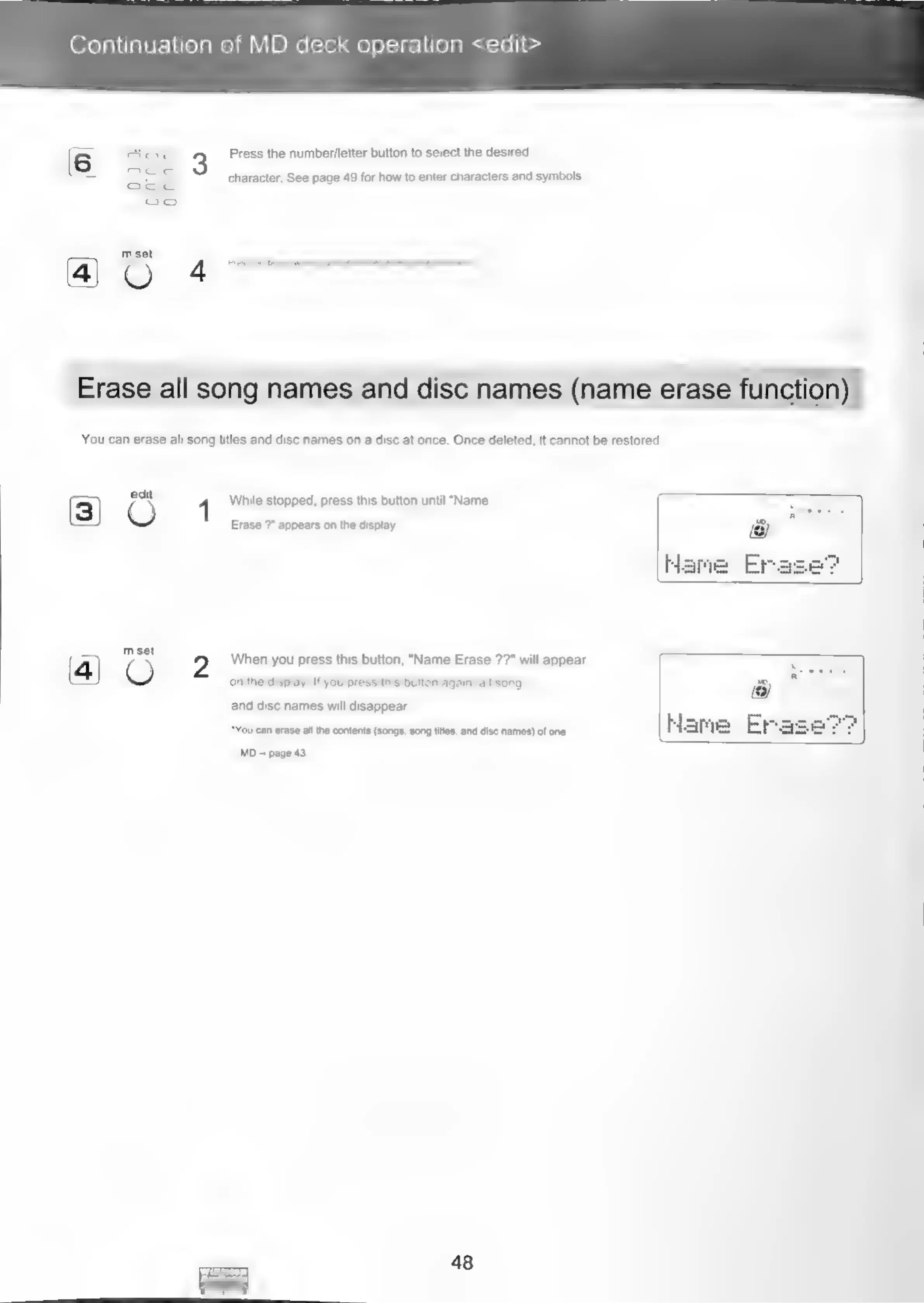
Erase
all
song
names
and
disc
names
(name
erase
function)
You
can
erase
all
song
titles
and
disc
names
on
a
disc
at
once.
Once
deleted,
it
cannot
be
restored.
edit
1
While
stopped,
press
this
button
until
"Name
(3)
Erase
?"
appears
on
the
display.
—)\,
mest
When
you
press
this
button,
"Name
Erase
??"
will
appear
(4)
O
on
the
display.
If
you
press
this
button
again,
all
song
and
disc
names
will
disappear.
“Yocom
ere
lh
covet
(eng,
ong
es,
and
oc
rane)
of
one
Name
MO
page
43
48

Related product manuals