EasyManua.ls Logo

Bosch VIA - Page 56

Bosch VIA
61 pages
Print Icon
To Next Page IconTo Next Page
To Previous Page IconTo Previous Page
Loading...
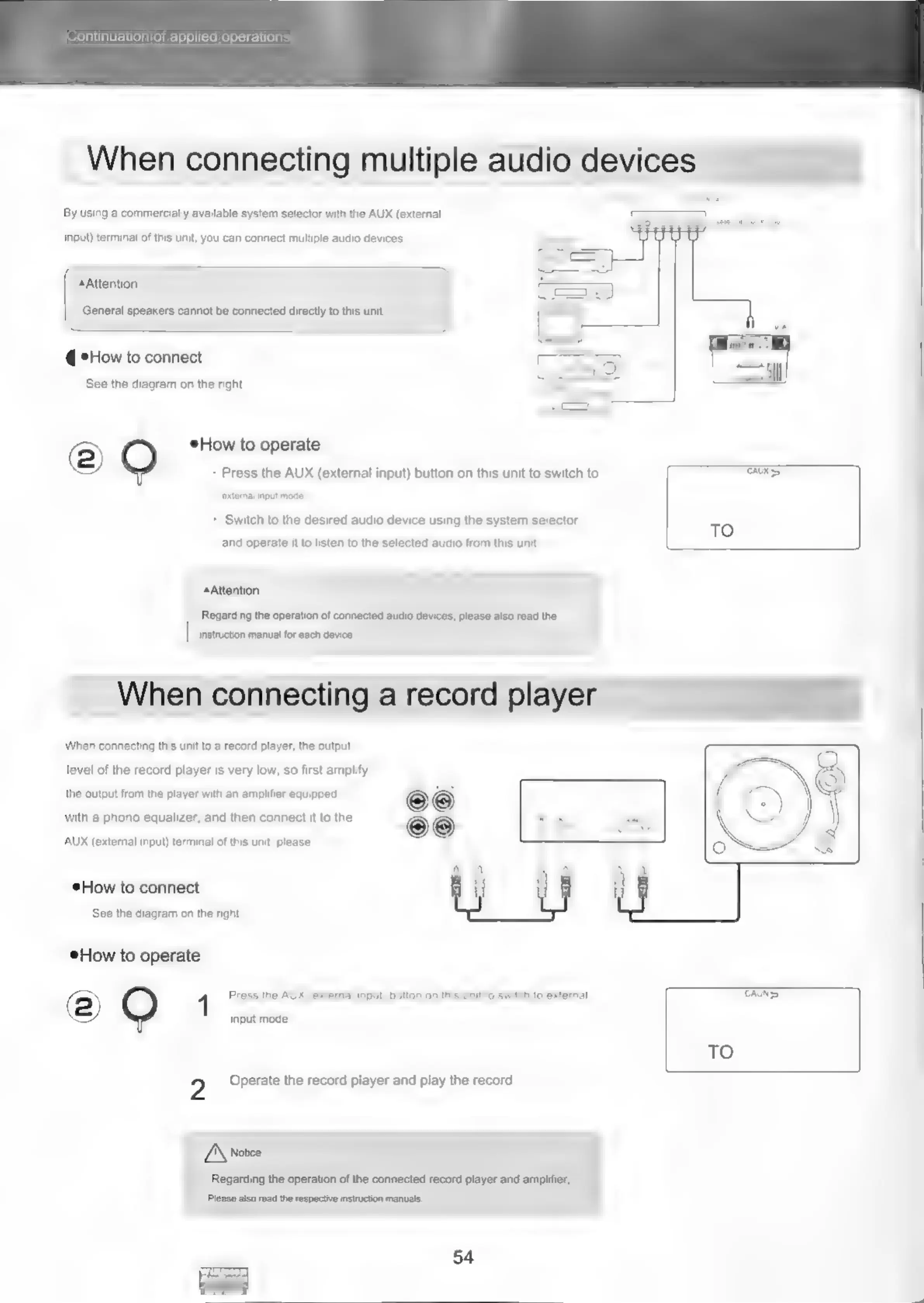
Continuation
of
applied
operations
When
connecting
multiple
audio
devices
By
using
a
commercially
available
system
selector
with
the
AUX
(external
input)
terminal
of
this
unit,
you
can
connect
multiple
audio
devices.
Attention
General
speakers
cannot
be
connected
directly
to
this
unit.
@
eHow
to
connect
See
the
diagram
on
the
right
@
How
to
operate
Press
the
AUX
(external
input)
button
on
this
unit
to
switch
to
extemal
input
mode,
*
Switch
to
the
desired
audio
device
using
the
system
selector
and
operate
it
to
listen
to
the
selected
audio
from
this
unit.
Attention
Regarding
the
operation
of
connected
audio
devices,
please
also
read
the
|
|
instrction
manual
for
each
device
When
connecting
a
record
player
When
connecting
this unit
to
a
record
player,
the
output
level
of
the
record
player
is
very
low,
so
first
amplify
the
output
from
the
player
with
an
amplifier
equipped
with
a
phono
equalizer,
and
then
connect
it
to
the
AUX
(external
input)
terminal
of
this
unit.
please.
How
to
connect
See
the
diagram
on
the
right.
How
to
operate
2)
4
Press
the
AUX
(extemal
input)
button
on
this
unit
to
switch
to
external
input
mode.
2
Operate
the
record
player
and
play
the
record
L\
Notice
Regarding
the
operation
of
the
connected
record
player
and
amplifier,
Please
also
read
the
respective
instruction
manuals.
54
KS
TAINS
TO

Related product manuals