31 EN
PRODUCT DETAILS
Appearance Activity System State
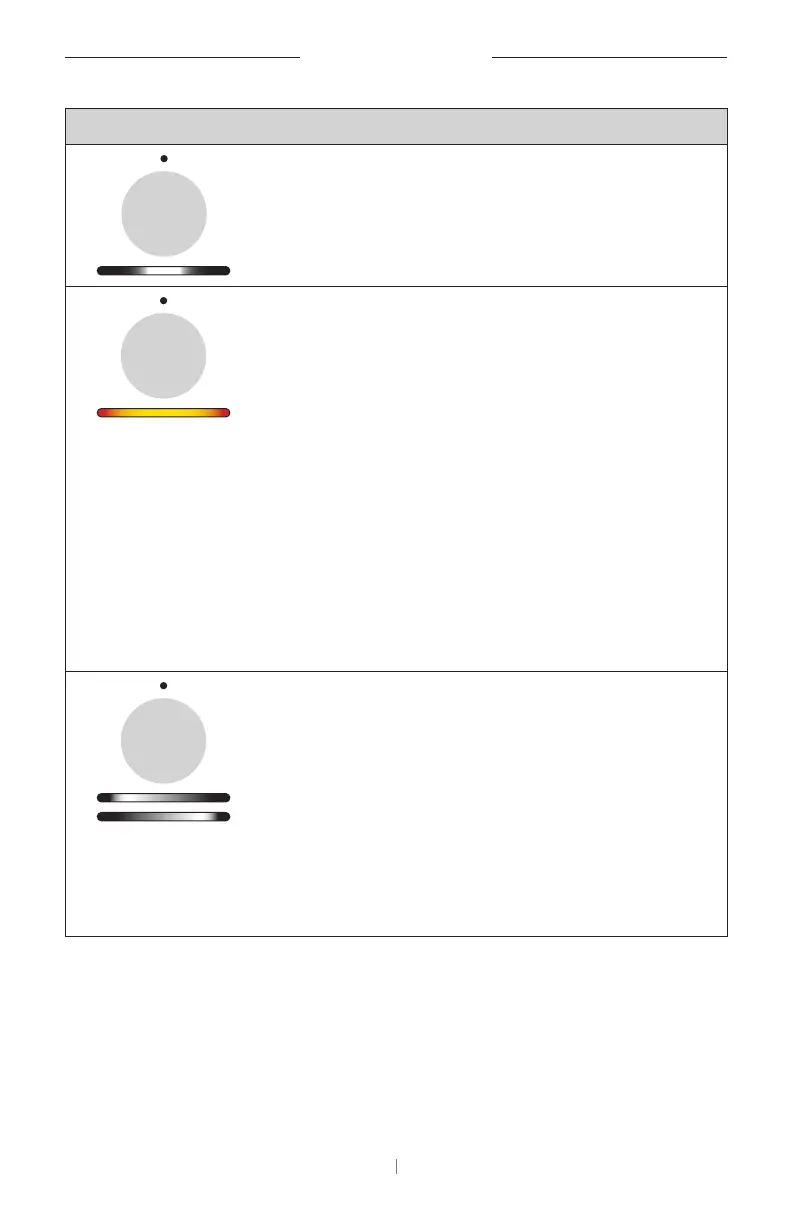
A small section of lights
in the center of the light
bar is blinking white
rapidly.
The VB-S is searching
for a Wi-Fi network.
Two small sections of
lights in the light bar are
solid red. The rest of the
light bar is solid amber.
The status indicator is
o.
The VB-S is not
functioning properly.
This may be due to a
connection issue or
a firmware/software
issue. Make sure the
VB-S is connected to a
network. (See the user
guide in the Videobar
Configuration
app or Videobar
Administration app to
learn how to do this.)
If that does not
solve the issue,
please contact Bose
Professional technical
support.
White lights in the light
bar move repeatedly
from right to left and
then from left to right.
The VB-S is
downloading and
installing a firmware
update. Do not
disconnect the VB-S
from its power outlet
or network.
When the update is
complete, the light bar
will stop moving, and
the VB-S will play an
audio tone.


 To Next Page
 Loading...