35 EN
OPERATION
Adjust the Camera
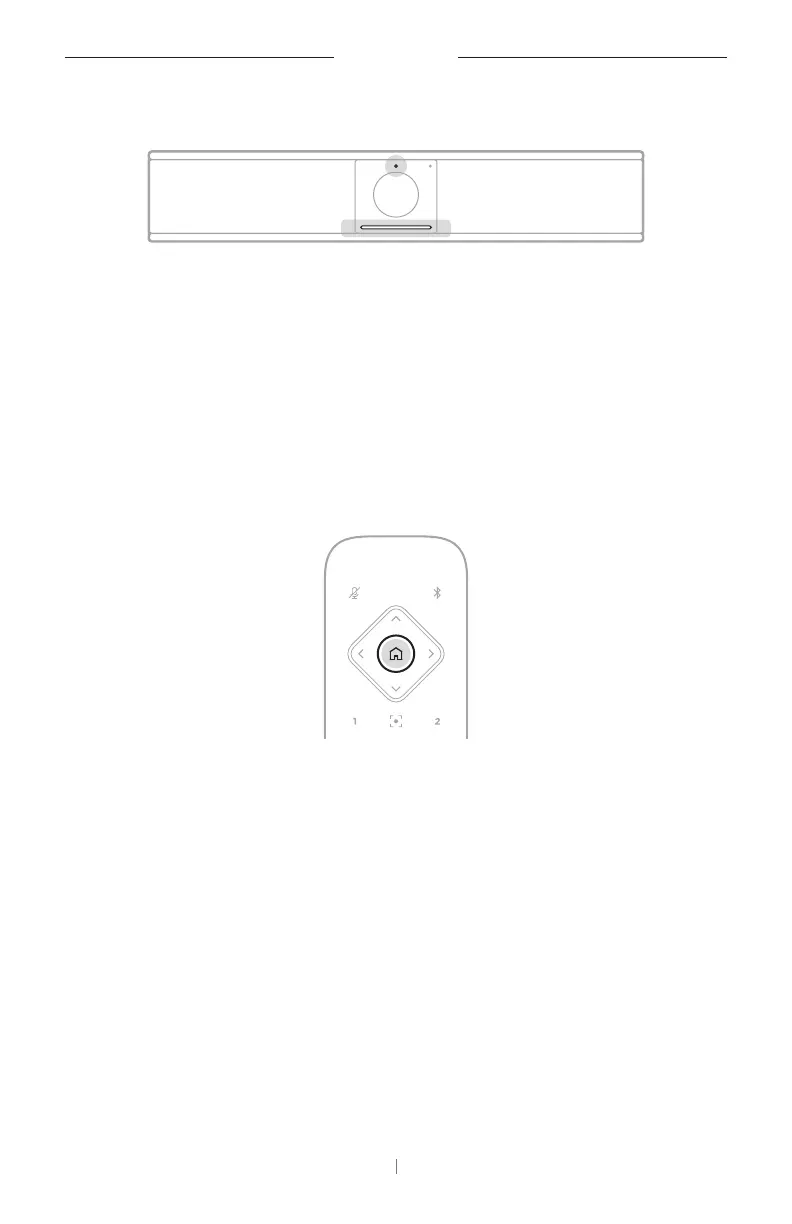
The status indicator above the camera and the light bar below the camera
indicate the status of the VB-S. When the camera is on, the status indicator
will also be on (whether or not there is an active meeting).
Note: All remote-control functions are also available in the
software apps that enable you to configure the Videobar VB-S. See
Software Applications (Page23) for more information.
Tip: For quick and simple adjustments to the camera settings, we
recommend using the Videobar Mobile app on your mobile device.
See Videobar Mobile App (Page26).
Reset the Camera
To return the camera to its default pan, tilt, and zoom settings, press the
Home button on the remote control.


 To Next Page
 Loading...