18
How to Use the Tuner
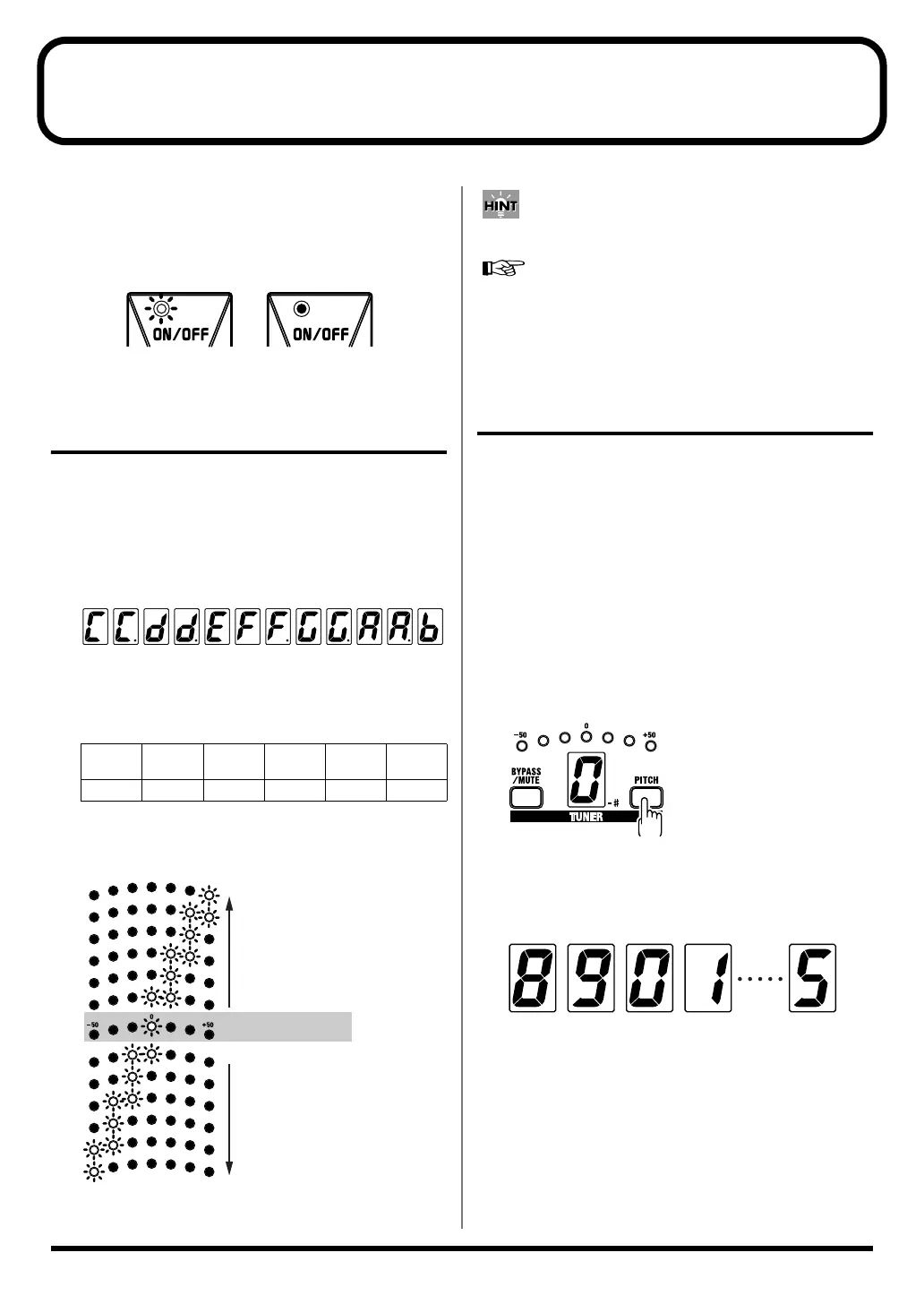
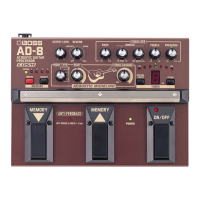
The tuner is activated when the ON/OFF pedal is switched
to “OFF” (when the ON/OFF indicator is off).
Tune your instrument in this mode.
fig.06-05a
How to Tune Your Instrument
1.
Play a single note on your guitar.
The name of the note closest to the note being input in
indicated in the TUNER display, and you can confirm
how far the pitch is off with the TUNER meter.
* The lit dot in the display indicates “sharp.”
fig.06-05b
2.
Tune the guitar so that the note name for the open
string is indicated in the TUNER display.
(Normal tuning)
3.
Continue to tune the guitar until only the “0”
indicator is lit in the TUNER meter.
fig.06-06
You can mute the output while the tuner is in operation.
“Setting the Function Used When the Effects Are Off (Bypass/
Mute)” (p. 17)
Changing the Reference Pitch
(PITCH)
This specifies the frequency for the A note used as the
reference for tuning in performance (this is referred to as the
reference pitch). With the AD-8, you can set the reference
pitch to any frequency from 438 Hz to 445 Hz.
* This is set to 440 Hz at the factory.
* The settings remain stored in memory even after the power is
turned off.
1.
Press the PITCH button.
The current reference pitch is indicated by the number in
the ones place in the TUNER display (e.g., “0” when set
to 400 Hz).
fig.06-07a
2.
Hold down the PITCH button.
The reference pitch changes as follows.
fig.06-07b
If nothing is altered during the next few moments, the
settings are stored, and the indication in TUNER display
disappears.
6th
string
5th
string
4th
string
3rd
string
2nd
string
1st
string
E A D G B E
On: Lit Off: Unlit
C C# D D# E F F# G G# A A# B
Just Tuned
Too Low
Too High
438 439 440 441 445
AD-8_e.book 18 ページ 2007年6月20日 水曜日 午前9時34分


 To Next Page